2N® Indoor View User Manual
•
•
•
•
•
•
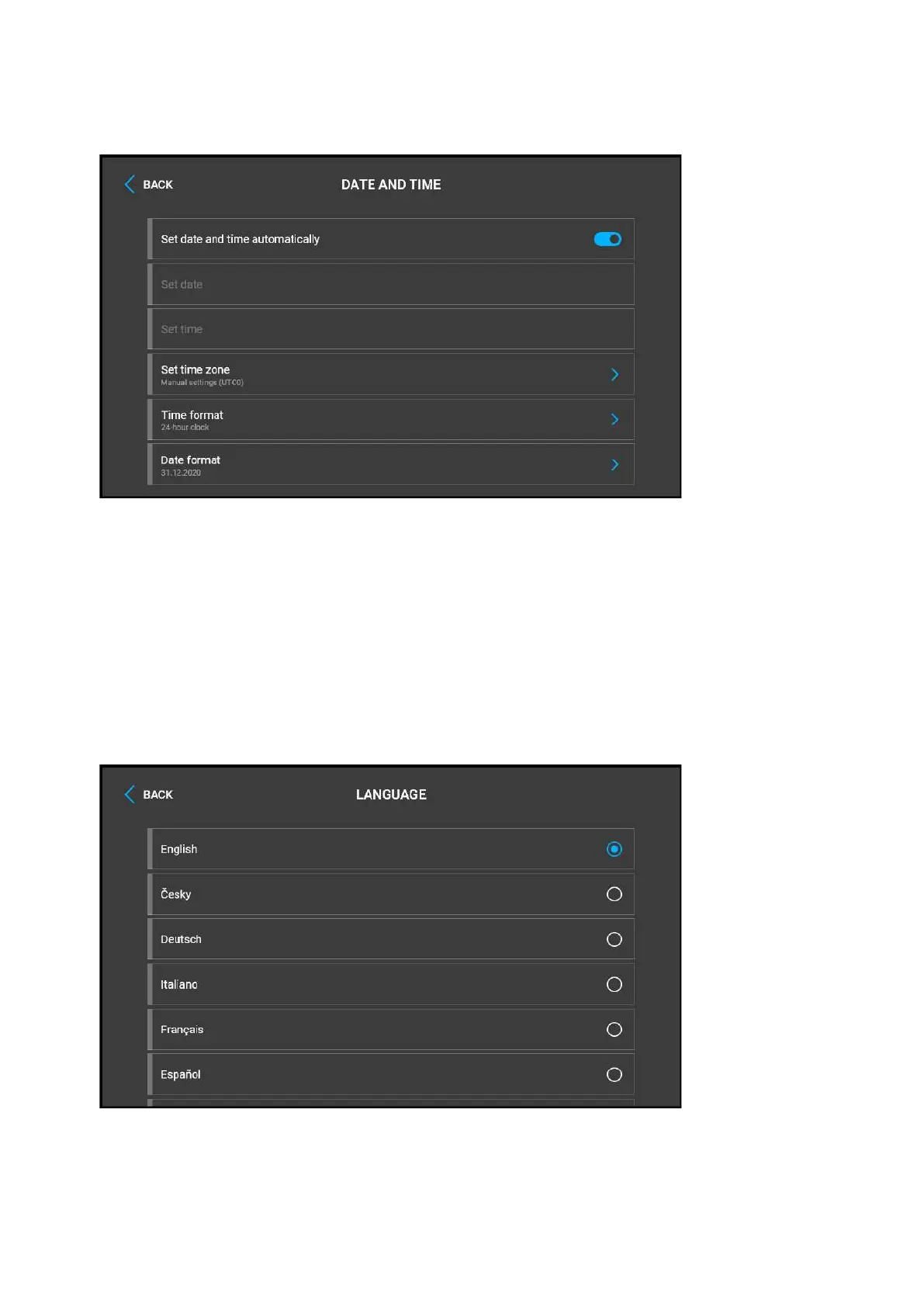
Set date and time automatically–activate a mode in which the date and time will be
taken from the network.
Set date – set the date manually.
Set time – set the time manually.
Set time zone – set the time zone for your installation site to define time shifts and
summer/winter time transitions.
Time format – set the time format to be displayed.
Date format – set the date format to be displayed.



 To Next Page