2N® Indoor View User Manual
•
•
•
Language – set the language for the texts to be displayed. Choose one of the eight pre-
defined languages (CZ, EN, DE, NL, FR, ES, IT, RU).
Custom Language –set the language for the texts to be displayed from an uploaded
language file of the user localization.
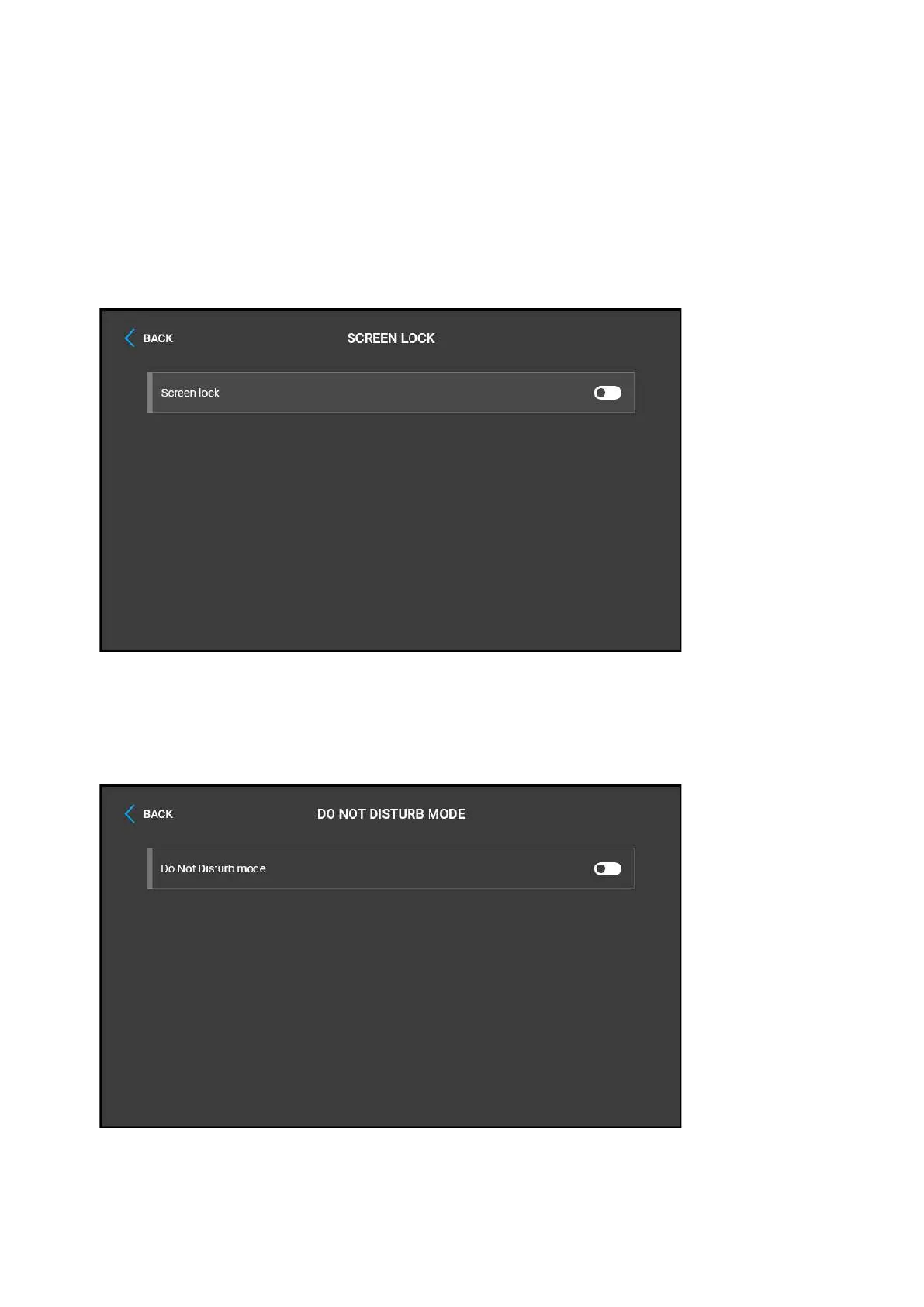
Screen lock – switch the screen lock or also the so-called parental lock on/off. Enter the
PIN code to enable the screen lock. Enter the same PIN code to disable the screen lock.



 To Next Page