2N® Indoor View User Manual
•
•
•
•
Do Not Disturb mode – switch the Do Not Disturb mode on/off. This allows you to switch
off the ringtone for the incoming call while this mode is active. By default, the DND mode
does not apply to doorbell notification, i.e. the incoming ringtone is off and the doorbell
ringtone is on. Change this setting via the web interface in the Hardware / Audio menu.
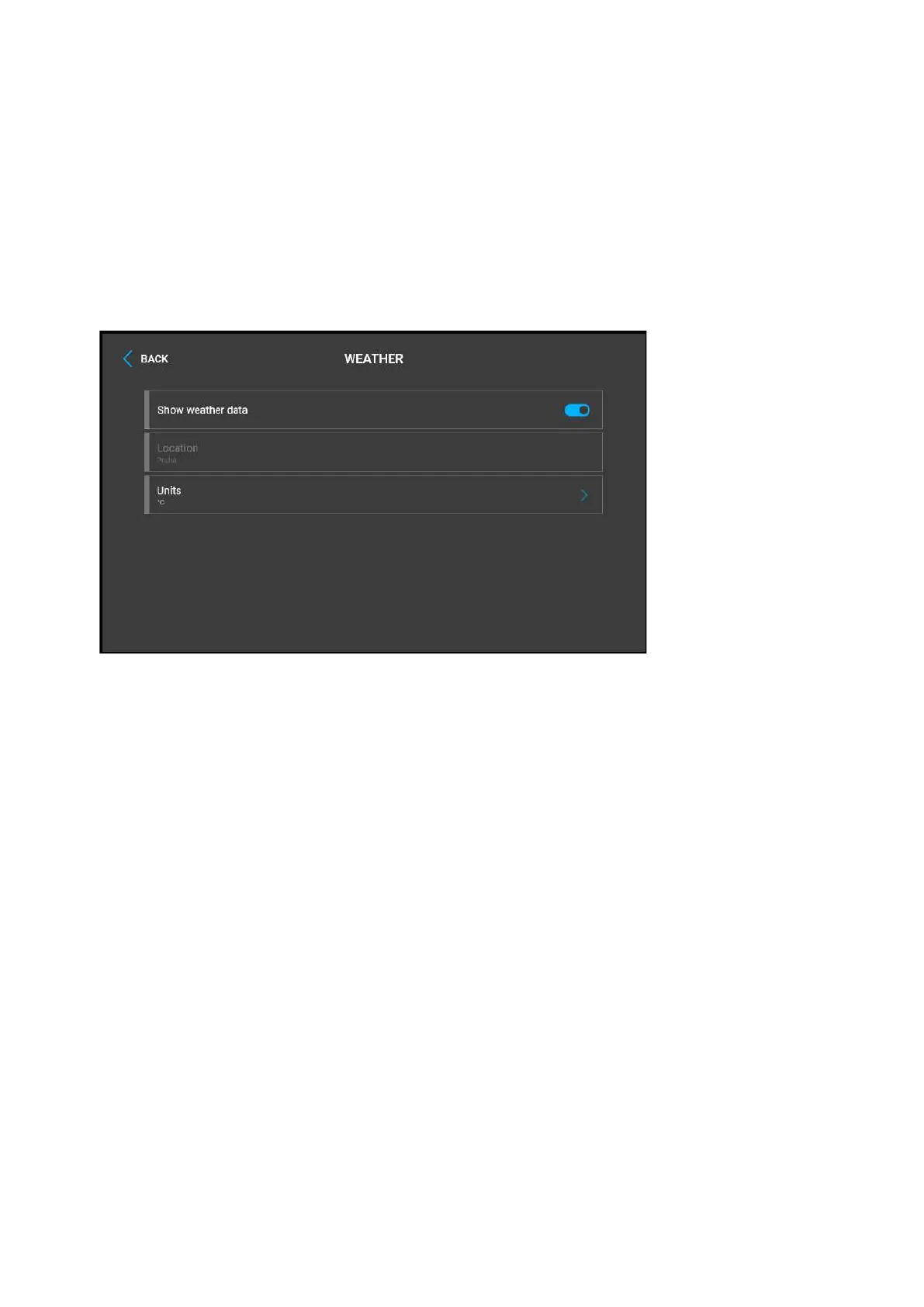
Show weather – display or hide information about the current weather on the Home
page.
Location – device location for weather forecast. Press the Home page weather area
shortly to set the location in the Weather / Settings section, which will be displayed
automatically. Use the keypad to enter the location name with diacritic marks. Prague is
the default location value.
Units – set the metric (°C) or imperial (°F) units to be displayed.



 To Next Page