2N® Indoor View User Manual
Status and Description User Actions Navigation Actions and Results
Do Not Disturb
Mode
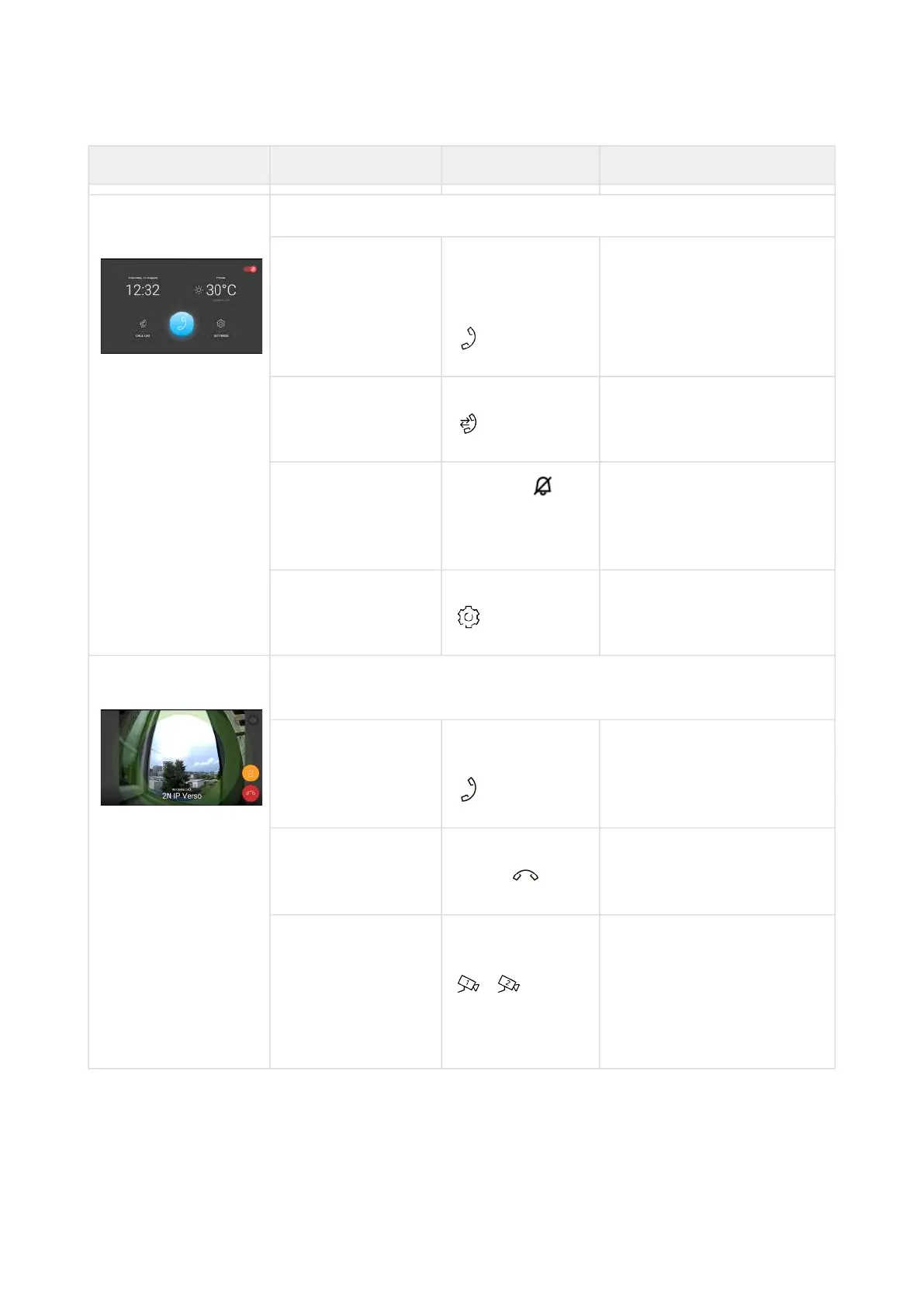
The device is in the basic relax status. The doorbell icon is red.
Display Directory Press the blue
backlit phone
earpiece button
The list of all available
devices is displayed.
Display Call list Button pressed The list of all accomplished
calls is displayed.
Switch off Do Not
Disturb mode
Press the in
the right-hand
upper corner
DND is deactivated, the
doorbell icon turns white.
Display Settings Button pressed The Settings section is
displayed.
Incoming call in Do
Not Disturb mode
The device does not play the selected ringtone. The display shows
the camera view if available, CLIP and Incoming call message.
Pick up call Press the call
receiving button
The call is connected. The
device is in the In call
mode.
Reject call Press the call end
button
The incoming call is
discontinued and Home
page is returned to.
Switch camera Press the camera
switching button
/
The display shows a
preview from the other
camera, identification of
the device being called to
and the message Incoming
Call.



 To Next Page