2N® Indoor View User Manual
Status and Description User Actions Navigation Actions and Results
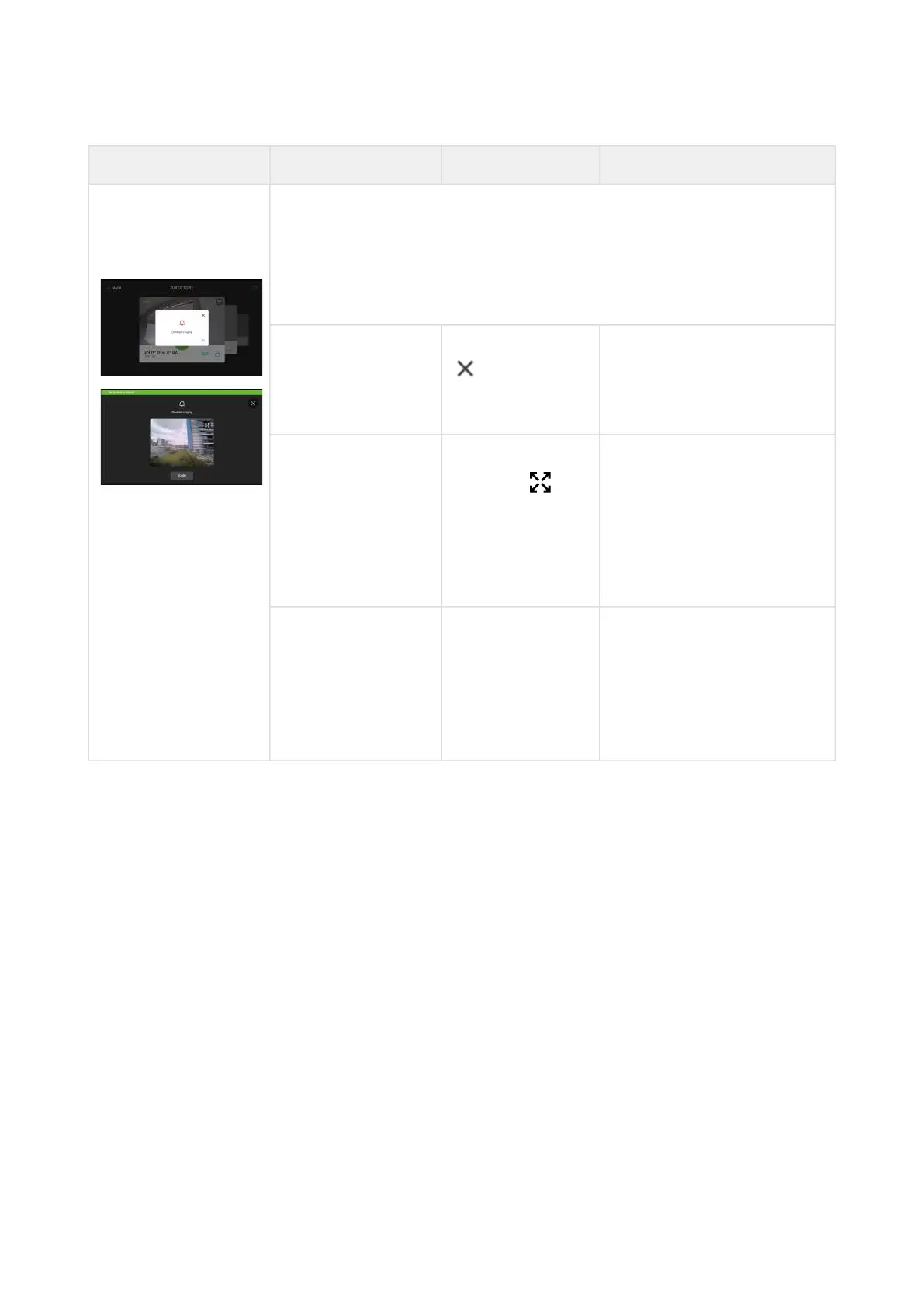
Doorbell Ringing The doorbell ringing information is displayed on the background
of other operation states. The display shows the camera preview if
available. If a call is active simultaneously, a green bar is
displayed in the upper screen that enables you to return to the
call.
Cancel preview Touch the hash
or OK or
CLOSE button.
The doorbell ringing
notification disappears.The
display shows the previous
state.
Zoom in preview of
the camera
assigned to the
doorbell
Touch the zoom
in button
or the camera
preview box.
The preview of the camera
assigned to the doorbell is
zoomed in.
The green bar informing of
the active call will still be
displayed.
Switch to the
active call on the
background when
the doorbell
camera preview is
displayed.
Touch the display
on the green bar
in the screen
upper part.
The display shows the call.
The doorbell ringing
notification disappears.



 To Next Page