2N® Indoor View User Manual
•
•
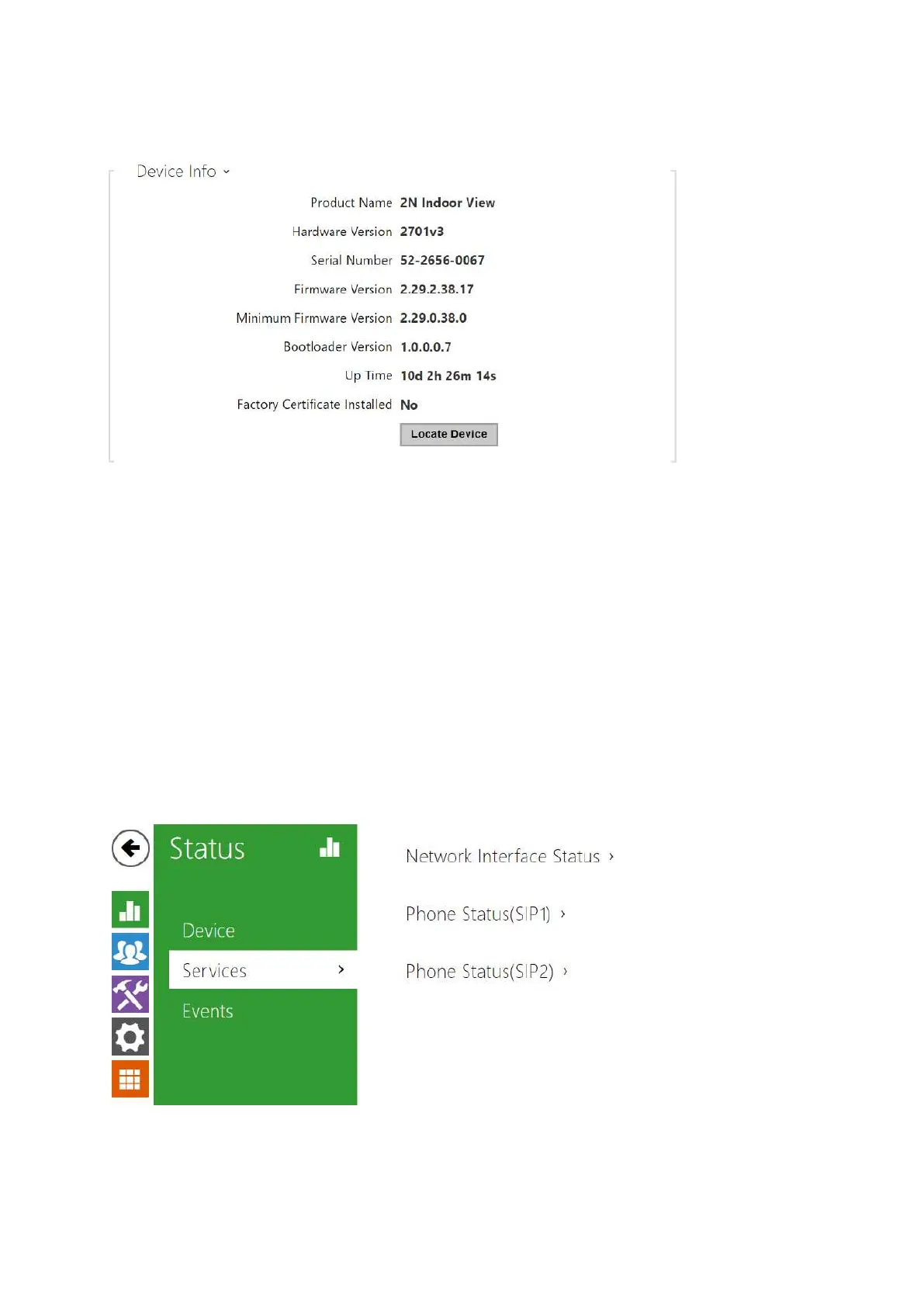
Factory Certificate Installed – specify the user certificate and private key to validate the
intercom right to communicate with the ACS.
Locate device – optical and acoustic signalling of a device. Optical signalling is possible
only if the device is equipped with control backlight (2N
®
IP Style, 2N
®
IP Verso,2N
®
IP
Solo,2N
®
IP
Base,2N
®
IPVario,2N
®
IPForce,2N
®
IPSafetya2N
®
IPUni ,2N
®
IndoorView,2N
®
Indoor
Compact,2N
®
Indoor
Talk,2N
®
Indoor Touch 2.0,2N
®
IP Indoor Touch). If a
speaker is not integrated in the device, make sure than an external speaker is connected
(2N
®
IPAudio Kita2N
®
IPVideo Kit). to use sound signalling.
3.2.1.2 Services



 To Next Page