2N® Indoor View User Manual
•
•
•
•
3.2.1 Status
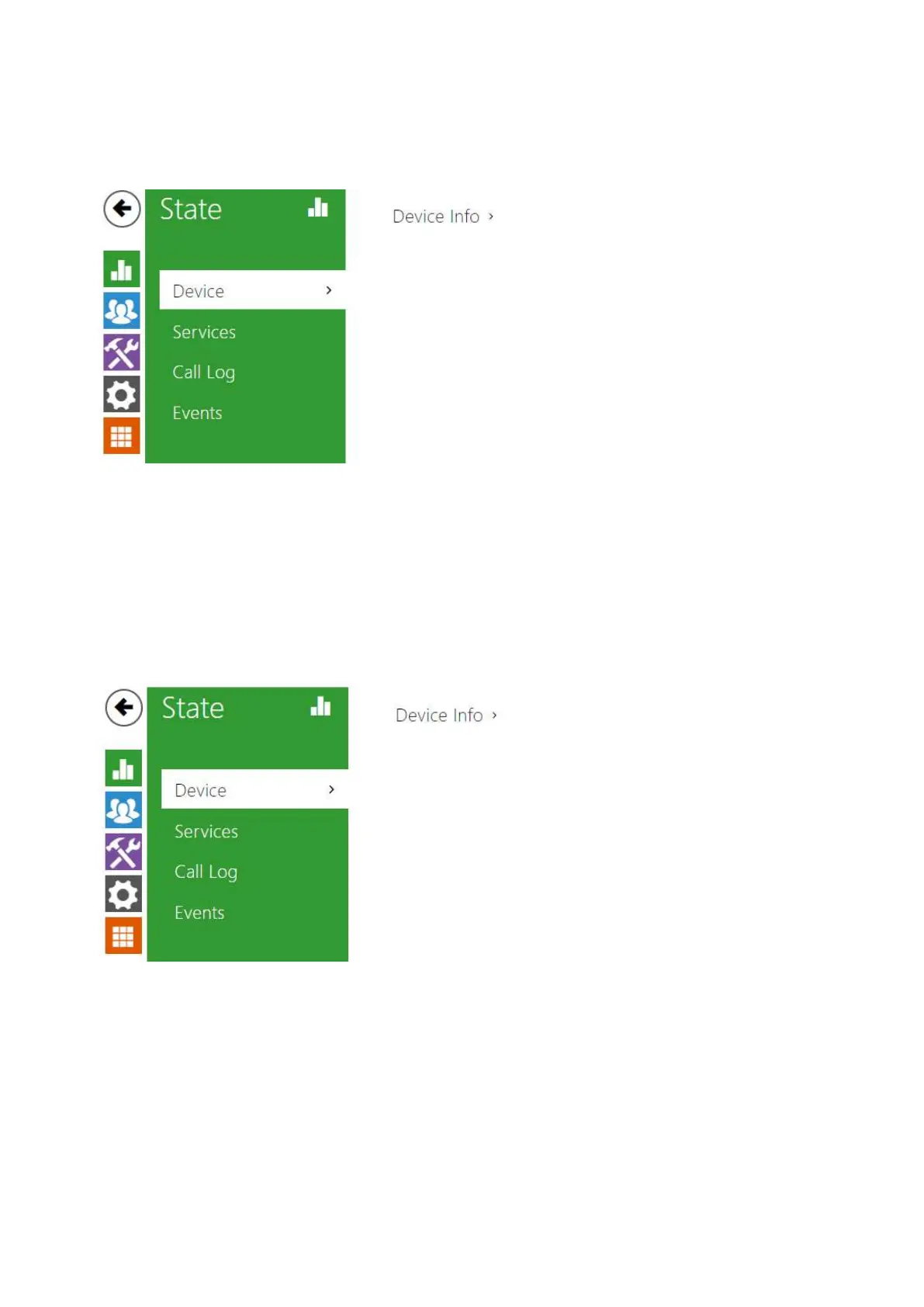
TheStatus menu provides clear status and other essential information on the intercom. The
menu is divided into four tabs: Device,Services,Call LogandEvents.
3.2.1.1 Device
3.2.1.2 Services
3.2.1.3 Call Log
3.2.1.4 Events
3.2.1.1 Device
Device
The tab displays information on the model, its features, firmware and bootloader versions, etc.



 To Next Page