2N® Indoor View User Manual
•
•
•
•
Cameras Assigned to This Device – enter the comma-separated camera numbers 1–16 in the
order that should be browsed during the calls with this device. The cameras are configured in
the Hardware > Camera section. Forbidden cameras will be skipped.
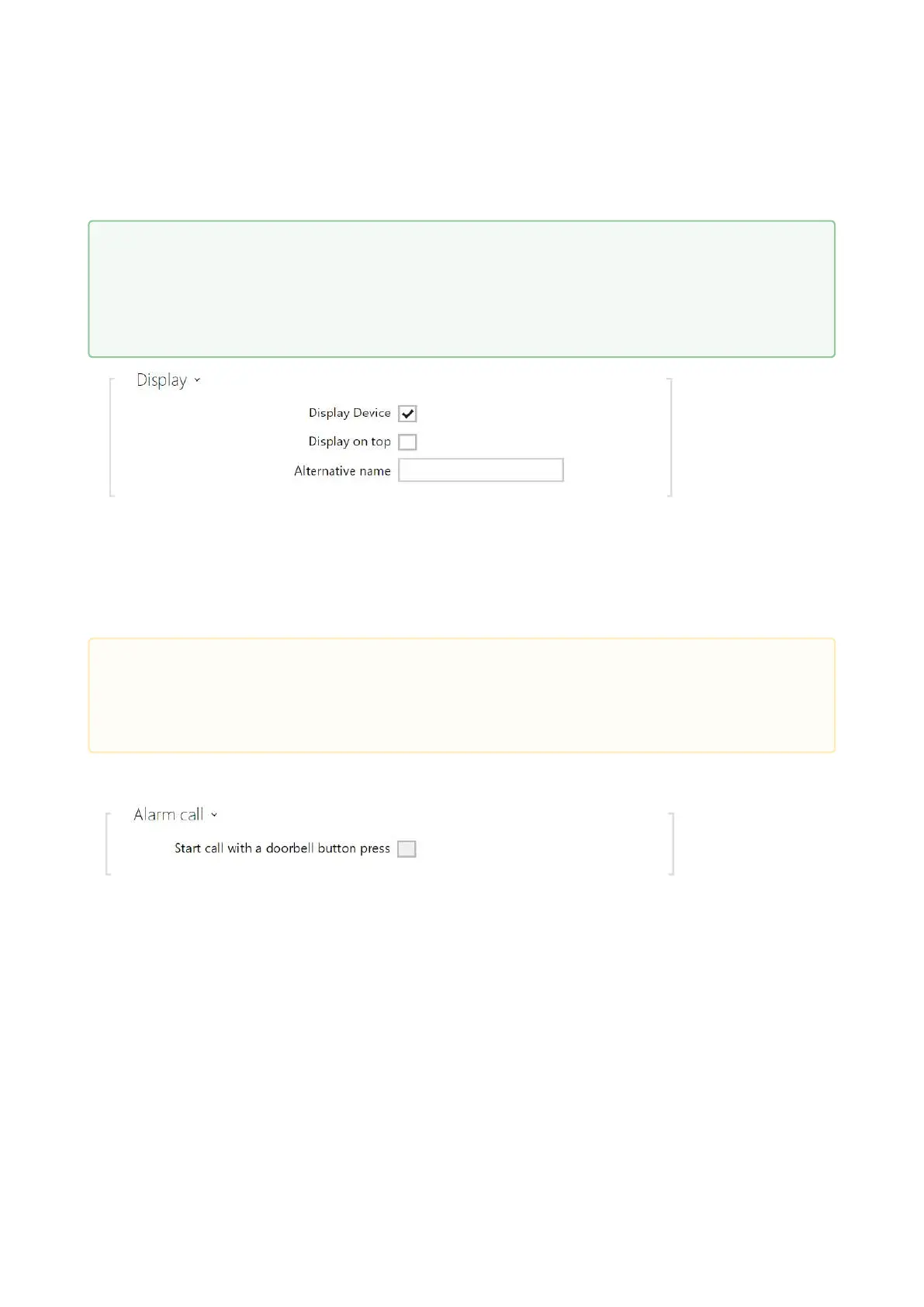
Display Device – display this device. The user can select and call for any device displayed.
Display on Top – display the device on the top.
Alternative Name – display an alternative name instead of the device name. If no
alternative name has been entered, this is shown on the display.
Start call with a doorbell button press – a phone call to this device will be set up after
the alarm call button is pressed. Set the doorbell alarm call function in HW / Digital
inputs / Doorbell button.
•
Tip
Individual devices can also be assigned to cameras in camera folders in Hardware
> Camera, refer to Subs. 3.2.4.2 Camera. Once saved, the change will automatically
be written in both the sections.
•
Caution
The <, > and / characters are not permitted for the parameters Device name and
Alternative name.



 To Next Page