2N® Indoor View User Manual
•
•
•
•
•
•
•
3.2.3.1. Phone
Phone is the essential function of 2N
®
Indoor View allowing you to establish connections to
other IP network terminals.2N
®
Indoor View supports the extended SIP.
List of Parameters
2N
®
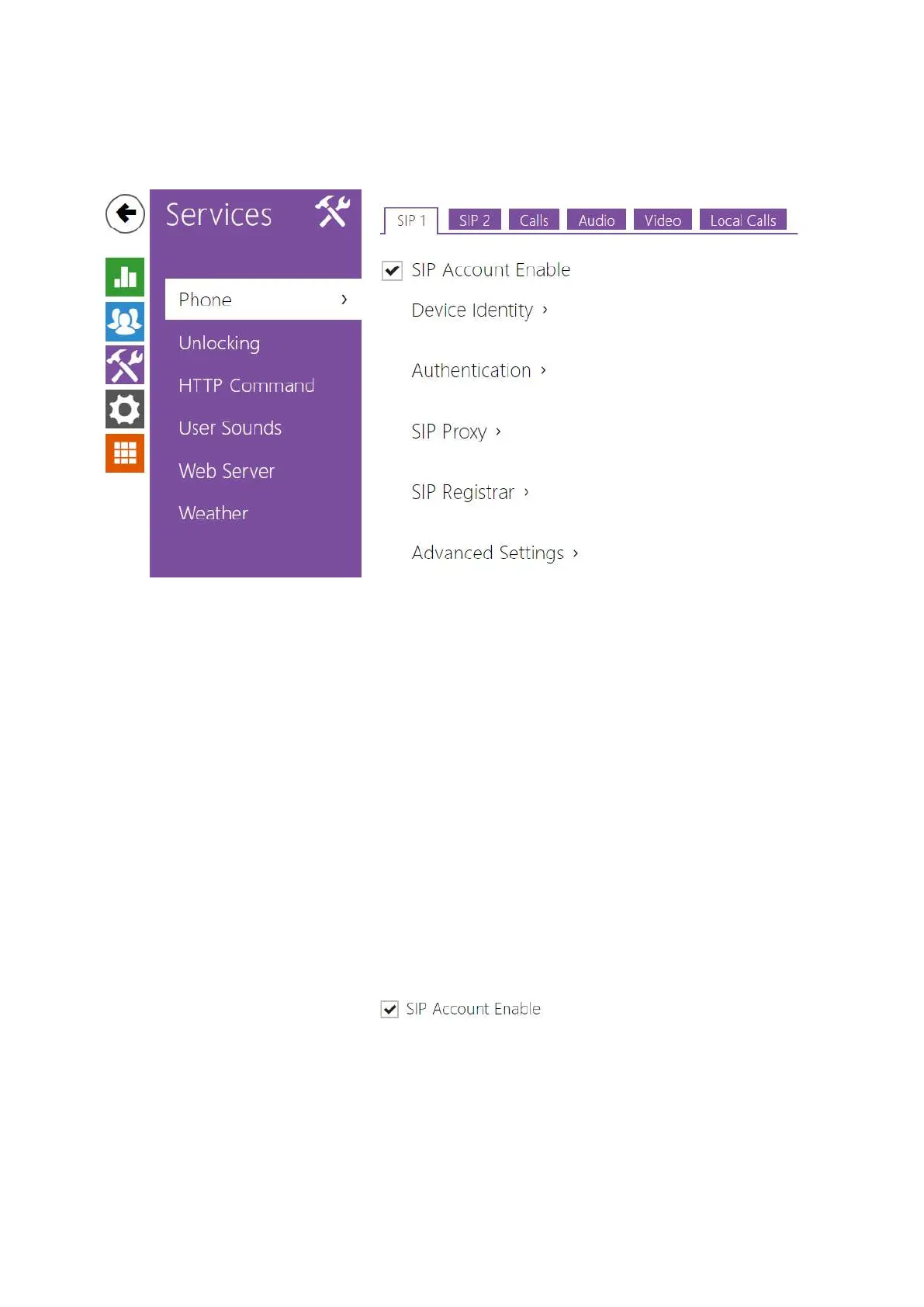
Indoor View Phone includes the following four tabs:
SIP 1– complete SIP account settings.
SIP 2– complete SIP account settings.
Calls – incoming and outgoing call settings.
Audio – audio codec, DTMF and other audio stream parameter transmission settings.
Video –video codec and SDP codec settings.
2N Indoor Units – general parameters and count of identified LAN devices.
SIP 1 and SIP 2
Two SIP accounts can be configured on 2N
®
Indoor View.
SIP ACcount Enable – allow the SIP account use for calling. If disallowed, the account
cannot be used for making outgoing calls and receiving incoming calls.



 To Next Page