2N® Indoor View User Manual
•
•
•
•
•
•
•
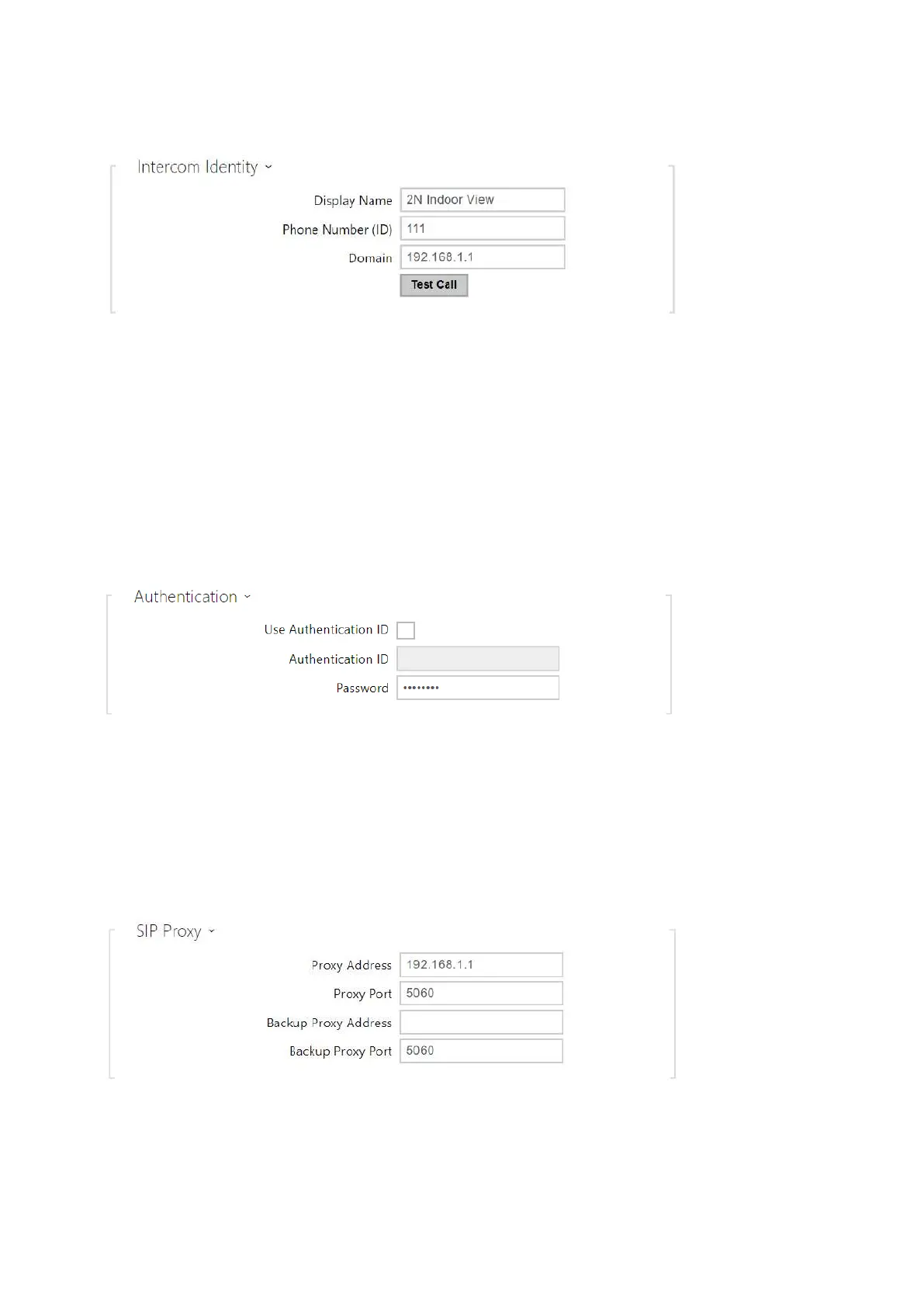
Display Name– set the name to be displayed as CLIP on the called party's phone.
Phone Number (ID) – set your device phone number (or another unique ID composed of
characters and digits). Together with the domain, this number uniquely identifies the
device in calls and registration.
Domain – set the domain name of the service with which the device is registered.
Typically, it is equivalent to the SIP Proxy or Registrar address.
Test Call – display a dialogue window enabling you to make a test call to a selected phone
number, see below.
Use Authentication ID – select the use of an alternative ID for device authentication.
Otherwise, the Phone number value from the previous section is used for authentication.
Authentication ID – set the alternative user ID for device authentication.
Password – set the device authentication password. If your PBX requires no
authentication, the parameter will not be applied.



 To Next Page