2N® Indoor View User Manual
•
•
•
•
•
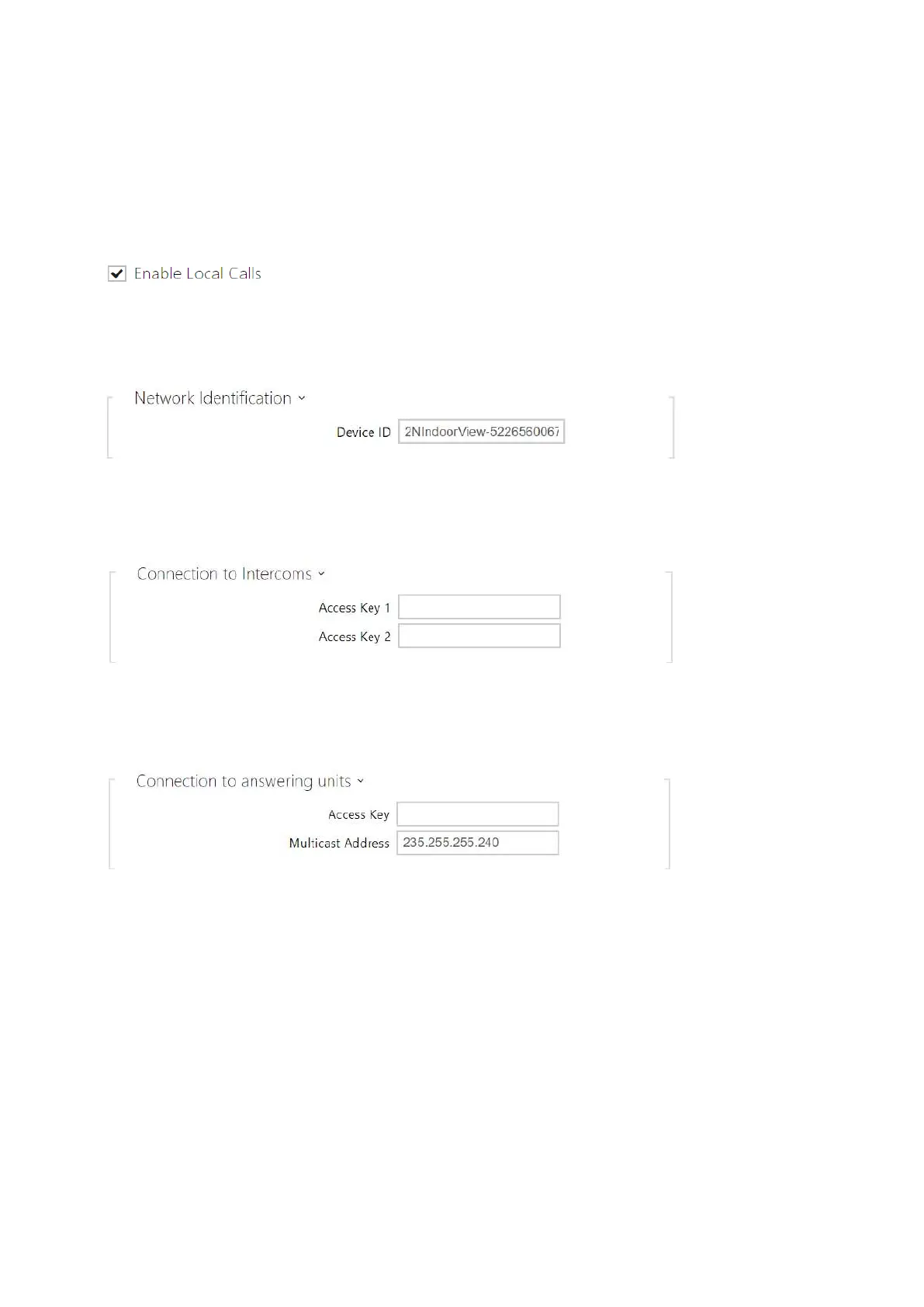
Local Calls
Enable Local Calls – enable calls between 2N devices in the LAN. With this function off,
the other LAN devices cannot locate this device, i.e. cannot call the device in the
device:device_ID format.
Device ID – set the device ID to be displayed in the LAN device list in all the 2N devices in
one and the same LAN. You can direct a call to this device by setting the user phone
number as device:device_ID in these devices.
Access Key 1, 2 – set the access key shared by the 2N answering units and intercoms. If
the keys in the 2N answering units and the intercoms fail to match, the devices cannot
communicate, i.e. the intercom cannot call the 2N answering unit and vice versa.
Access Key – set the access key shared by the 2N answering units and intercoms. If the
keys in the 2N answering units and the intercoms fail to match, the devices cannot
communicate, i.e. the intercom cannot call the 2N answering unit and vice versa.
Multicast Address – set the network multicast address to which the answering unit
message shall be sent.



 To Next Page