2N® Indoor View User Manual
•
•
•
•
•
•
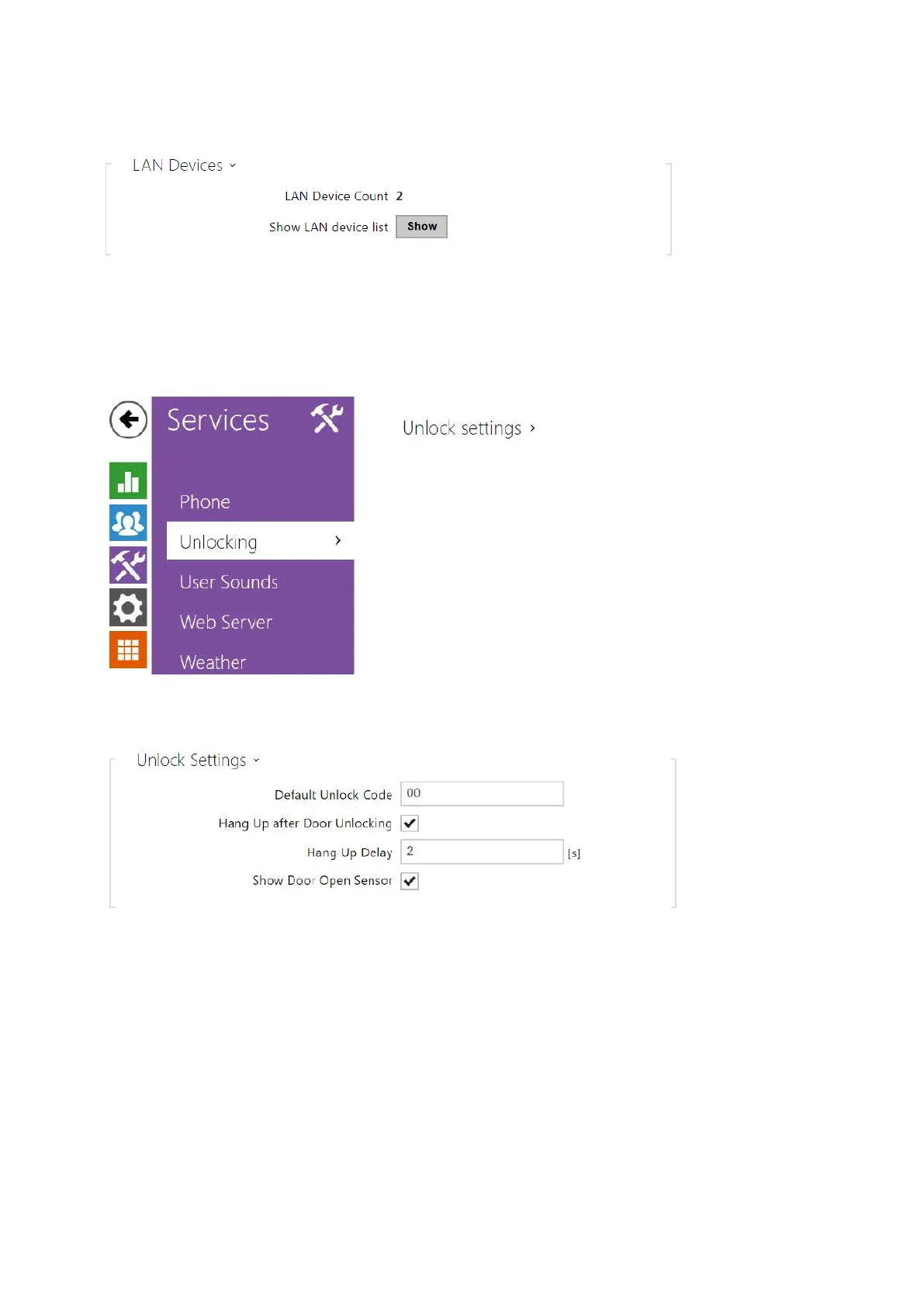
LAN Device Count – display the number of local devices in the network.
Show LAN device list – display a detailed list of local devices in the network.
3.2.3.2 Unlocking
Unlocking is another function of 2N
®
Indoor View, which sets the remote door unlocking
parameters.
Default Unlock Code – use this code when a call has been set up with a device/phone
number that is not added to the unit phone book.
Hang Up After Door Unlocking – end the call when the door unlocking request has been
sent successfully.
Hang-Up Timeout – end the call when the door unlocking request sending timeout has
elapsed.
Show Door Open Sensor– enable displaying of the intercom door open sensor states.



 To Next Page