2N® Indoor View User Manual
•
•
•
•
•
•
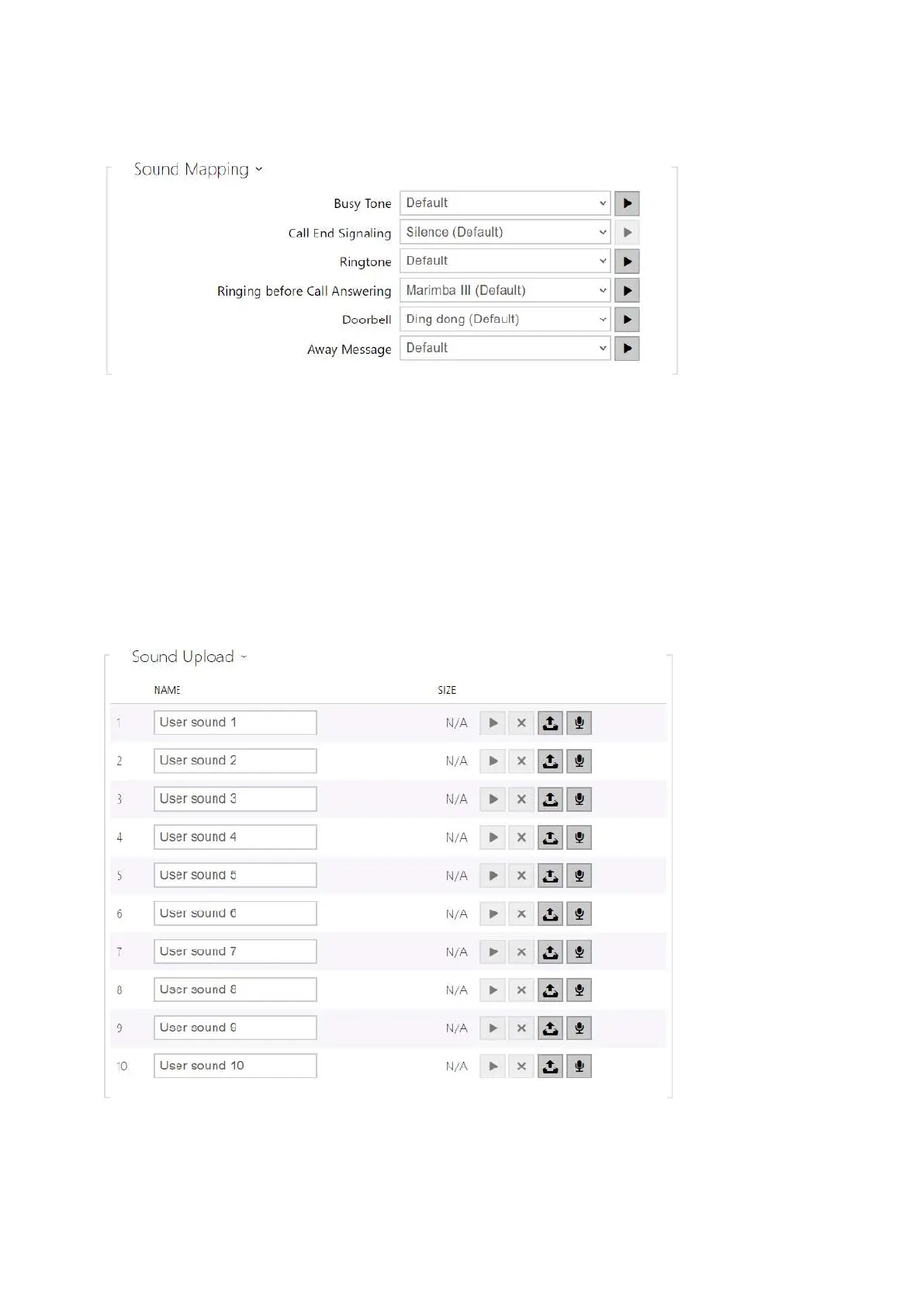
Busy Tone – set the busy tone (to be played when the called user is busy).
Call End Signaling – set the sound to be played upon the call end.
Ringtone – set the sound to be played when the called user is ringing.
Ringing before Call Answering – set the sound to be played before answering an
incoming call (intercom ringtone).
Doorbell – set the sound to be played when the door button is pressed.
Away Message – set the message on absence to be played when the call is not answered
(before recording if the answering machine is allowed).
Sound Upload



 To Next Page