2N® Indoor View User Manual
a.
b.
c.
d.
e.
•
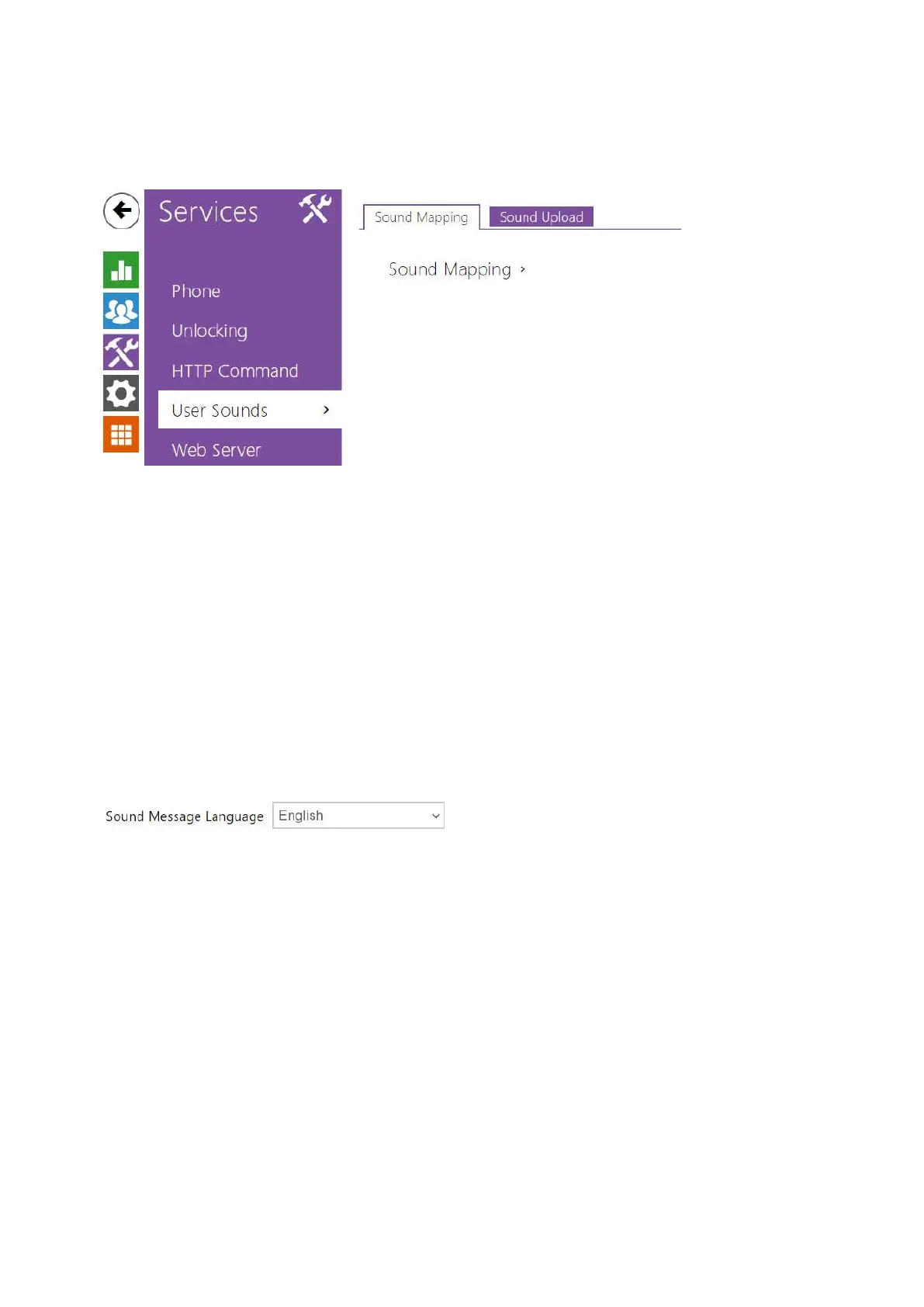
3.2.3.4 User Sounds
2N
®
Indoor View signals variable operational statuses with a sequence of tones. If the standard
signaling tones do not meet your requirements, you can modify them.
The device allows you to modify sound signaling for the following states:
Ringtone before call pickup
Ringing tone
Busy tone
Call end signaling
Doorbell
Sound Mapping
Sound Message Language – select a language of spoken meassages. If there is a
translation available for a mapped sound, the message will be played in specified
language. The language defaults to English or to a language-neutral sound if there is no
translation.



 To Next Page