2N® Indoor View User Manual
•
•
•
•
•
•
•
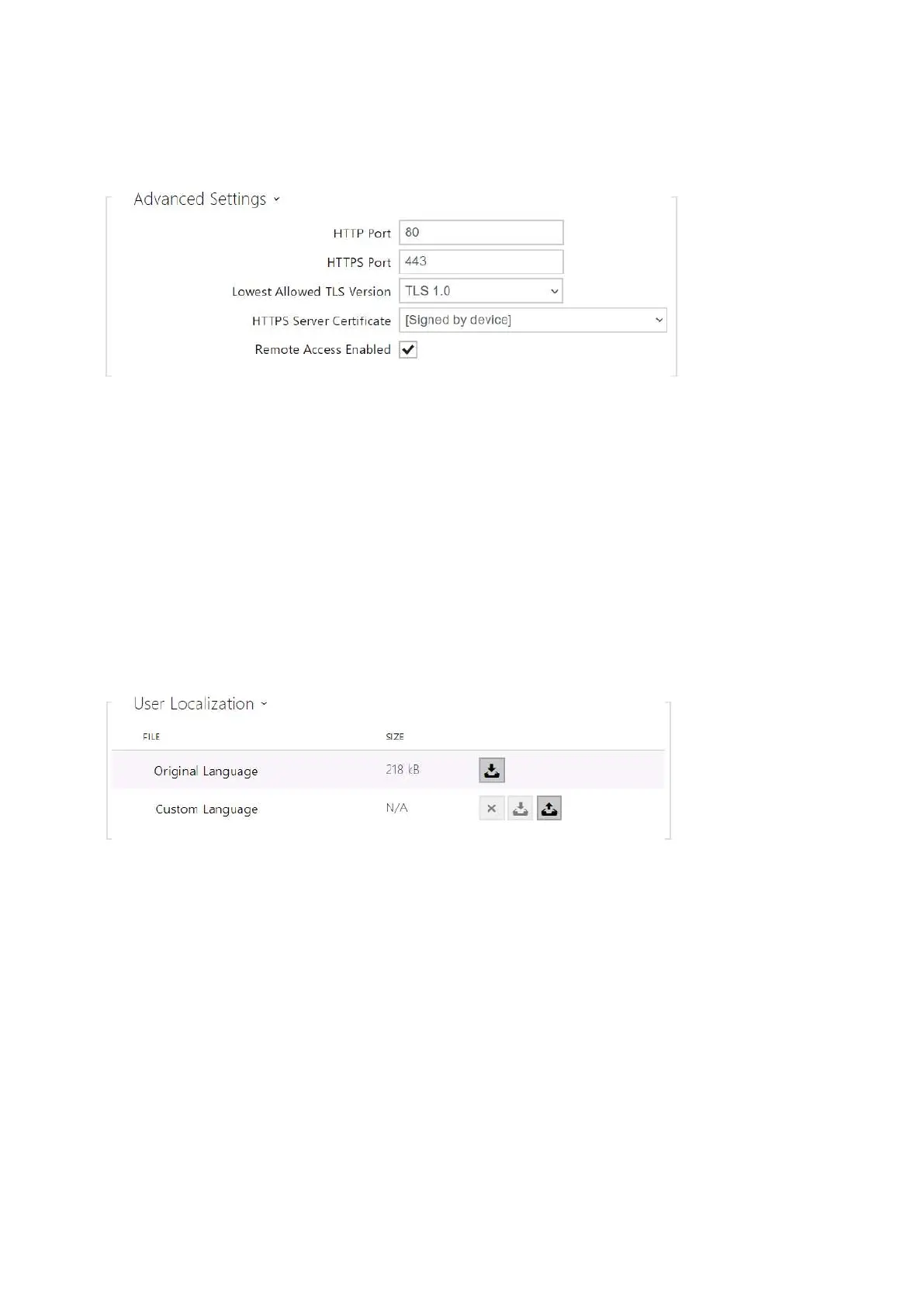
HTTP Port – set the web server port for HTTP communication. The port change will not be
applied until the device is restarted.
HTTPS Port – set the web server port for HTTPS communication. The port change will not
be applied until the device is restarted.
Minimum Allowed TLS Version – set the lowest TLS version to be accepted for device
connection.
HTTPS User Certificate – set the server certificate and private key used for encrypting the
communication between the device HTTPS server and user web browser.
Remote Access Enabled – enable remote access to the device web server from off-LAN IP
addresses.
Original Language– download an original file from the device including all user interface
texts in English. The file format is XML; see below.
User Language – upload, download and/or remove user files including translations of the
user interface texts.



 To Next Page