2N® Indoor View User Manual
•
•
•
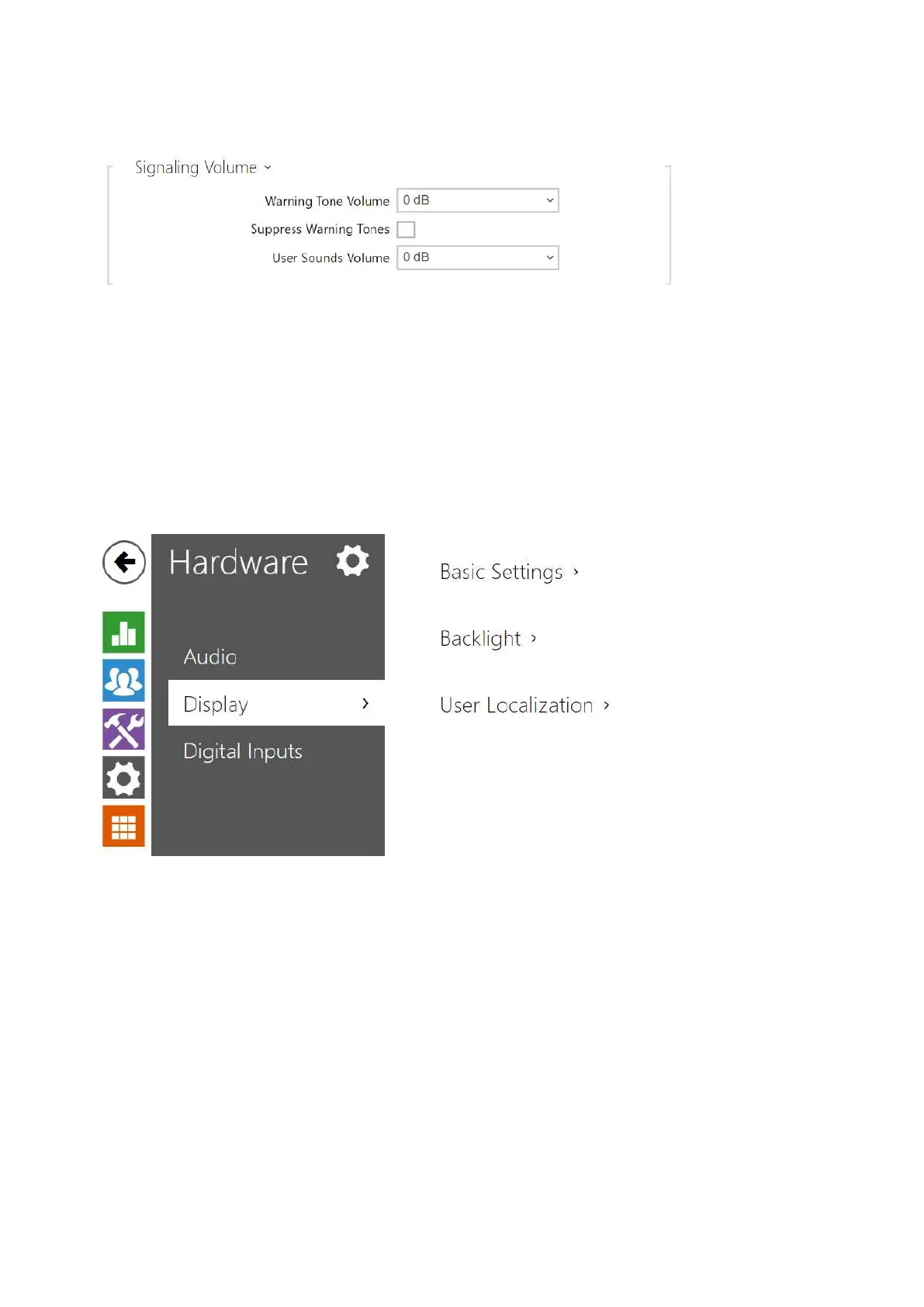
Warning Tone Volume – set the volume of warning and signaling tones.The volume
values are relative against the set master volume.
Suppress Warning Tones – suppress signaling of the following operational states:
Internal application started, IP address received and IP address lost.
User Sound Volume – set the volume of the user sounds. The volume values are relative
against the set master volume.
3.2.4.3 Display
Set the basic display parameters on this tab.



 To Next Page