2N® Indoor View User Manual
•
•
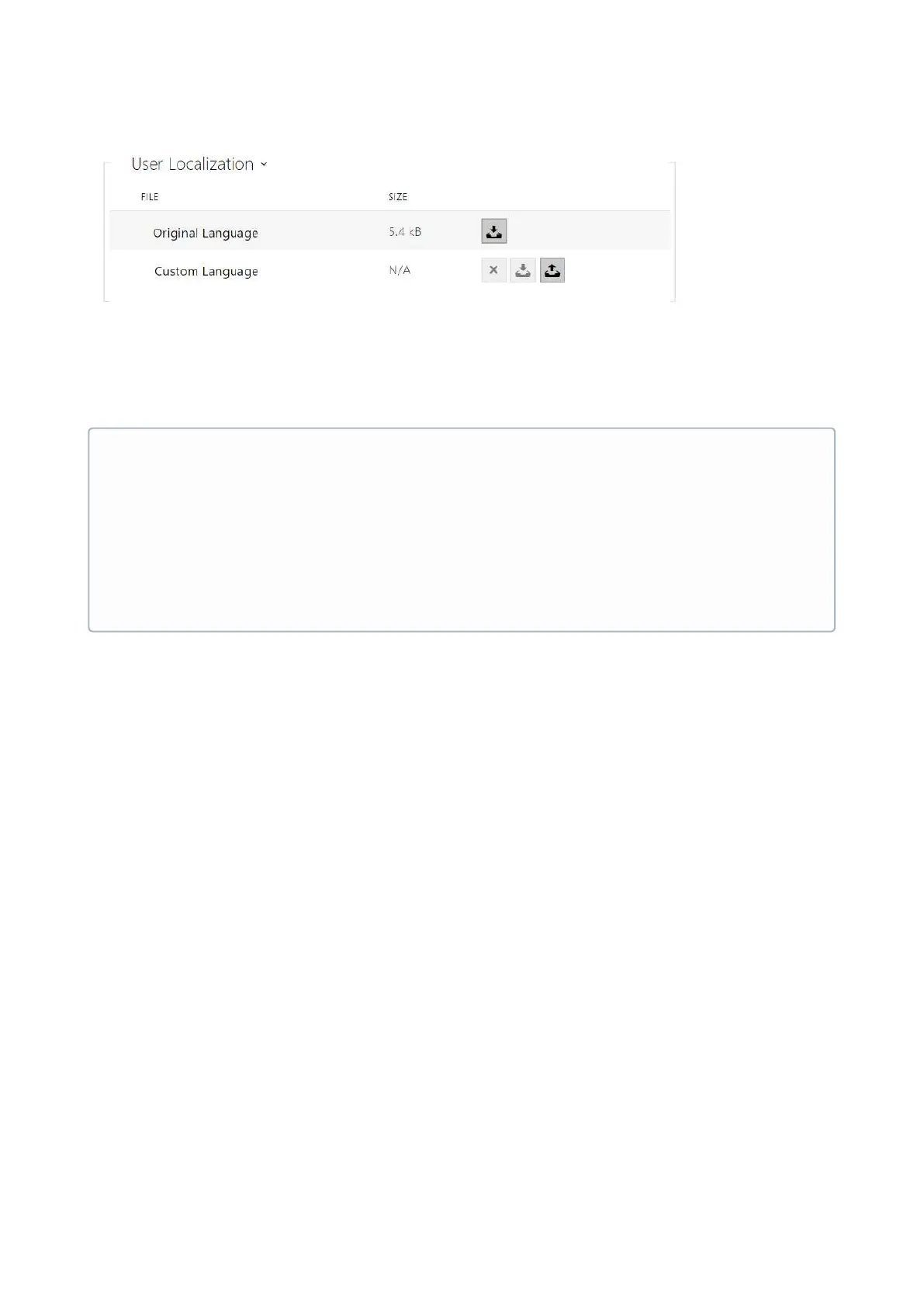
Original Language – download a preset XML file with all the texts to be displayed. It is an
XML file with all the texts to be displayed.
Custom Language–remove, download and upload a localization file of your own.
•
•
•
•
•
Note
If none of the pre-defined languages is convenient for you, proceed as follows:
Download the original language file (English).
Modify the file using a text editor (replace the English texts with your own ones).
Upload the modified localization file back to the intercom.
Set Language Settings | Language to Custom.
Check and correct if necessary the texts on the intercom display.



 To Next Page