2N® Indoor View User Manual
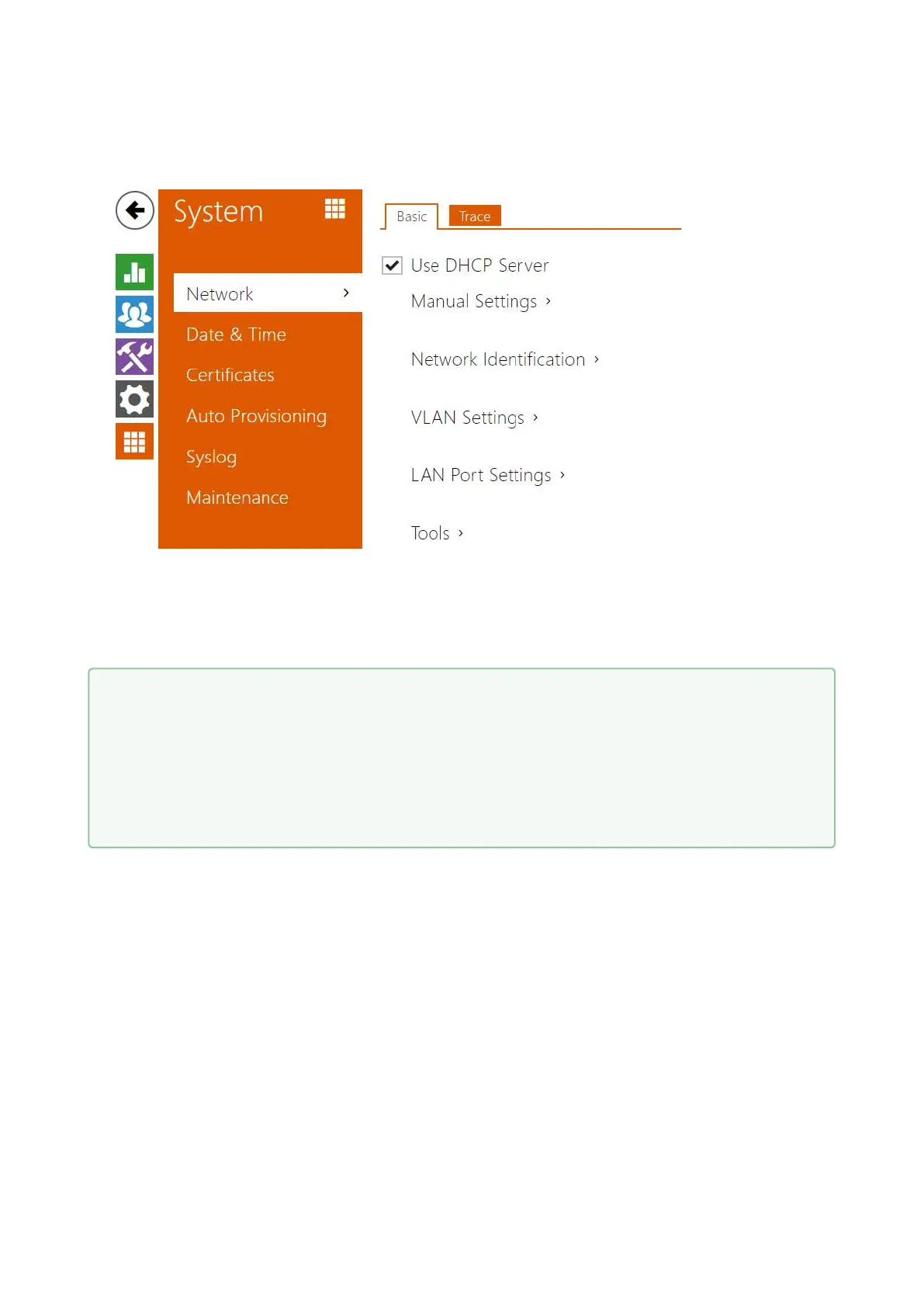
3.2.5.1 Network
2N
®
Indoor View is connected to the LAN and has to be assigned a valid IP address or obtain the
IP address from the LAN DCHP server. The Network section helps you configure the IP address
and DHCP.
•
Tip
If you want to ascertain the current IP address of your 2N
®
Indoor View, you can use
the 2N
®
Network Scanner application which can be freely downloaded from
www.2n.com and use the mechanism described in chapter 2.4 Searching for the 2N
®
Indoor View device in the network with the aid of 2N
®
Network Scanner.



 To Next Page