2N® Indoor View User Manual
•
•
•
•
•
•
•
•
List of Parameters
Basic
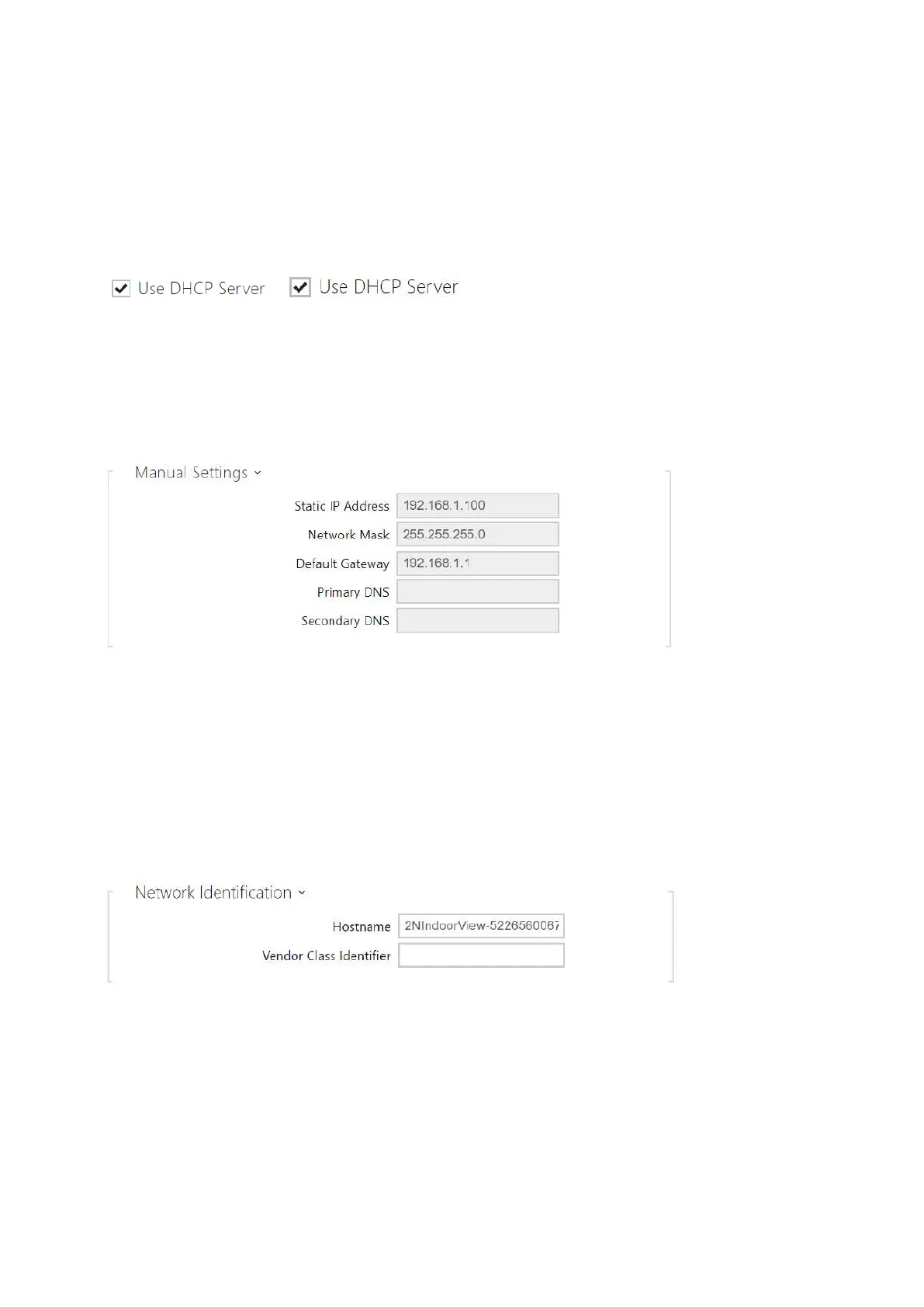
Use DHCP server – enable automatic obtaining of the IP address from the LAN DHCP
server. If the DHCP server is unavailable or otherwise inaccessible in your LAN, use the
manual network settings.
Static IP Address – static IP address of the device. The address is used together with the
parameters below unless Use DHCP server is enabled.
Network Mask – network mask setting.
Default Gateway – default gateway address for off-LAN communication.
Primary DNS – primary DNS address for domain name-to-IP address translation.
Secondary DNS – secondary DNS address where the primary DNS is unavailable.
Hostname–set the device LAN identification.
Vendor Class Identifier – set the manufacturer identifier as a character string for DHCP
Option 60.



 To Next Page