Installation manual 2N® IP Solo
•
•
•
•
•
IP Address Retrieval
Take the following steps to retrieve the2N
®
IP SoloIP address:
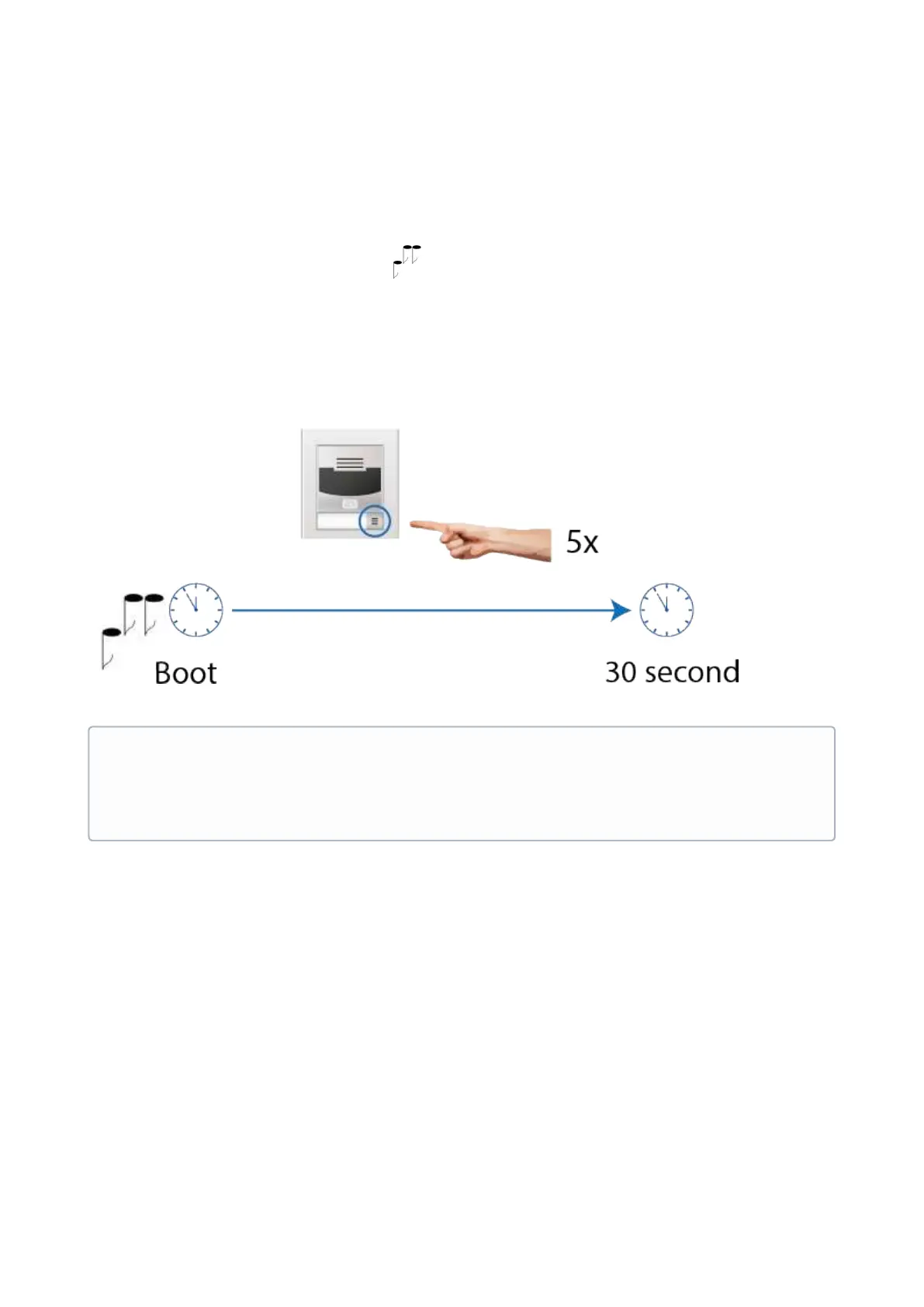
Connect(or, if connected, disconnect and reconnect)2N
®
IP Soloto the power supply.
Wait for the second sound signal .
Press the quick dial button on the main unit 5 times.
2N
®
IP Solowill read its IP address.
If the address is 0.0.0.0, it means that the intercom has not obtained the IP address from
the DHCP server.
•
Note
Be sure to press the button sequence within thirty seconds after the sound signal
for security reasons. Up to 2 s intervals are allowed between the presses.



 To Next Page