Pannoramic 1000 1.2 – User’s Guide 4 Software and Work-flow
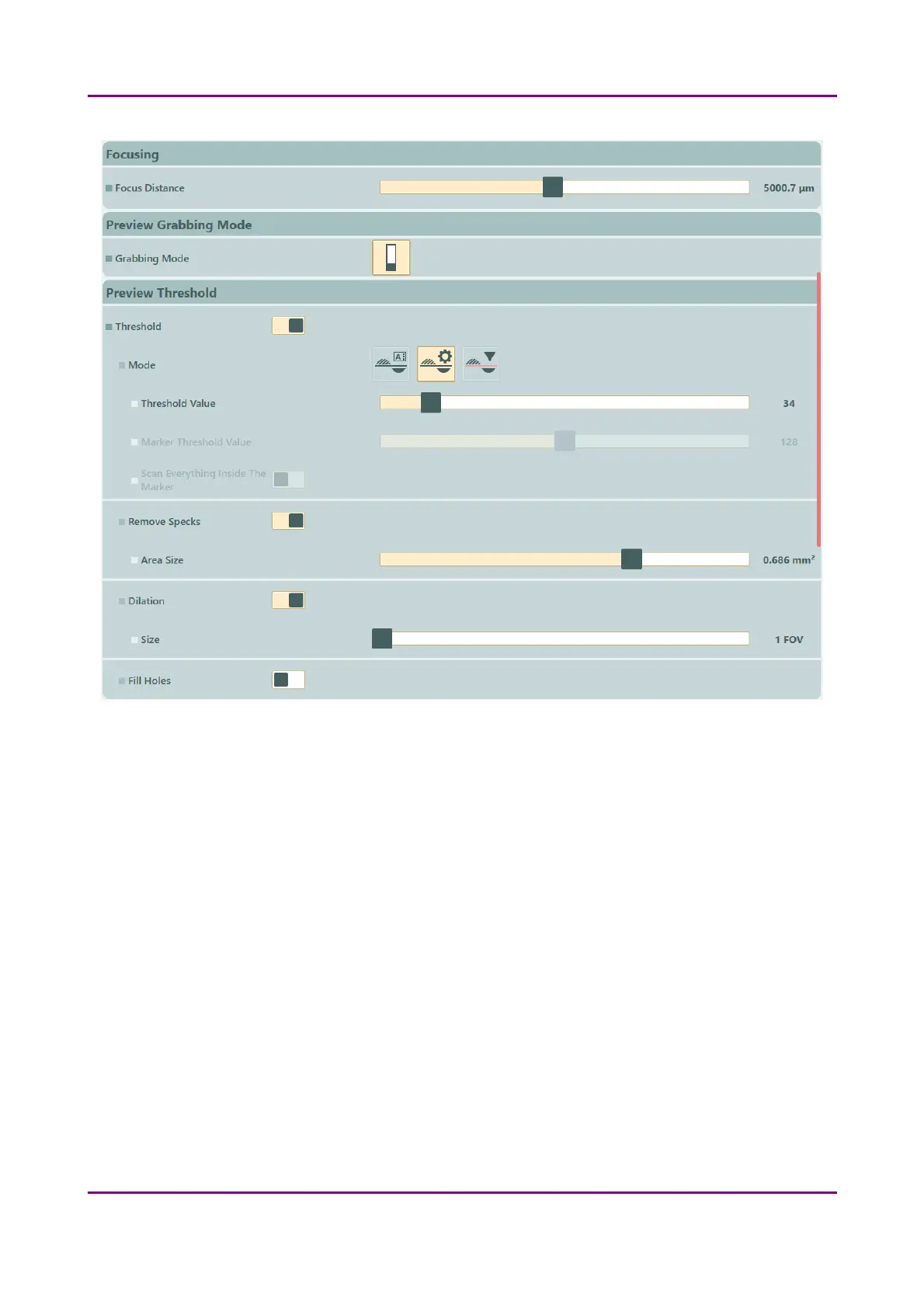
Figure 19 – Slide View settings
◦ Remove Specks – If selected, the scanner does not digitize objects smaller than the
predetermined size. This helps filtering specks and other uninteresting objects out. Set
the maximum size of specks not to be digitized by adjusting the Speck size slider.
▪ Area Size – Set the maximum size of specks not to be digitized by adjusting the slider
◦ Dilation
▪ Size – Adjust the slider to the desired value to enlarge or decrease the scanned area.
The edge is extended discretely by 100 µm each time. The recommended value for
this setting is 1000 µm in Flash scanning mode.
◦ Fill Holes – If selected, the holes inside the specimen will also be scanned. Often these
holes contain small sample objects that otherwise would not be scanned.
March 19, 2019 - Rev. 2 3DHISTECH Ltd.
40(78)



 To Next Page