Pannoramic 1000 1.2 – User’s Guide 4 Software and Work-flow
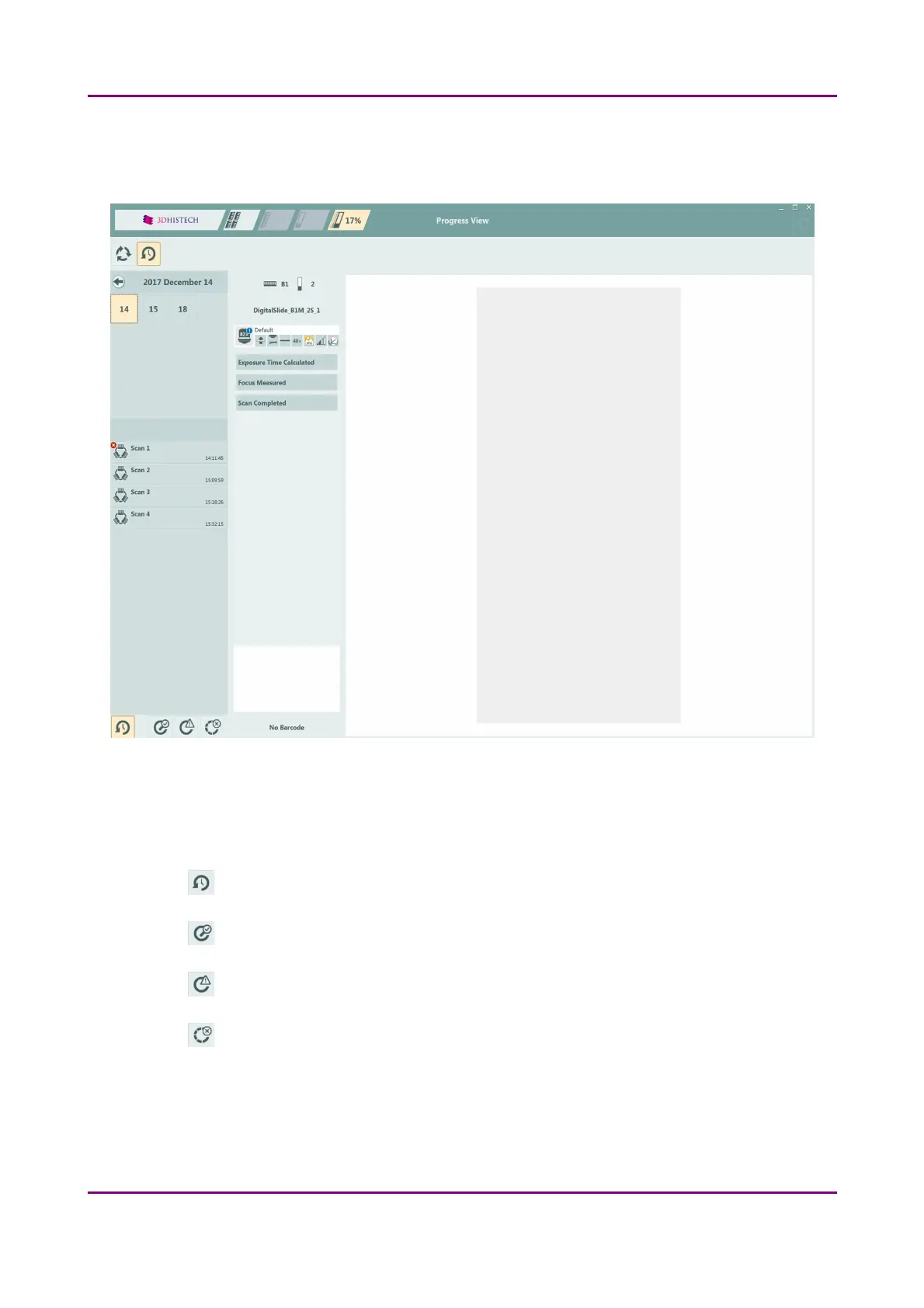
Scanning History View includes detailed scanning information per year / month / batch by selecting
the appropriate time frame at the left side of the window.
Figure 23 – Scanning history panel of Progress View
The following views are available to select by clicking the buttons at the bottom left corner of the
panel:
• – All events
• – Scanned successfully
• – Different from planned (non-erroneous event has occurred)
• – Unsuccessful scan progress
March 19, 2019 - Rev. 2 3DHISTECH Ltd.
44(78)



 To Next Page