Pannoramic 1000 1.2 – User’s Guide 4 Software and Work-flow
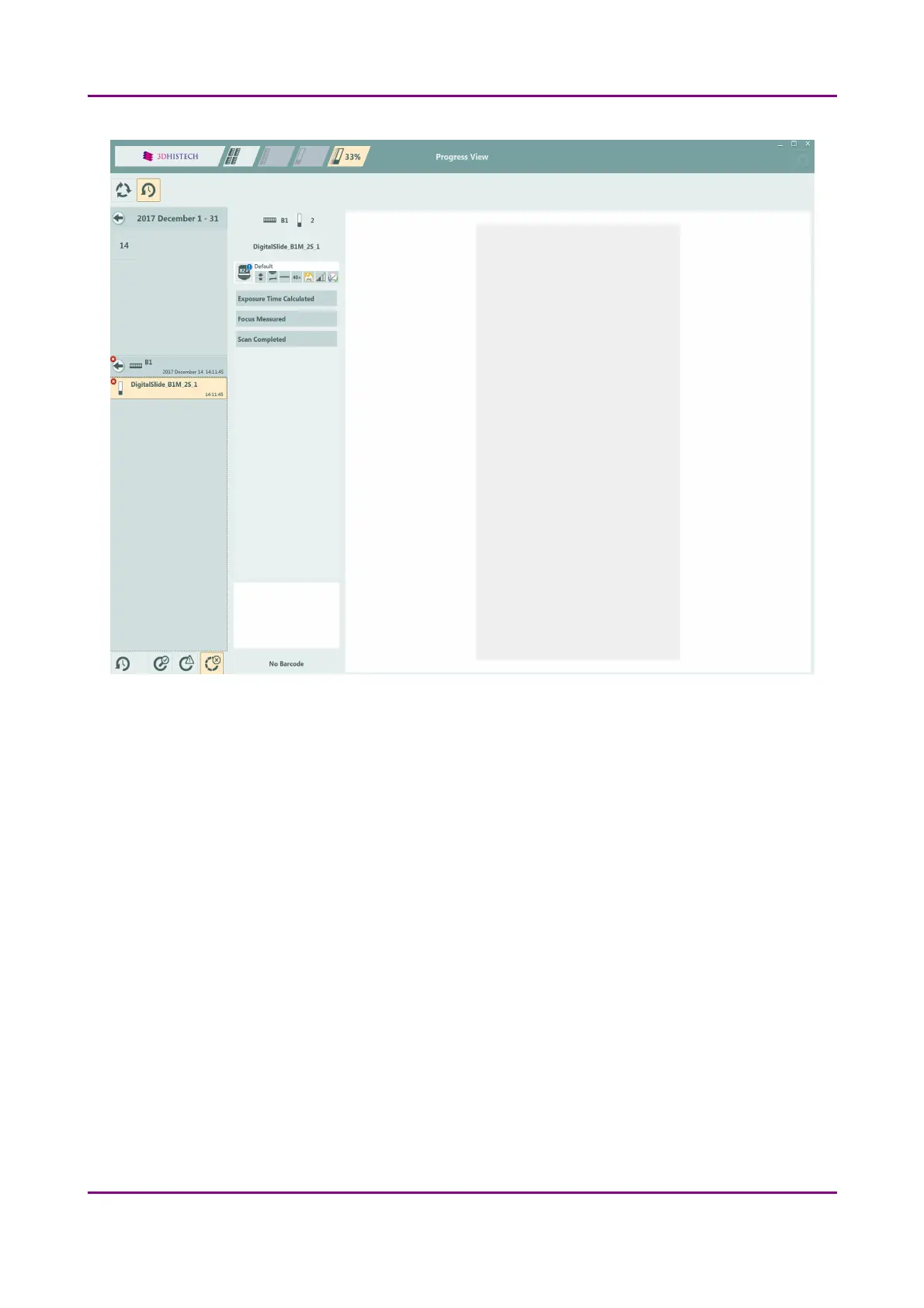
Figure 24 – Scanning history panel of Progress View
Workspace
The actual slide status, profile, name, magazine information are automatically saved in each minute.
In case of abnormal shutdown (power outage, software shutdown) when restarting the control
software, upon clicking the tick mark in the pop-up window the progress status and all the user
settings and data will be restored, and the scanning procedure can be continued.
March 19, 2019 - Rev. 2 3DHISTECH Ltd.
45(78)



 To Next Page