15
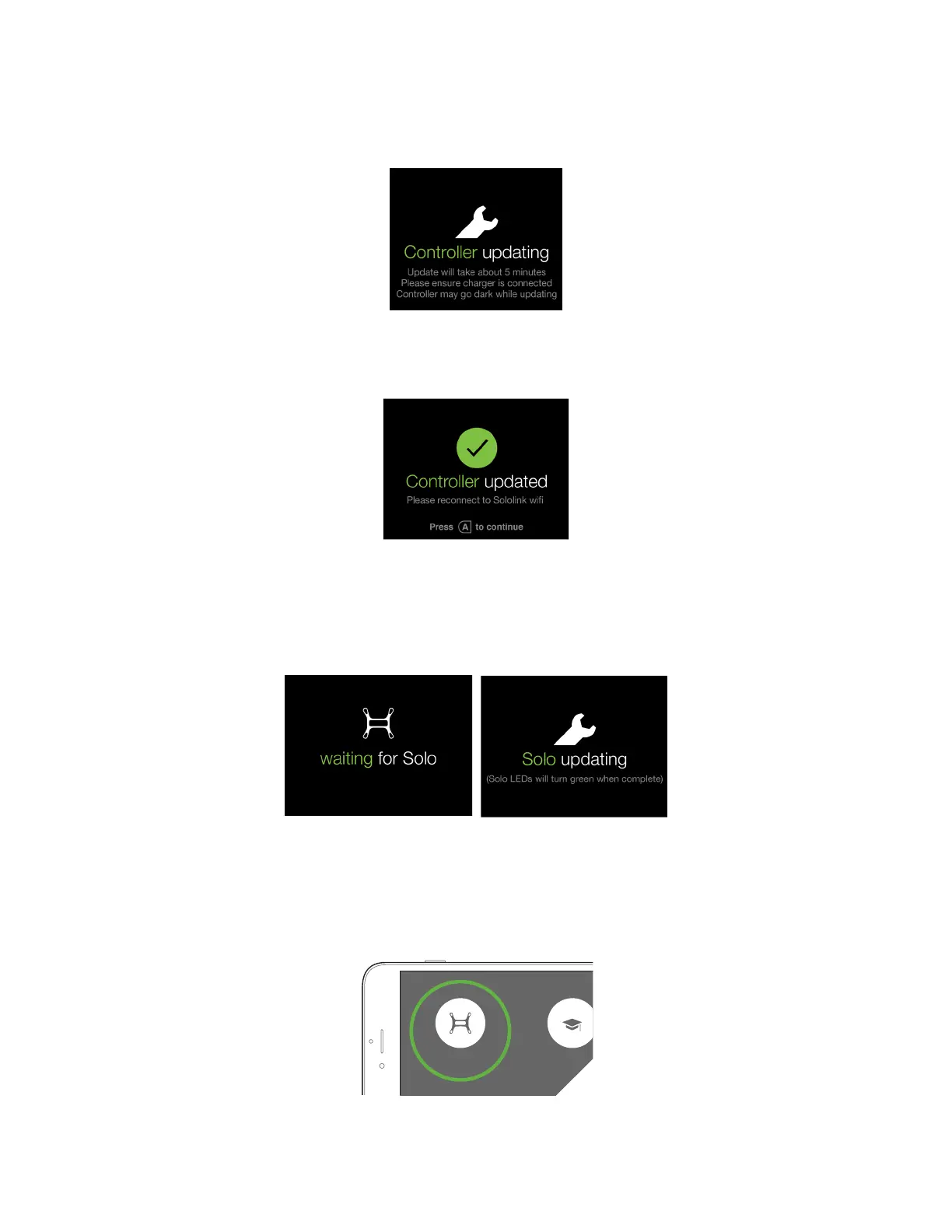
Ensure that the controller is connected to the charger during the update process. While the update is in progress,
the controller will show the screen shown in Figure 2.6.4. The controller may complete a restart as part of the update
process.
Figure 2.6.4: Controller Updating Display
When the controller update is complete, the controller will display the screen shown in Figure 2.6.5. Press A to
continue the update.
Figure 2.6.5: Controller Update Display
After pressing A, Solo will update. The controller will display waiting for Solo and Solo updating (Figure 2.6.6) while
the update is in progress. When the update is complete, Solo’s LEDs will display green and the controller will return
to the standard startup screen.
Figure 2.6.6: Solo Update Displays
View Video
After the update is complete, select Fly Solo to view video. Solo, the controller, and the GoPro® must be powered
to view video. Verify that you can view video before your first flight.
Figure 2.6.7: Viewing Video on the App
Rusty Mitchell
Support
FLIGHT SCHOOL
SOLO VIDEO





 To Next Page