22
Automatic Takeoff
Hold fly again to initiate automatic takeoff. Solo will rise to 10 ft and hover until receiving further control inputs.
Figure 4.2.2: Controller Auto-Takeoff Prompt
Manual Takeoff
Once the propellers are spinning, raise the throttle stick above the center position to increase Solo’s altitude and
take off.
4.3 Land
There are three options for landing Solo: manual, automatic, and return to launch. We recommend automatic landing
and return to launch.
Automatic Land
For auto-landing (recommended), press the Fly button in flight, and Solo will land at the current position.
Optionally, you can auto-land Solo at the home position using the controller’s return to home button. (See page 11
for more information about return to home.) After an auto-landing or return-to-home, the propellers will stop spinning
automatically; wait until the propellers stop spinning before approaching Solo.
Return Home
The return-to-home button ends your flight automatically by first returning Solo to the home position (launch point)
then auto-landing. The propellers stop spinning automatically after activating return-to-home.
When commanded to return to home, Solo:
1 Achieves minimum altitude of 50 feet or maintains current altitude if above 50 ft.
2 Moves to launch point and loiters for 5 seconds.
3 Lands at the home point, and the propellers automatically stop after a few seconds.
Figure 4.3.1: Return Home Behavior
home
50 ft.
hover 5 seconds
TAKEOFF PART 2
Auto-takeo
User holds “Fly” to initiate auto-takeo.
“Fly” button LED blinks on Artoo when motors
are on. LED becomes solid white when takeo
begins.
Telemetry
Back on telemetry screen after auto-takeo.
Auto-takeo message
During auto-takeo, target altitude message is
displayed.
Message times out after 3000 milliseconds.
005
Spot lock Rewind
ALTITUDE
000
003
FLIGHT
BATTERY
100%
LOITER
AUTO-TAKEOFF
003
Spot lock Rewind
ALTITUDE
004
002
FLIGHT
BATTERY
100%
Spot lock Rewind
FLIGHT
BATTERY
100%
FLY
Hold for auto-takeoff
555656
GOING TO 5 FT ALTITUDE
Auto-takeo
User holds “Fly” to initiate auto-takeo.
“Fly” button LED blinks on Artoo when motors
are on. LED becomes solid white when takeo
begins.
Haptic: press and hold feedback is given.
Spot lock Rewind
FLIGHT
BATTERY
100%
FLY
Hold for auto-takeoff
555656
Auto-takeo
Green bar returns to zero progress position
on transition.
User holds “Fly” to initiate auto-takeo.
“Fly” button LED blinks on Artoo when motors
are on. LED becomes solid white when takeo
begins.
Spot lock Rewind
FLIGHT
BATTERY
100%
FLY
Hold for auto-takeoff
555656
FLY
FLY
FLY
FLY
Banner height
65 px height (from bottom)
or starts at 0,175
136,92
48,92
98,86
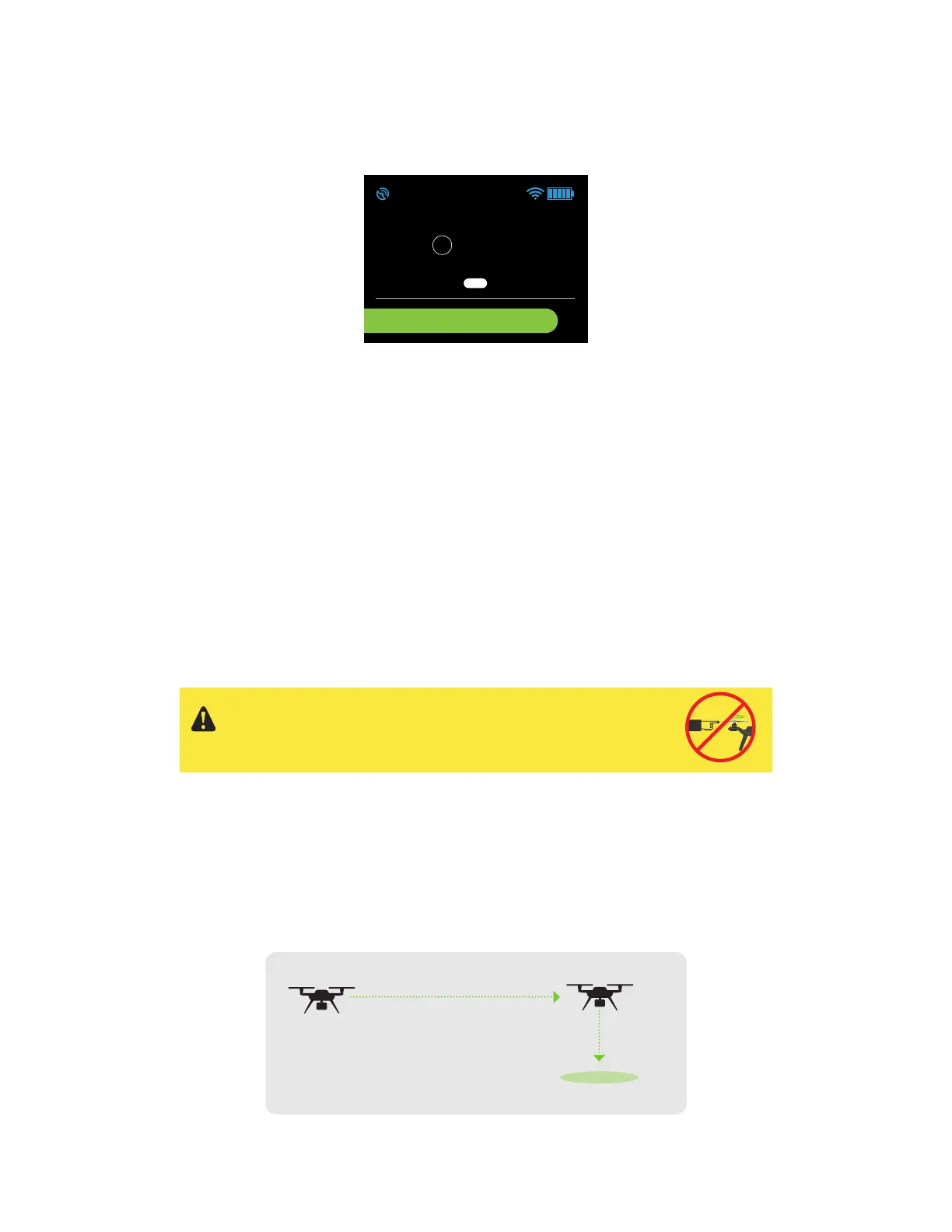
When commanded to auto-land, Solo will land at the current position
wherever it is. Always make sure there is a clear path to a safe landing
point directly below Solo before triggering an auto-landing.




 To Next Page