EasyManua.ls Logo

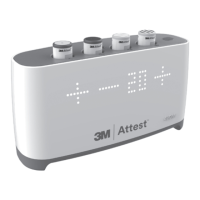
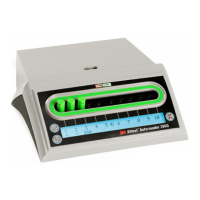
3M Attest Auto-reader 490H - User Manual

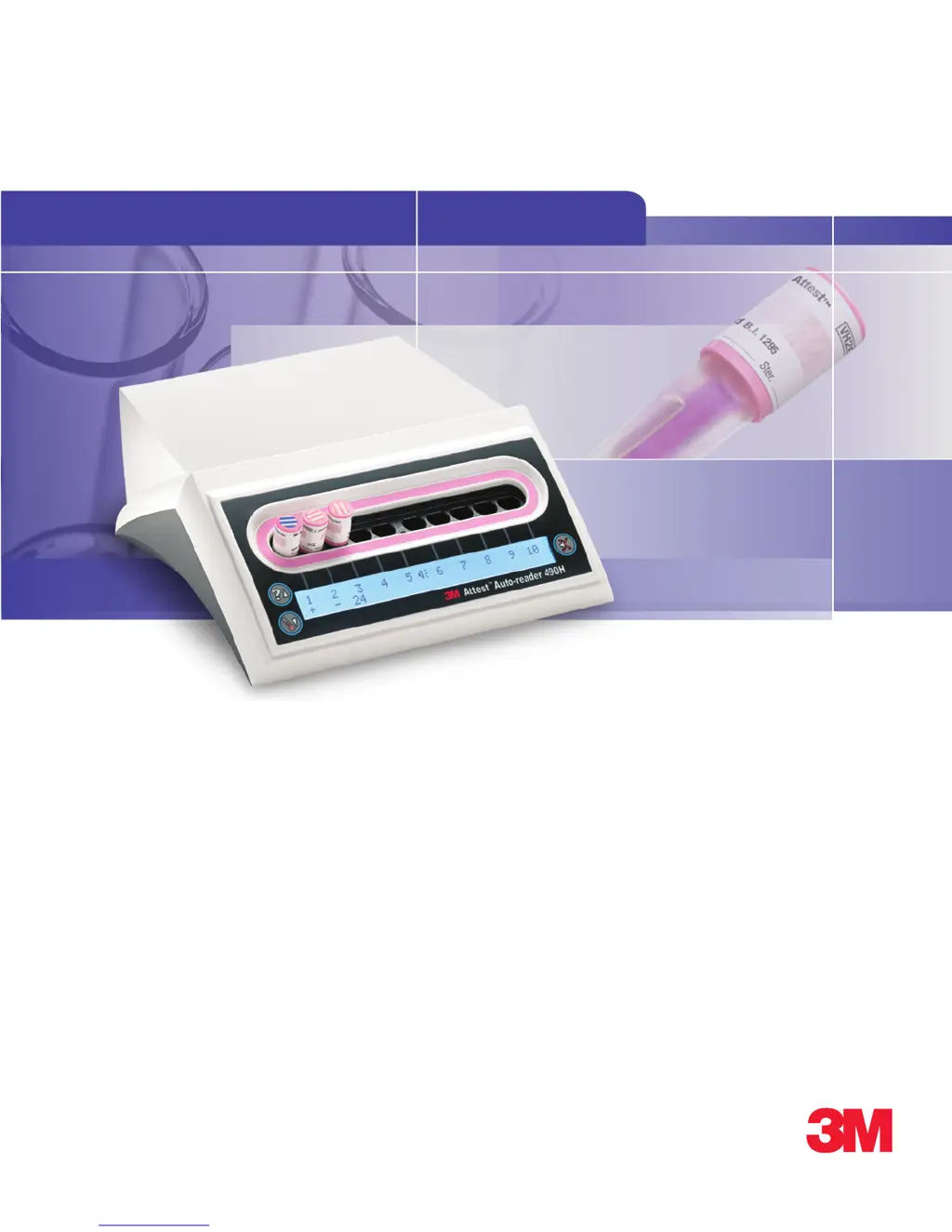
3M Attest Auto-reader 490H
16 pages
Print Icon
To Next Page IconTo Next Page
Loading...
Description:
DIELINE
Base File Name:
Software:
SGS Contact:
Email:
Printer:
Printer Location:
Supplier:
3MAttest™
Auto-Reader 490H
Requester:
Linda Thompson
Reference:
Die # / Doc. Size:
8.5" x 11"
Item Spec#:
34-8720-4946-4
Supersedes#:
Cat/Product#:
490H
Structure#:
Insert
PA: 490H_34872049464.indb
GA:
InDesign CS14
PROCESS
BLACK
PROCESS
CYAN
3M
RED
PROCESS
MAGENTA
PROCESS
YELLOW
4554361
2
03.21.17 New – updates per word document, set-up for Phase 2 Multi language. Jer
03.22.17 Update with new image. Jer
3M
Attest
Auto-reader 490H
1
Operator’s Manual
2
Manuel de l’utilisateur
3
Benutzerhandbuch
4
Manuale dell’operatore
5
Manual del usuario
5
Manual del operador
6
Bedieningshandleiding
7
Användarhandbok
8
Brugsvejledning
9
Brukerhåndbok
0
Käyttöopas
-
Manual do Utilizador
-
Manual do Operador
=
Εγχειρίδιο Χειριστή
H
Instrukcja obsługi
F
Příručka pro obsluhu
S
Priročnik za uporabo
M
Инструкция по эксплуатации
]
Upute za korištenje
d
Operatör Kılavuzu
I
操作指南
j
คู่มือปฏิบัติงาน
T
작업자 매뉴얼

Questions and Answers

  • L
    leebrandonSep 9, 2025
    Why can't I access the 3M Laboratory Equipment Web App on my computer?
    • T
      Todd KnightSep 9, 2025
      If you're unable to access the 3M Web App on a networked computer, make sure the Ethernet cable is securely connected to both the unit and a live jack, and that the computer is also connected to the network. If using the serial number URL fails, try connecting with the IP address URL. The switch port setting must be set to 10 Mbps and half-duplex. If problems continue, contact your facility IT or 3M.
  • D
    David SmithSep 7, 2025
    What does ambient light caution mean on 3M Laboratory Equipment?
    • E
      Elizabeth JohnstonSep 7, 2025
      If you receive an ambient light caution on your 3M Laboratory Equipment, move the unit to an area with reduced ambient light.
  • C
    Christy SmithAug 22, 2025
    What to do if a temperature control error occurs on 3M Laboratory Equipment?
    • C
      Courtney SchmidtAug 22, 2025
      If you encounter a temperature control error with your 3M Laboratory Equipment, try unplugging the unit and plugging it back in to clear the error. If the error persists after this step, it indicates a need for repair or replacement of the unit.
  • S
    Scott JonesSep 5, 2025
    How to disable the alarm on 3M Laboratory Equipment?
    • M
      Maria MartinezSep 5, 2025
      If you are experiencing unwanted alarm sounds when a positive BI is detected on your 3M Laboratory Equipment, you can disable the alarm. Refer to the 3M Auto-reader Configuration section for instructions on how to do this.
  • K
    Kevin MortonSep 4, 2025
    What happens if I remove the BI from the 3M Laboratory Equipment well too early?
    • L
      laura98Sep 4, 2025
      If a 3M Rapid Readout BI is removed from the well before incubation is complete, replace it in the proper well within 10 seconds to prevent losing the collected data.
  • C
    Crystal BensonSep 2, 2025
    Why is my 3M Laboratory Equipment alarming because of premature BI removal?
    • M
      michaeldixonSep 2, 2025
      If the alarm sounds because the 3M Rapid Readout Biological Indicator was prematurely removed from the incubation/reader well, replace the indicator in the well within 10 seconds to prevent data loss.
  • T
    Tina KellySep 1, 2025
    Why is the LCD display flashing asterisks on my 3M Laboratory Equipment?
    • L
      Laura HerreraSep 1, 2025
      If the LCD display of your 3M Laboratory Equipment is flashing and showing asterisks or E11/C4 codes below unoccupied incubation wells, move the unit away from direct sunlight or sources of incandescent light.
  • M
    Mr. Donald FryeAug 31, 2025
    What does ambient light error mean on 3M Laboratory Equipment?
    • R
      Rebecca WilsonAug 31, 2025
      If you encounter an ambient light error on your 3M Laboratory Equipment with an occupied well, you won't be able to see the fluorescent result. In this case, rely on the optional visual pH color change result for the BI in the affected well. To prevent this in the future, move the 3M Auto-reader to a location with reduced ambient light. To clear the error code after documenting the visual pH color change and removing the BI, unplug the unit and plug it back in.
  • M
    Mrs. Lisa CisnerosAug 30, 2025
    What to do if the 3M Laboratory Equipment shows a 'BI Inserted Incorrectly' error?
    • B
      Brian JacksonAug 30, 2025
      If you receive a 'BI Inserted Incorrectly' error on your 3M Laboratory Equipment, remove the BI and check that the cap is fully closed, the glass ampoule is crushed, and the growth media is in the growth chamber. If needed, repeat the BI activation steps: firmly push the BI down into the incubation well, remove and flick it, inspect, and then return it to the incubation well, making sure it is properly seated.
  • G
    gcastilloAug 28, 2025
    What does a power failure error mean on 3M Laboratory Equipment?
    • W
      williamsrebeccaAug 29, 2025
      If your 3M Laboratory Equipment shows a power failure error, ensure that the power supply connection to the Auto-reader is secure. It's also recommended to retest the sterilizer using a new BI.

Summary

Preface

Content Disclaimers

Disclaimers regarding sample printouts, graphics, displays, and screens for informational purposes only.

Hardware Disclaimer

Disclaimer stating that hardware specifications are subject to change and may not match installed systems.

Intended Use

Indications for Use

Product Description

Warranty

Safety and Precautions

Explanation of Single Word Consequences

Defines the meaning of Warning and Caution symbols used in the manual.

Warnings and Safety Precautions

Lists essential warnings and precautions to avoid unsafe actions and potential hazards.

Health and Safety Information

Device Safety Compliance

Details the standards the Auto-reader 490H complies with, including IEC and UL standards.

EMC Compliance

Outlines the electromagnetic compatibility standards the device adheres to.

Explanation of Product and Packaging Label Symbols

Specifications

Power Supply Specifications

Details electrical specifications for the device's power supply.

Environmental Operating Conditions

Specifies the required environmental conditions for operation and storage.

Instructions for Use - Initial Set-Up

Choose Location

Guidance on selecting a suitable location for the Auto-reader 490H.

Select & Install Correct Power Plug

Instructions for selecting and installing the appropriate power plug.

Wait 30 Minutes Before Using

Procedure to wait for the device to warm up after plugging it in.

Special Considerations

Recommendations regarding unit operation and power status.

Instructions for Use - Wells, Buttons, & Display Interpretation

Wells

Description of the ten incubation wells on the Auto-reader 490H.

Buttons

Identification and function of the buttons on the Auto-reader 490H.

Information Display

Explanation of the LCD display elements and indicators.

Color-Coded Configuration Indicator

Details about the color-coded sticker for well configuration.

Instructions for Use - 3 M Attest Auto-reader 490 H Configuration

Setting the 3 M Attest Auto-reader 490 H Clock

Procedure for setting the date and time on the Auto-reader 490H.

Setting the Audible Alarm Function

Instructions on how to enable or disable the audible alarm.

Accept Screen

Screen for accepting or retaining configuration changes.

Instructions for Use - Readout Procedure

Instructions for Biological Indicator (BI) Activation and Incubation

Steps for activating and incubating biological indicators.

BI Placement

Guidance on proper placement of biological indicators in the reader wells.

Instructions for Use - Positive Control

Positive Control

Procedure for using a positive control biological indicator daily.

Instructions for Use - Interpretation of Results

Fluorescent Results

How to interpret fluorescent results displayed on the LCD panel.

Optional Visual pH Color Change Result

Information on obtaining a visual pH color change result for further incubation.

Instructions for Use - Disposal

Features of the 3 M Attest Auto-reader 490 H

Audible Alarm

Description of the audible alarm for positive results and removed BI.

Alarm On;Off

Procedure for silencing specific audible alarms and their limitations.

Stackable

Information on stacking units to save counter space.

Information Button

Details on how to access serial number, software version, date, time, and IP address.

Temperature Monitoring

Explanation of the Auto-reader's internal temperature self-diagnostic program.

Easy Configuration

Overview of configuration options via unit buttons or Web App.

Optional 3 M Attest Auto-reader 490 H Web App

Introduction to connecting the Auto-reader to a PC for additional capabilities.

Care and Cleaning

Troubleshooting Guide

Repair and Replacement

Documenting BI Results using the 3 M Attest Auto-reader 490 H Web App

Results Detail page

Details on viewing individual records for incubated Biological Indicators.

History page

Summary of the last 100 incubated Bls stored on the Auto-reader.

Configuration page

Information on configuring network and language settings via the Web App.

Using the BI History Page

Using the Configuration Page

Language

Setting the display language for the Web App.

Pushbutton Configuration

Enabling or disabling unit configuration via the device buttons.

Buzzer Configuration

Enabling or disabling the audible alarm feature.

Attest Auto-reader 490 H Nickname

Assigning a nickname for easier identification of multiple units.

Enable DHCP

Option to use dynamic IP addresses automatically assigned by the network.

IP Address

Field to enter a static IP address if required by facility IT.

Gateway

Field to enter the network gateway address.

Subnet Mask

Field to enter the network subnet mask.

Primary DNS

Field to enter the primary DNS server address.

Secondary DNS

Field to enter the secondary DNS server address.

MAC Address

Displays the device's unique Media Access Control address.

Use Computer Time

Option to synchronize the Auto-reader clock with the computer's clock.

Attest Auto-reader 490 H Time

Manual setting for the Auto-reader's clock if computer time is not used.

3M Attest Auto-reader 490H Specifications

General IconGeneral
Model490H
Manufacturer3M
DisplayLCD
Power SupplyAC adapter
ConnectivityUSB
Read Time24 minutes
Power Requirements100-240V AC, 50/60 Hz
Operating Temperature15°C to 30°C
Storage Temperature-20°C to 60°C
TypeAutomated Biological Indicator Reader
Weight2.3 kg
Compatibility3M Attest Biological Indicators
Incubation Temperature60°C ± 2°C
Relative Humidity20% to 80% (non-condensing)

Related product manuals