22
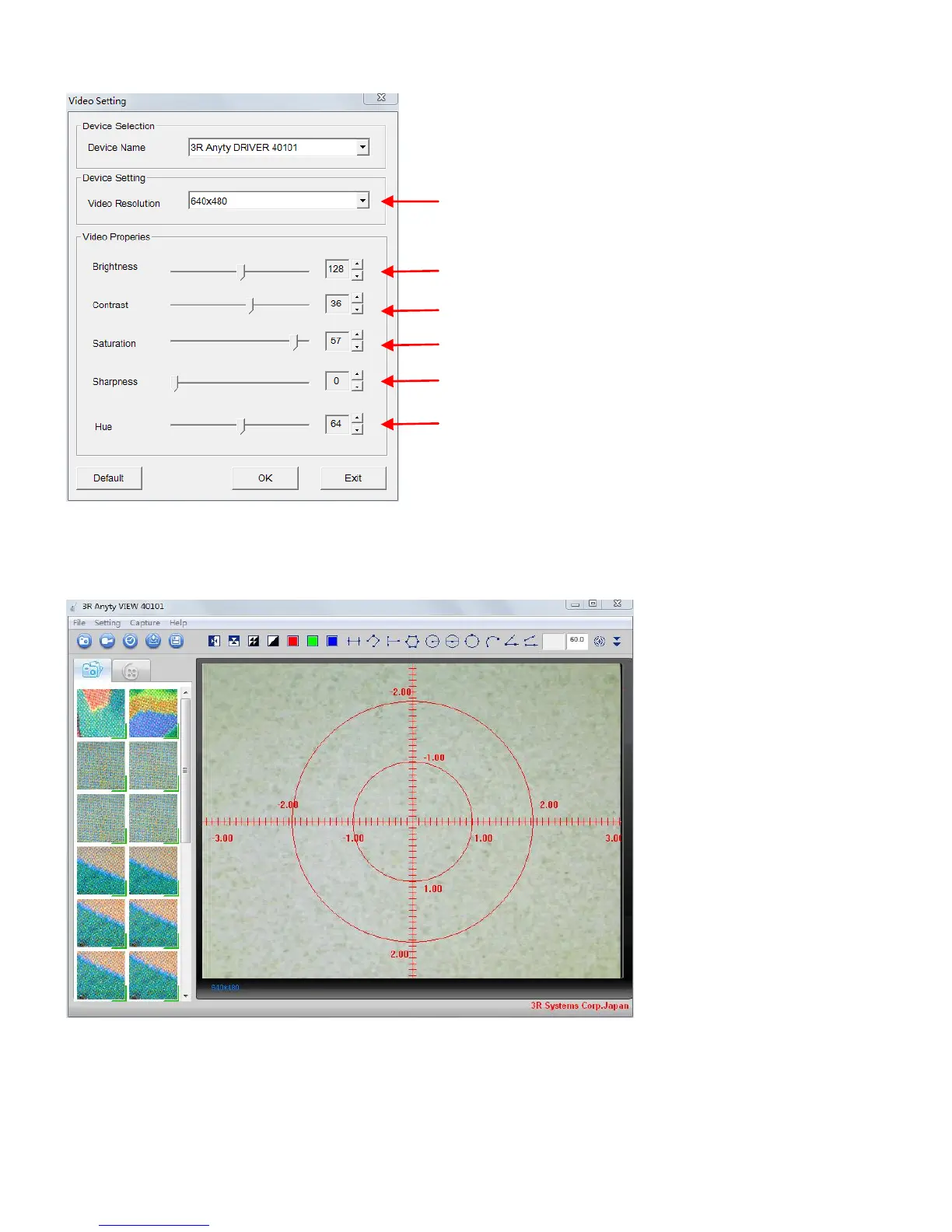
●Settings of image quality
You are able to set quality of Microscope in this option.
●Display cross line and others
You are able to set cross line on screen during shooting. It is useful when you want to aim the place
and check the time. You can find them in ‘Settings’
Cross line Display a cross line at the center of screen
Scale Display scale horizontally and vertically. It will overlap cross line.
Dial gauge will not change due to change of magnification.
Circle Use center of screen as a baseline to display circle



 To Next Page