23
●Full Screen Mode
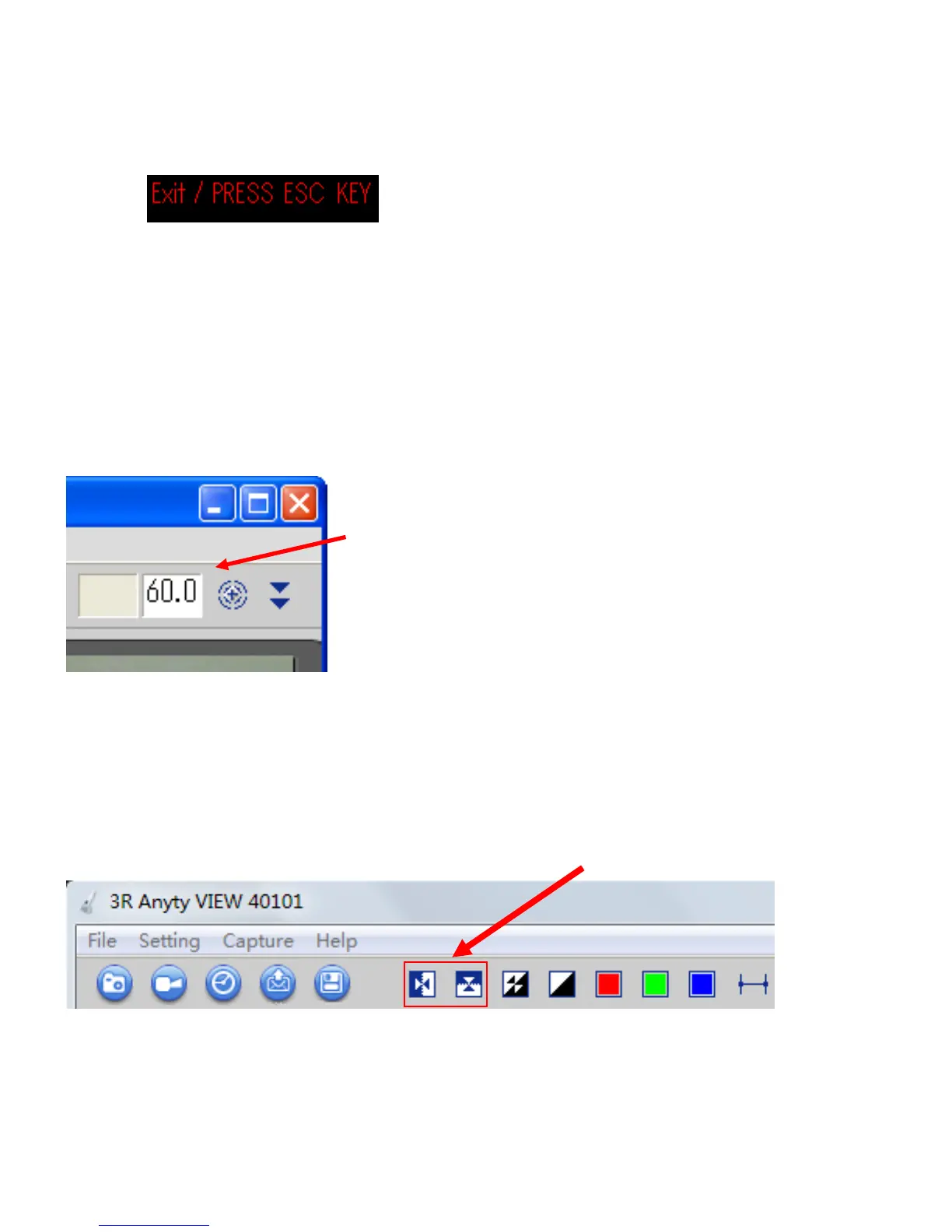
Click Maximization icon to view ‘Anyty View’ in full screen. To terminate full screen mode, please
press ’ESC’ button on keyboard.
●Input magnification.
There is a blank for entering magnification at top of right side of the main window during shooting
period. Please see magnification dial gauge and the number printed on lens cover to enter, the measuring
function will calculate the data automatically based on figure in the blank. (go to page 26)
See Magnification dial gauge and enter.
●Change of direction
Click the icons on the menu bar to change screen direction.
■Flip horizontal
■Flip Vertical
●Color modification
Click icons which have functions of Negative, Vampix and Color Incalidation.
■Negative
■Vampix
■Color Invalidation



 To Next Page