8
ENGLISH
WARNING
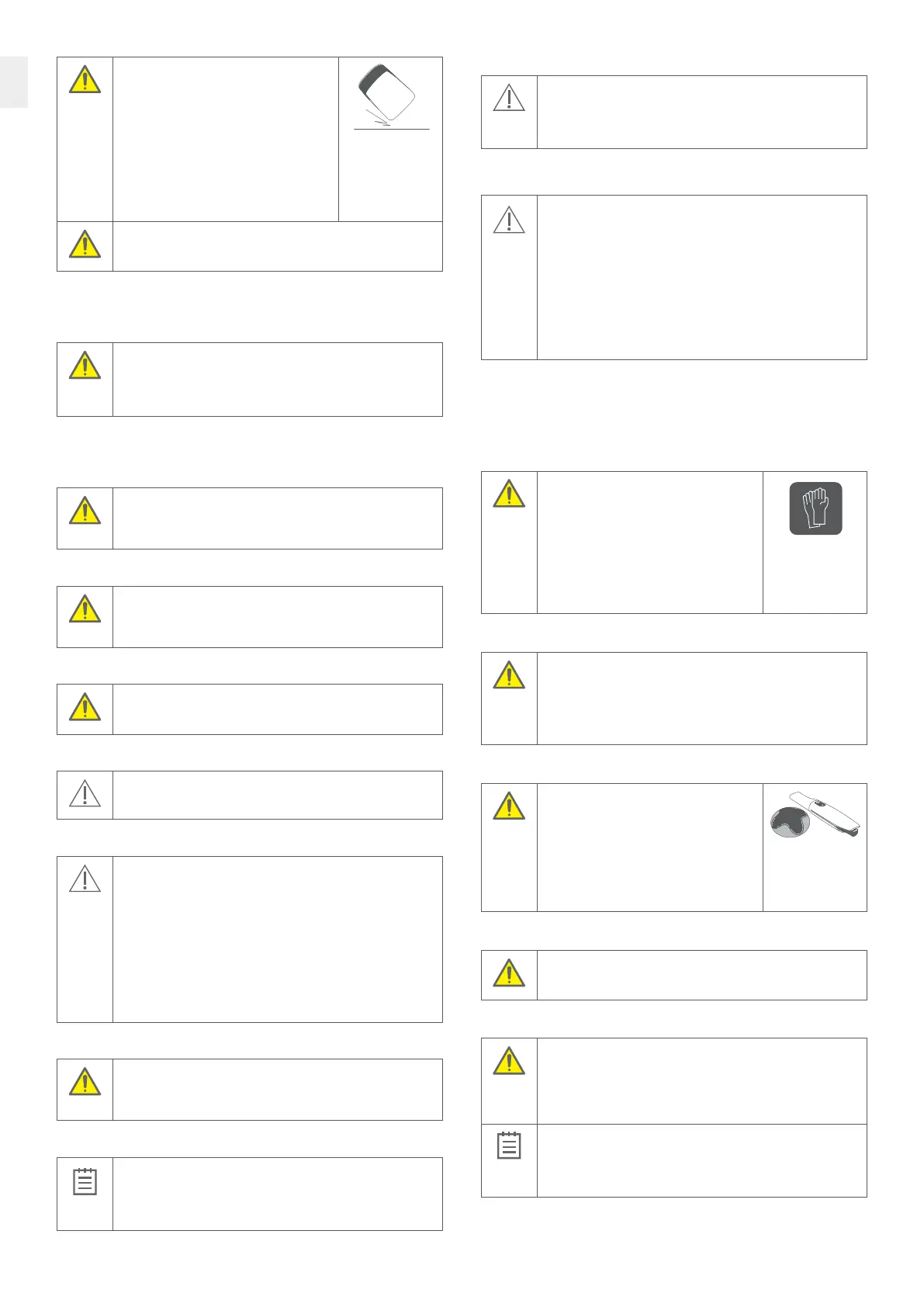
The performance of the battery charger
may be compromised when dropped, If the
battery charger is dropped, it must be checked
immediately before further use:
• Unplug the TRIOS system and make sure it cannot
be used before it is checked.
• Battery charger must be examined for any
mechanical damages or malfunction.
• If mechanical damage or malfunction
is observed, please contact support
(support@3shape.com).
WARNING
To avoid injuries from falling object, always place the TRIOS system on
a horizontal surface.
5.3 Explosion Hazards
Flammable liquids or gases
WARNING
The TRIOS system is not designed to be used in potentially explosive
environments. Do not use the TRIOS system in close proximity to
flammable liquids or gaseous flammable anaesthetic, or in oxygen-
enriched atmospheres.
5.4 Electrical Safety
Do not access the inside of any part of the system
WARNING
There is a risk of electrical shock if you attempt to access the inside of any
part of the system. Only authorized and qualified service personnel may
access the inside of any part of the system.
Spilled liquids
WARNING
The electrical safety of the system may be compromised if it is exposed to
any liquids. Do not bring liquids, such as beverages, near the TRIOS system.
Do not spill liquids, such as cleaning agent, on the TRIOS system.
Do not use a power strip
WARNING
Failure to establish a ground connection may compromise electrical safety. Do
not connect the Battery Charger to an ordinary power strip or extension cord.
Stress on cables
CAUTION
External cables must never be subjected to pulling stress.
Condensation
CAUTION
Variations in temperature or humidity may cause water to condense inside
the system, which can cause damage. Always let the system reach room
temperature before you plug it into the power source.
If the system has been subject to major temperature or humidity changes,
wait until the system has reached room temperature before plugging it
into the power source.
If there is visible evidence of condensation, wait at least 8 hours
before plugging it into the power source, to ensure that no internal
condensation occurs.
Please see operating conditions for further information.
Disconnect the battery charger before cleaning
WARNING
The electrical safety of the system may be compromised if it is exposed
to excessive amounts of cleaning liquids. Disconnect the battery charger
from power before cleaning and allow to dry before reconnecting.
Disconnecting from mains
IMPORTANT NOTICE
There is no power ON/OFF switch on the system; therefore, the only reliable
means to disconnect the system from mains is to unplug the charger power
cord. Do not position the system so that it is difficult to unplug the charger
power cord.
PC connection options and requirements
CAUTION
The PC should be located at least 1.5 m away from the patient. Do not scan
the patient and touch the PC at the same time! You must not touch any
peripherals connected with a cable to the PC while scanning a patient.
See the PC’s instructions for use for further details.
5.5 Eye Safety
CAUTION
The TRIOS scanner emits bright light from its TRIOS scanner tip during
operation. The TRIOS scanner complies with EN 62471 (Photobiological
safety of lamps and lamp systems). However, we recommend caution when
handling the TRIOS scanner.
A brief glimpse of the light into the eye is not dangerous, but do not stare
into the beam or view directly with optical instruments, and do not aim the
beam towards other people’s eyes. In general, viewing bright light sources
(e.g. headlights), which have a high secondary exposure potential due
to their blinding effect, may cause temporary reduction in visual acuity
and afterimages, leading to irritation, annoyance, visual impairment,
and even accidents, depending on the situation.
5.6 Hygiene
For instructions on how to mount the single-use sleeve see the TRIOS Sleeve instructions for use.
For instructions on cleaning and disinfection or sterilization go to section 7.
Always wear gloves
WARNING
To maintain a clean work environment and the
safety of the patient, wear clean examination
gloves when:
• Handling the TRIOS scanner tip – changing
the tip or handling the window.
• Handling the TRIOS protection tip.
• Applying the TRIOS scanner for scanning
patients.
• Touching the TRIOS system.
Prepare the TRIOS scanner
WARNING
In order to avoid cross contamination between patients before each use
you must:
• apply a newly sterilized TRIOS scanner tip to the TRIOS scanner.
• apply a new TRIOS scanner sleeve to cover the TRIOS scanner.
See the detailed instruction in the TRIOS Sleeve Instructions for use.
Reprocess system after each patient
WARNING
In order to avoid cross contamination between
patients you must before each use:
• clean and disinfect or sterilize relevant parts
of the TRIOS system.
• clean and disinfect the TRIOS scanner before
attaching the TRIOS protection tip. Do not allow
patient contact with the TRIOS protection tip.
• dispose the TRIOS scanner sleeve.
Clean and disinfect TRIOS scanner before mounting TRIOS protection tip
WARNING
Always clean and disinfect the TRIOS scanner before attaching the TRIOS
protection tip. Do not allow patient contact with the TRIOS protection tip.
Scan only with TRIOS scanner tip on
WARNING
In order to avoid cross contamination between patients and maximal
electrical safety the scanner tip must be mounted when the scanner is
inserted into the patient’s mouth or when the scanner comes in contact
with the patient in any way. Mounting of the scanner tip is required
for the intended function of the scanner.
IMPORTANT NOTICE
Before each patient, make sure any PC connected to the system and its
peripherals are disinfected. It is recommended to use medical-grade
peripherals (e.g., keyboards and mice) that can be cleaned and
disinfected easily.



 To Next Page