x 3ware Serial ATA RAID Controller User Guide
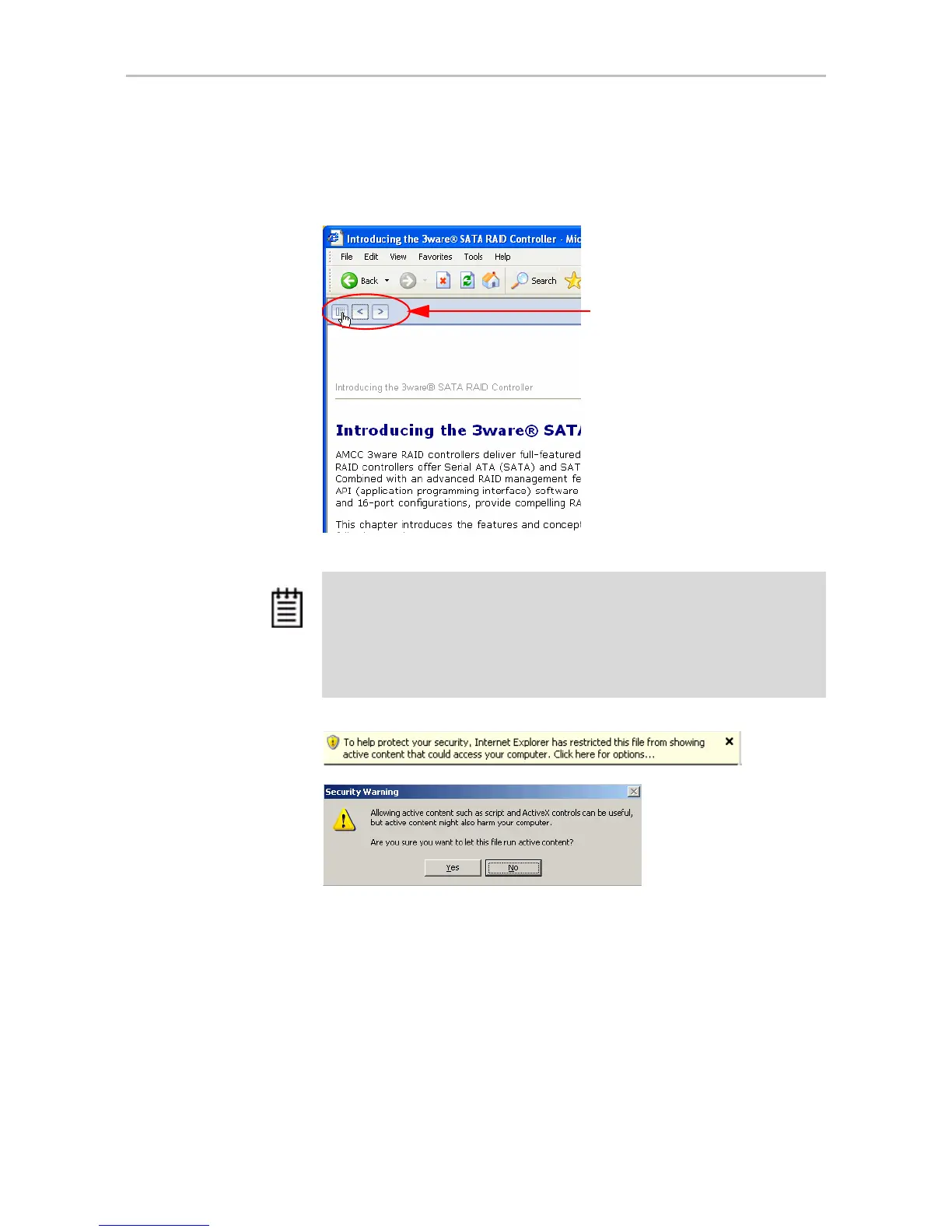
navigation pane does not automatically open. In this case, you can display
the navigation pane by clicking the
Show Navigation button at the left.
Figure 1. Navigation Button in the 3ware HTML Bookshelf Window
Click the Show Navigation
button to display the Table of
Contents
Note: The 3ware HTML Bookshelf is created as a set of HTML documents
that are often displayed from a website. When installed on your personal
computer, some browsers flag them as “active content,” and require your
approval before displaying the content.
If you see messages similar to the following, you must confirm the display of
active content in order to see the pages.



 To Next Page