Chapter 8. Configuring Units
102 3ware Serial ATA RAID Controller User Guide
Creating a Unit through 3BM
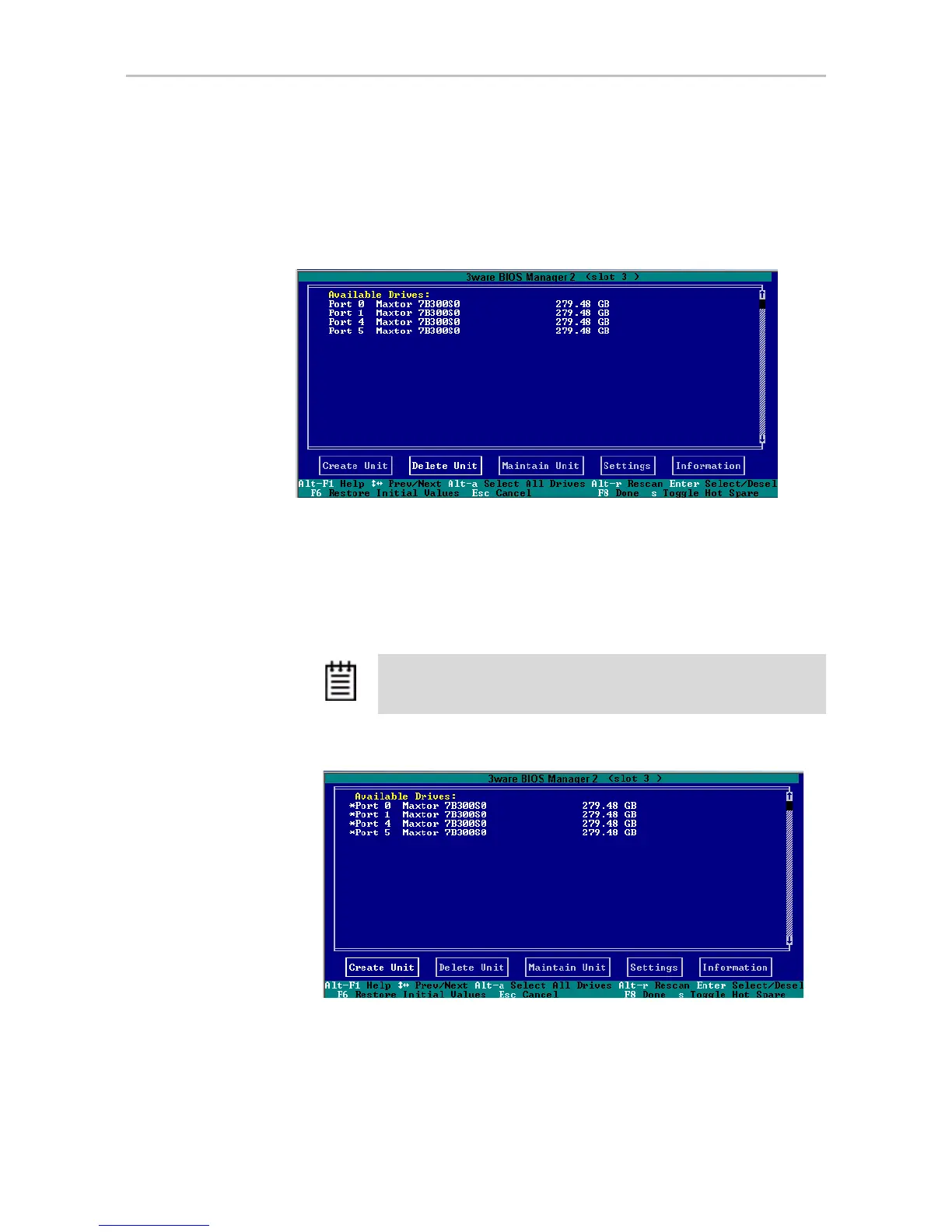
In 3BM, configuration tasks start from the main 3ware BIOS Manager screen
shown in Figure 48.
Figure 48. 3BM Main Display
To create a unit through 3BM
1 At the main 3BM screen, select the drives to be included by highlighting
each one and pressing
Enter or Space to select it.
When you select a drive, an asterisk appears next to it in the left most
column (see Figure 49).
Figure 49. Asterisks Next to Selected Drives
Tip: If you want to use all available drives, press Alt-A to select them
all.



 To Next Page