Understanding RAID Concepts and Levels
www.3ware.com 5
Available RAID Configurations
RAID is a method of combining several hard drives into one unit. It offers
fault tolerance and higher throughput levels than a single hard drive or group
of independent hard drives. RAID levels 0, 1, 10 and 5 are the most popular.
AMCC's 3ware controllers support RAID 0, 1, 5, 6, 10, 50, JBOD and Single
Disk. The information below provides a more in-depth explanation of the
different RAID levels.
For how to configure RAID units, see “Configuring a New Unit” on page 96.
RAID 0
RAID 0 provides improved performance, but no fault tolerance. Since the
data is striped across more than one disk, RAID 0 disk arrays achieve high
transfer rates because they can read and write data on more than one drive
simultaneously. The stripe size is configurable during unit creation. RAID 0
requires a minimum of two drives.
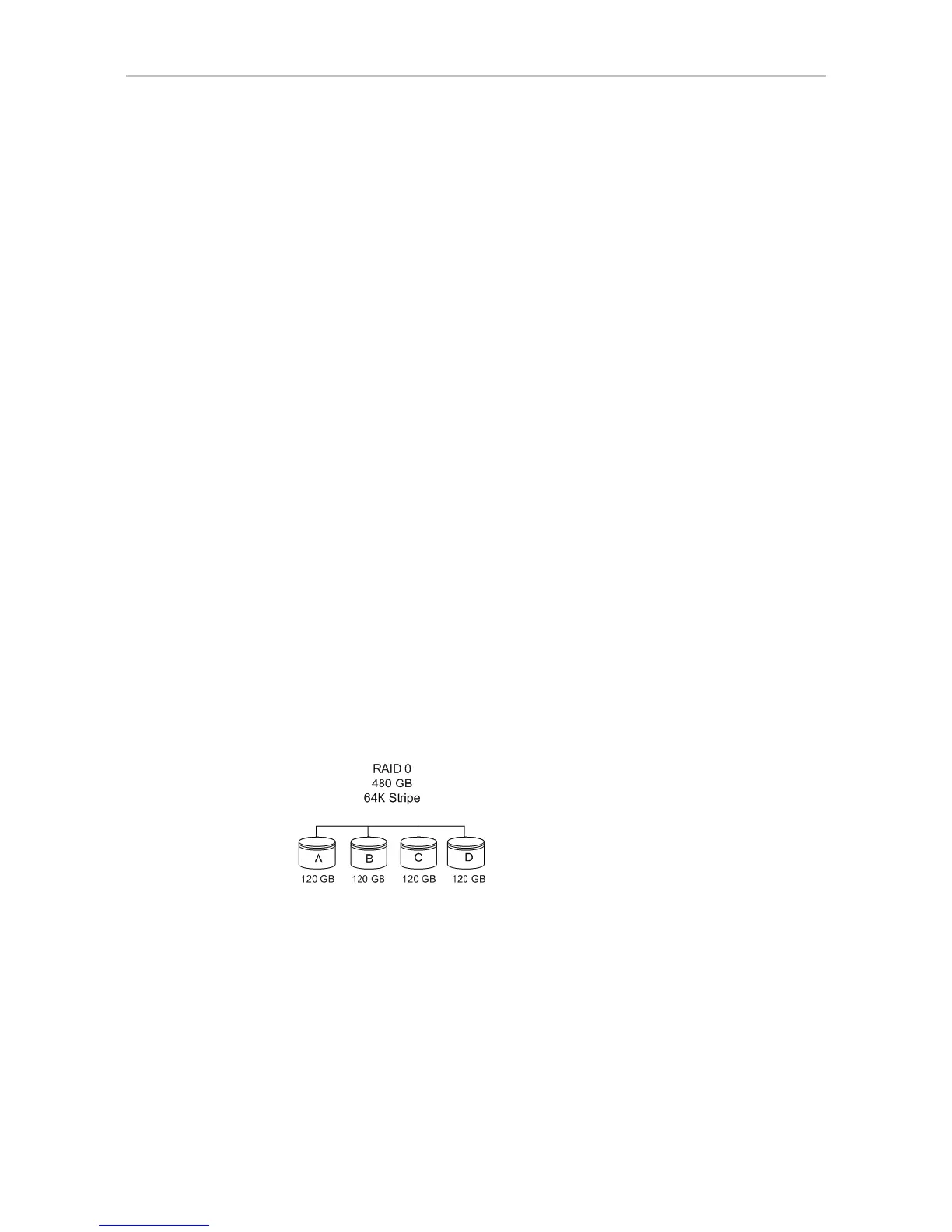
When drives are configured in a striped disk array (see Figure 2), large files
are distributed across the multiple disks using RAID 0 techniques.
Striped disk arrays give exceptional performance, particularly for data
intensive applications such as video editing, computer-aided design and
geographical information systems.
RAID 0 arrays are not fault tolerant. The loss of any drive results in the loss of
all the data in that array, and can even cause a system hang, depending on
your operating system. RAID 0 arrays are not recommended for high
availability systems unless additional precautions are taken to prevent system
hangs and data loss.
Figure 2. RAID 0 Configuration Example
RAID 1
RAID 1 provides fault tolerance and a speed advantage over non-RAID disks.
RAID 1 is also known as a mirrored array. Mirroring is done on pairs of
drives. Mirrored disk arrays write the same data to two different drives using
RAID 1 algorithms (see Figure 3). This gives your system fault tolerance by
preserving the data on one drive if the other drive fails. Fault tolerance is a
basic requirement for critical systems like web and database servers.



 To Next Page