Background Tasks
www.3ware.com 159
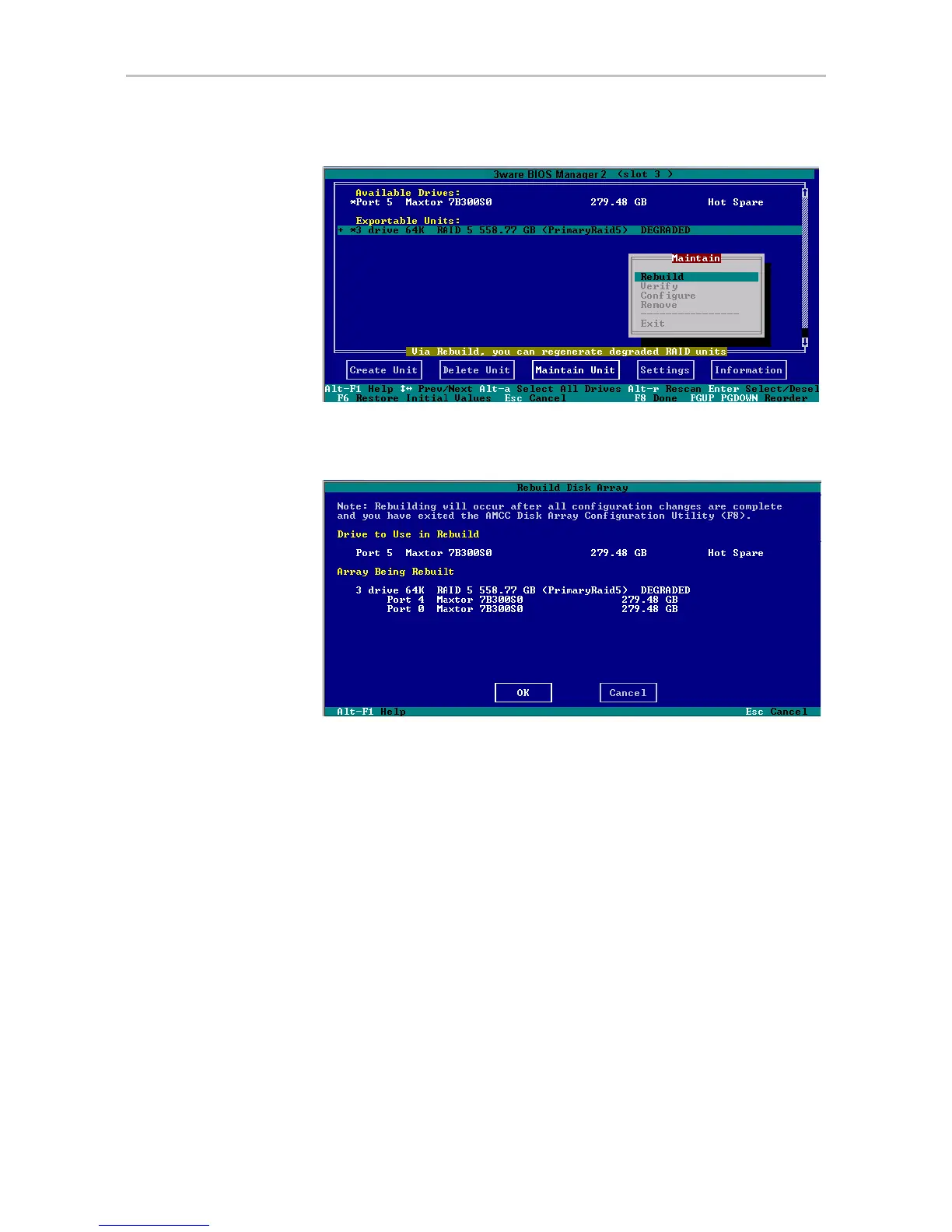
Figure 68. Rebuild Option on the Maintain Menu
The Rebuild Disk Array screen displays.
Figure 69. Rebuild Disk Array Screen
5 Press Enter to select the OK button to continue.
You are returned to the main screen; “Rebuilding” appears next to the unit
you selected.
6 Press
F8 to save your changes and exit 3BM.
The unit will begin rebuilding about ten minutes after the operating
system finishes loading and the 3ware driver has loaded.
Cancelling a Rebuild and Restarting It with a
Different Drive
When you start a rebuild from 3BM, you cannot cancel from within the 3BM
interface. However, if you have hot-swap carriers, you can remove and
replace the drive, rescan the controller (Alt-R), and then select a new drive to
be used in the rebuild. You can also boot the operating system, launch 3DM,



 To Next Page