Viewing Controller Policies
www.3ware.com 89
Viewing Controller Policies
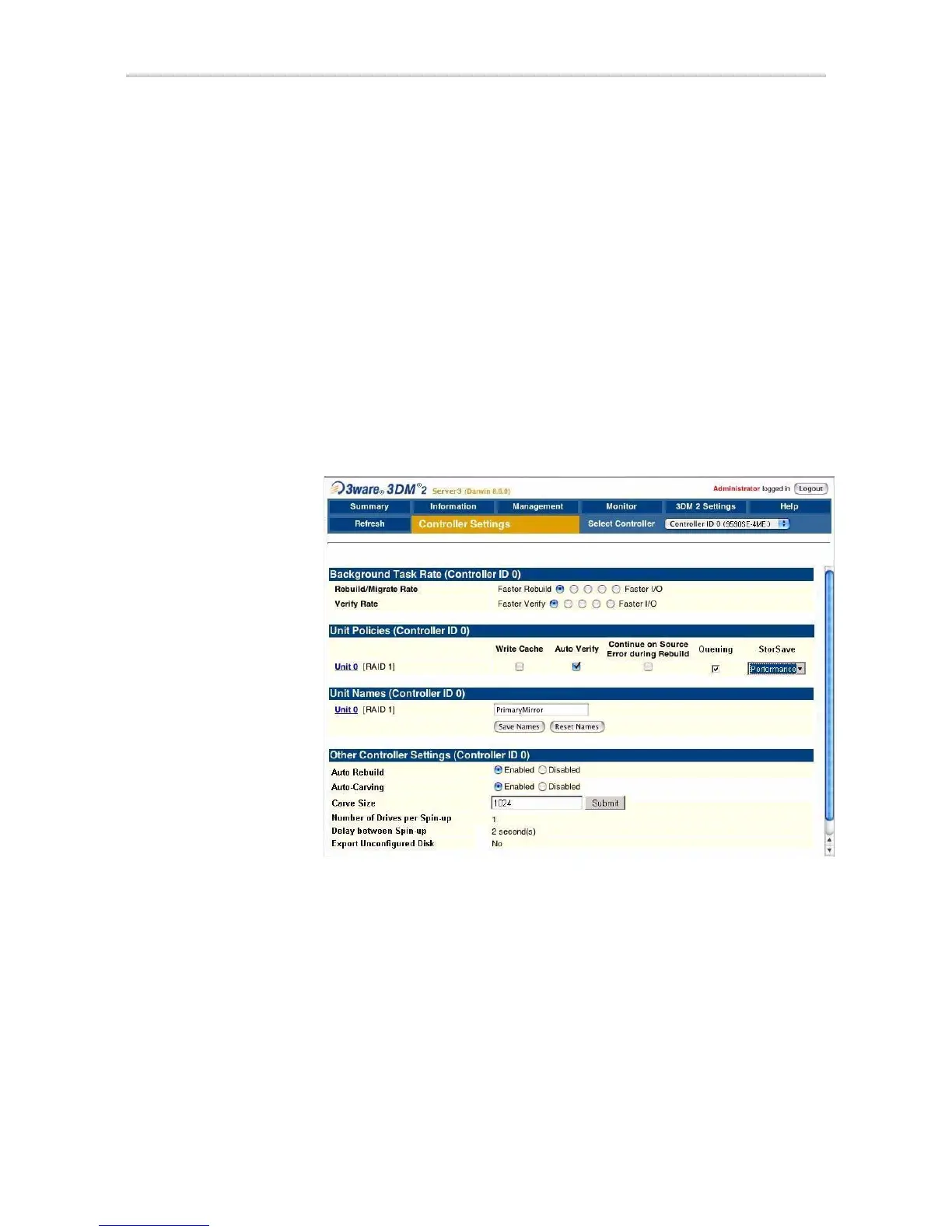
You can view the current state of controller policies in 3DM, in the Other
Controller Settings
section at the bottom of the Controller Settings page (See
Figure 42.) Only the Auto Rebuild, Auto-Carving, and Carve Size policies
can be changed on this page. The other policies can be changed in 3BM or
through the CLI. For a summary of the initial default settings, see Table 6,
“Default Settings for Policies and Background Tasks,” on page 18.
To view controller policies in 3DM
• Choose
Management > Controller Settings from the menu bar.
The policies that appear under Other Controller Settings vary, depending
on the controller model you are using.
Figure 42. 3DM Controller Settings Page



 To Next Page