Installing Software from a Graphical User Interface (GUI)
www.3ware.com 277
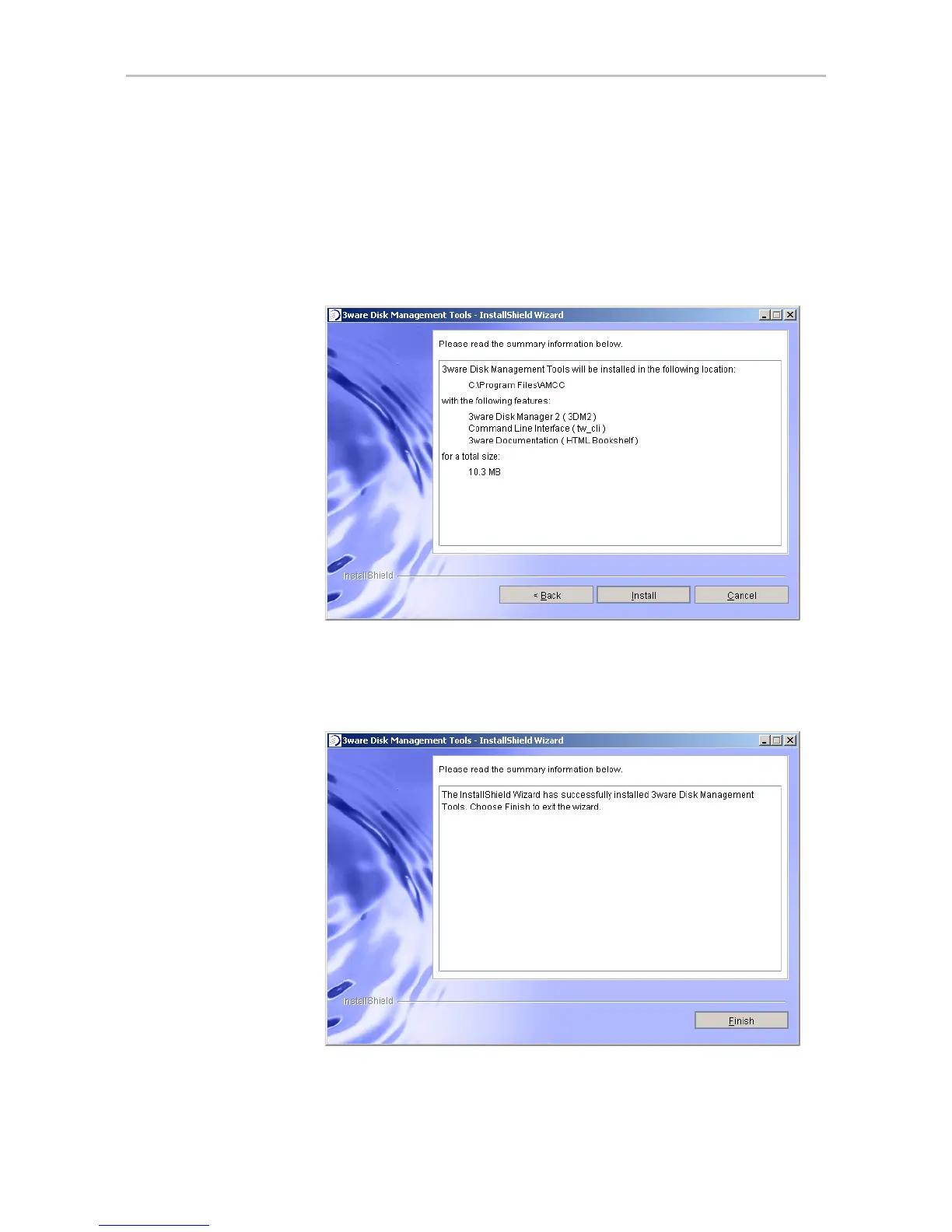
12 On the summary screen, review the installation that is about to occur.
If you want to make changes, use the
Back button to move back through
the screens.
When you are ready, click
Install to continue.
Figure 113. Installation Summary Screen
13 When the final installation screen lets you know that installation is
complete, click
Finish.
Figure 114. Final Installation Screen



 To Next Page