Home
4Deep
Microscope
HoloSea S7
Page 10 (Power Supply (12 VDC))
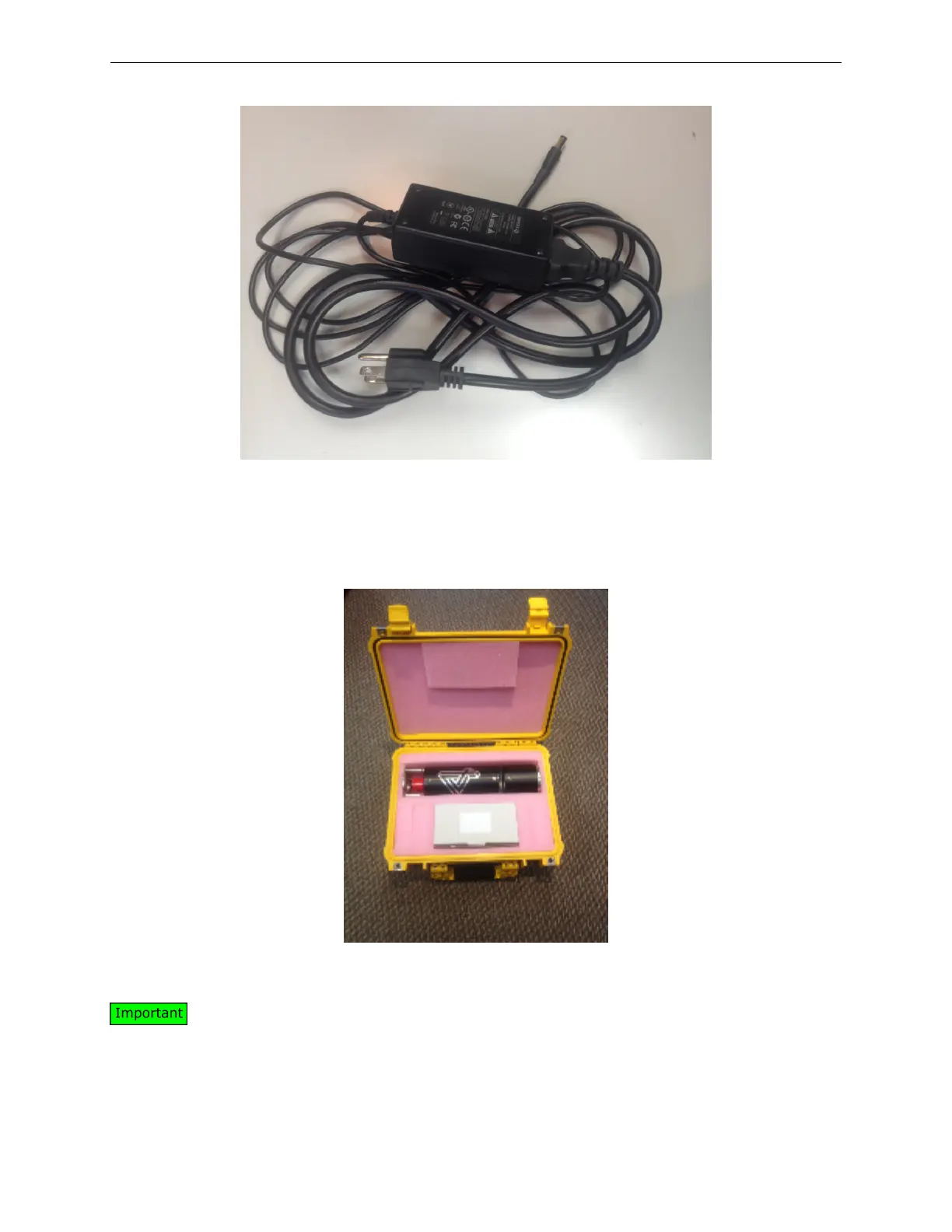
4Deep HoloSea S7 - Power Supply (12 VDC); Carrying Case, with the Microscope Inside
25 pages
Manual
Save Page as PDF
To Next Page
To Next Page
To Previous Page
To Previous Page
Loading...
HoloSea
S7
2
INTRODUCTION
Figure
3:
P
ower
Supply
(12
VDC)
•
Carr
ying
case
Figure
4:
Carr
ying
case
,
with
the
microscope
inside
Please
ensure
all
components
listed
abov
e
were
shipped
to
y
ou.
If
not,
please
contact
a
4Deep
representativ
e
immediately
.
5
9
11
Table of Contents
Main Page
Default Chapter
4
Table of Contents
4
Overview
6
Purpose
6
Benefits
6
Introduction
7
Safety Information
7
Compatibility
7
Components of the System
8
The Preassembled Holosea Microscope (Vertical View in Left Panel and Horizontal View in Right Panel)
9
Power Supply (12 VDC)
10
Carrying Case, with the Microscope Inside
10
Recommended Extras (Not Included)
11
The Microscope and Its Components
11
Chamber 1
12
Holosea Components
12
Chamber 2
13
Sample Spacer
13
Protective Sapphire Camera Window and Copper Ring
13
Crown
14
Purge Valves
14
Sample Space
14
The Two Purge Valves on the Bottom of the Microscope
14
Installation and Use
15
Connect the Holosea Cable
15
Mating the Underwater Connectors for a Wet Mating (Photo from Macartney Under- Water Technologies)
15
Screw on Locking Sleeve
16
Ethernet Connection
16
Locking Sleeve on both the Cable (Left Panel), the Microscope (Center Panel) and
16
Connecting to the Computer
17
Testing and Deployment
18
Collecting Holograms
18
Deployment of the Holosea from a Wharf
18
Dimensions of the Submersible, Reported in Inches
18
Acquisition Setup for Octopus and the Microscope
19
Camera Tab View (Left Panel) and the Camera Options (Right Panel)
19
Select Instrument Preset Dialog
20
The Octopus Software at Start-Up
20
Tips for Optimal Hologram Acquisition
21
Care and Maintenance
21
Troubleshooting
23
Appendix
23
Principle of Operation
23
Software
24
Specifications
25



 To Next Page