HoloSea S7 3 INSTALLATION AND USE
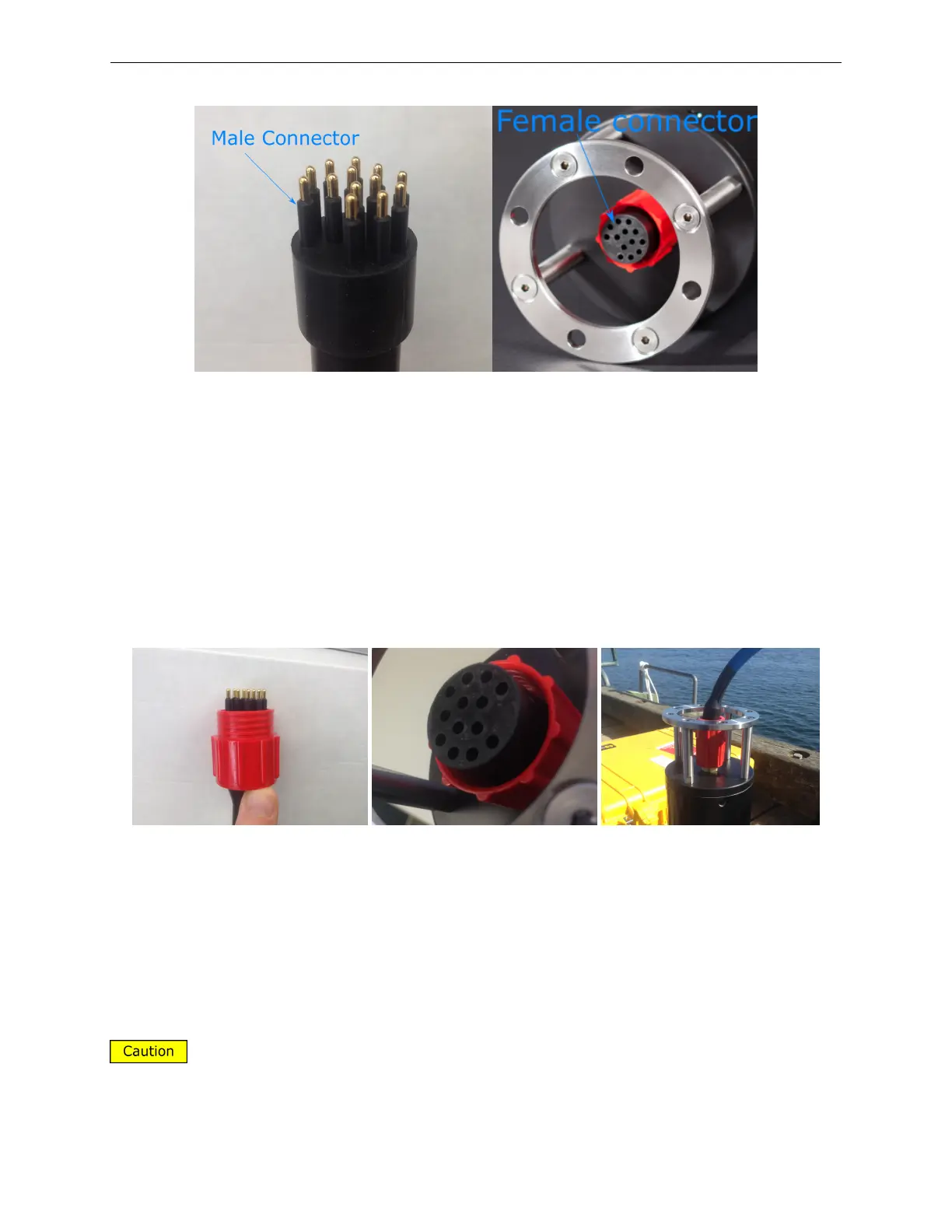
Figure 10: HoloSea bulkhead with 13 pin connector. The male connector is in the left panel, and
is attached to the underwater cable. The female is shown in the right panel and is attached to the
microscope.
3.2 Screw on locking sleeve
Slide the locking sleeve over the cable connectors and screw it onto the bulkhead connector.
Figure 11: Locking sleeve on both the cable (left panel), the microscope (center panel) and con-
nected (right panel)
3.3 Ethernet Connection
It is highly recommended that you use a flexible Ethernet cable, and a female-female
Ethernet connector as the underwater cable is very rigid and may damage the Ethernet port on
your computer.
11



 To Next Page