HoloSea S7 3 INSTALLATION AND USE
3.4 Testing and Deployment
Many applications of the HoloSea will require deploying the HoloSea into a body of water (river,
ocean, etc.) off a platform (boat, wharf, etc.).
DO NOT deploy the HoloSea with the underwater cable alone. Attach a rope to the
crown atop the HoloSea for deployment. Submerse the microscope into the body of water/fluid that
you want to look at. Both sapphire windows should be fully submersed in water for the accurate
imaging to be performed.
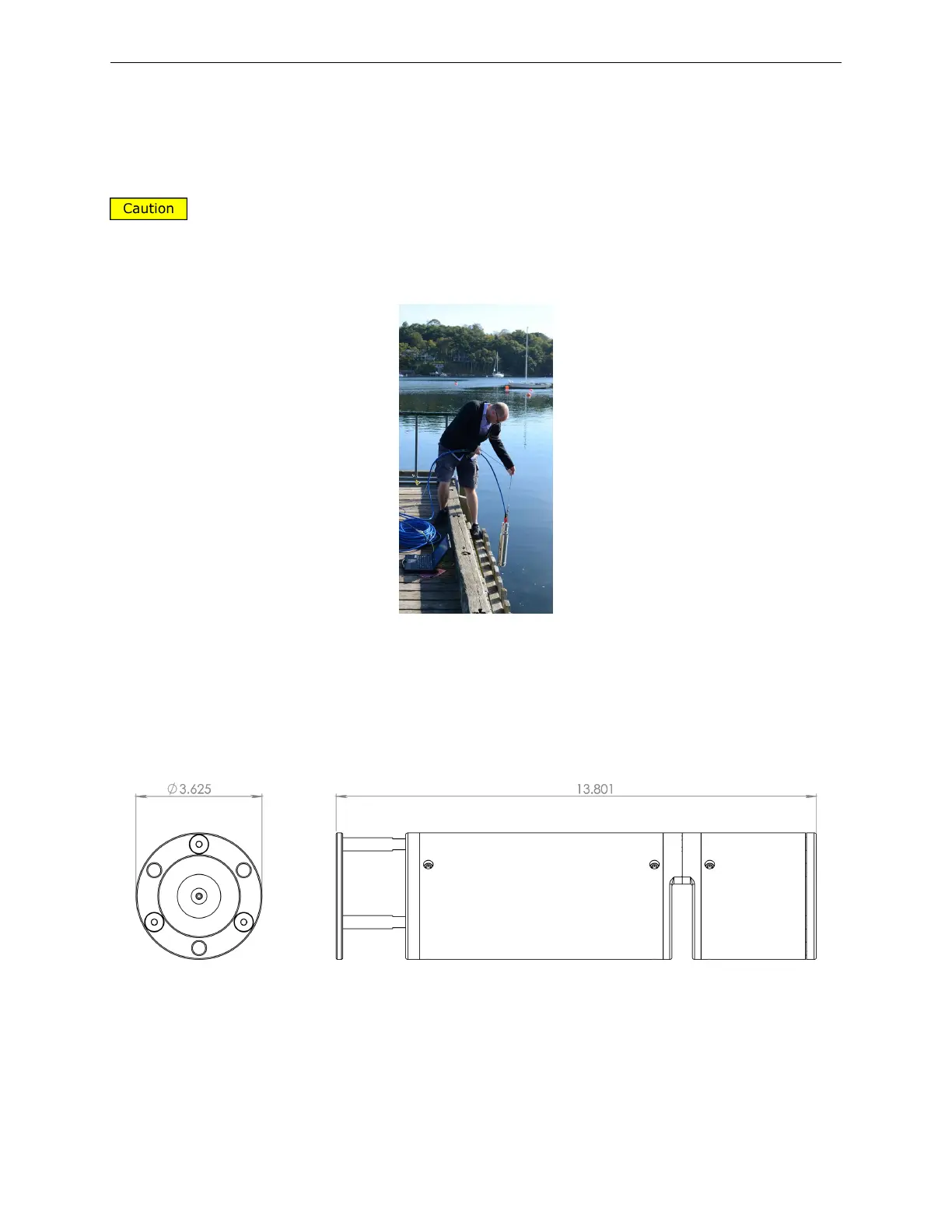
Figure 15: Deployment of the HoloSea from a wharf
More complex deployment methods may also be necessary, as researchers may wish to deploy
the HoloSea in conjunction with other instruments. As this would be application-specific, we leave
the details of the deployment up to the user, but give the dimensions of the HoloSea system for
technical purposes:
Figure 16: Dimensions of the Submersible, reported in inches
3.5 Collecting Holograms
To collect holograms, it is important to setup both the microscope and Octopus (4Deep’s software)
properly. The steps below detail how to setup and use Octopus in conjunction with a 4Deep
13



 To Next Page