3 INSTALLATION AND USE HoloSea S7
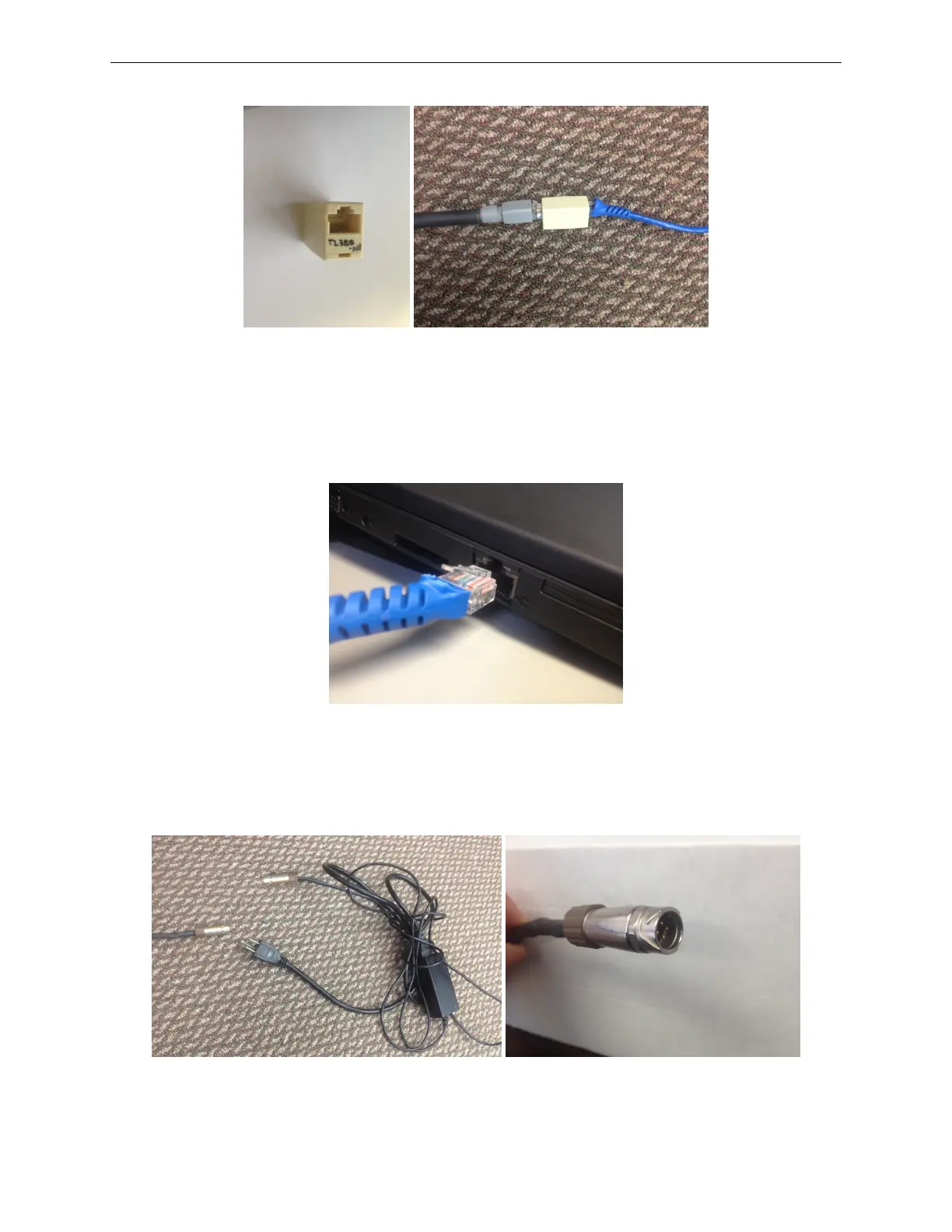
Figure 12: Use of female to female Ethernet connector. In the right panel, the black cord is the
rigid Ethernet cable from the underwater cable, and the blue cable is the flexible Ethernet cable to
the computer.
• Connect the Ethernet end of the main cable to the Ethernet port on the computer.
Figure 13: Connecting to the computer
• Plug in the power adapter for the camera and plug in the laser power adapter to the connector
on the same cable.
Figure 14: Connecting the power. In the left panel connecting the microscope power to the included
12VDC power cord. The right panel shows a close-up of the power connector from the microscope.
12



 To Next Page