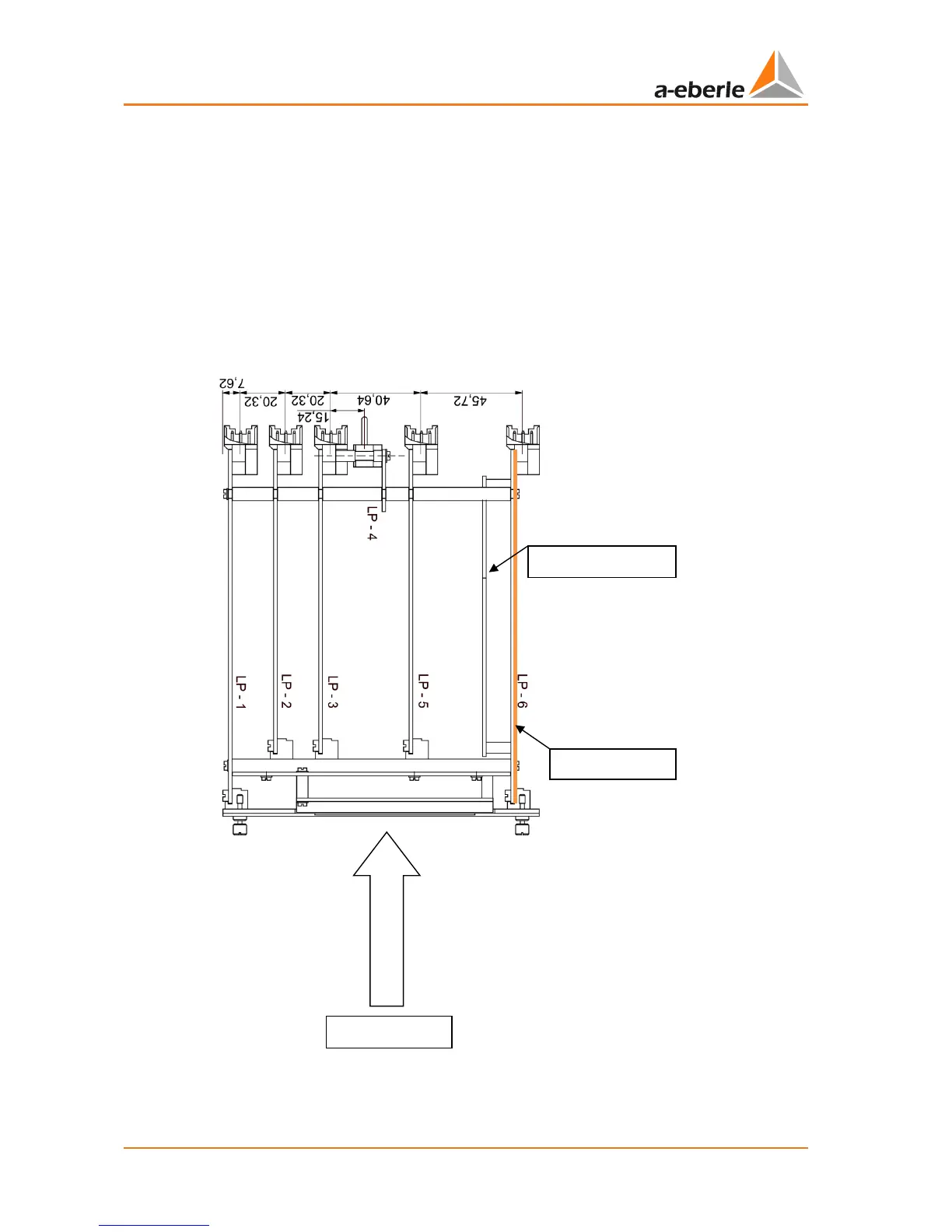
For retrofitting of analogue modules it is necessary to remove the REG-D™ from the hous-
ing. To do so, loosen the four retaining screws and pull the REG-D™ out with aid of the
removal tool. Now place the REG-D™ in front of you on a work surface. To ensure correct
channel assignment of the analogue channels, insert the REG-D™ in the correct direction on
the pad. That is, so you can read the indicator plates. The individual printed circuit boards
are then placed vertically.
The analogue modules are plugged on the CPU board, which is located on the far right as
seen from the front over the display.
The analogue modules themselves are plugged into the corresponding socket on the CPU
board. Please ensure correct placement of all connectors.


 To Next Page