42
Figure 27: Mixture with 4 Components Ready to be Saved
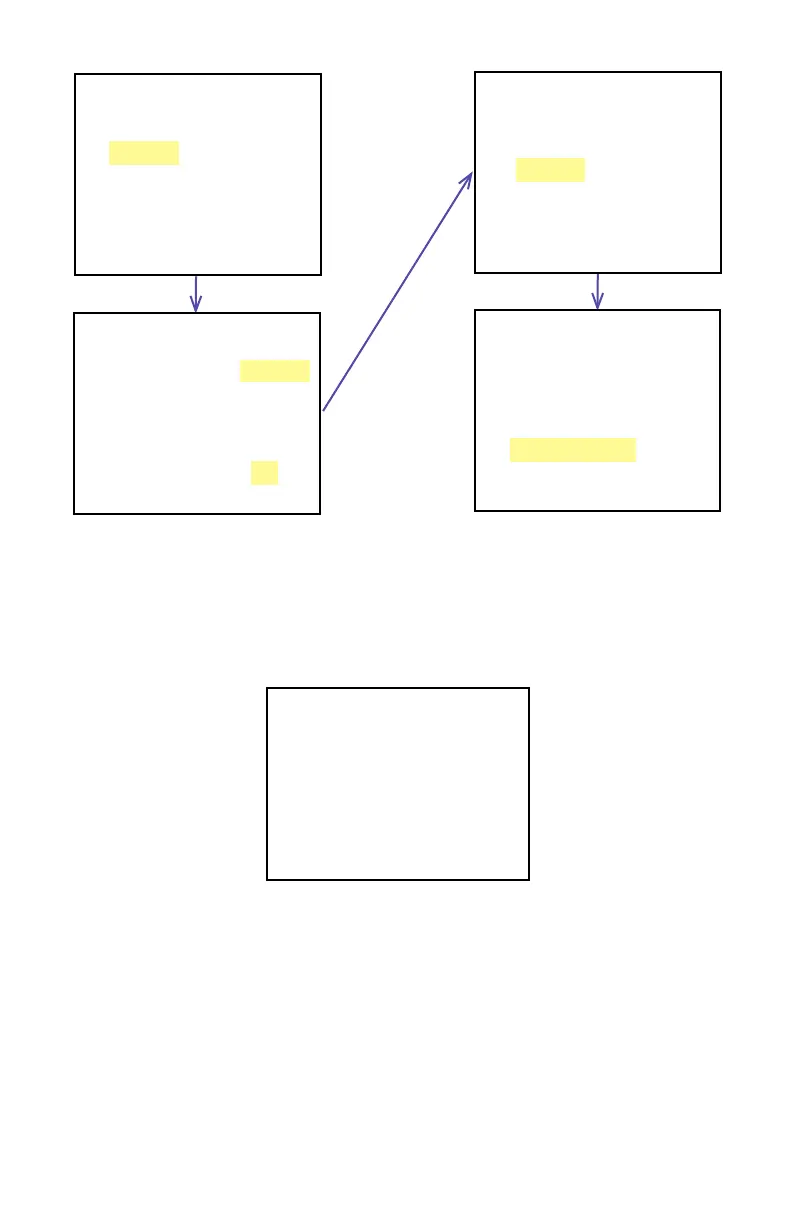
MyMix 1 G:0 Tot: 22.00%
G1 Ar 10.00%
G2 He 12.00%
G3 0.00%
G4 0.00%
G5 0.00%
Save, Esc to Exit
MyMix1 G:0 Tot:100.0%
G1 Ar 10.00%
G2 He 12.00%
G3 CO2 46.25%
G4 C2H4 31.75%
G5 0.00%
Save, Esc to Exit
MyMix1 G:0 Tot: 10.00%
G1 Ar 10.00%
G2 0.00%
G3 0.00%
G4 0.00%
G5 0.00%
Save, Esc to Exit
MyMix1 G:0 Tot: 10.00%
G1 Ar 10.00%
G2 He 0.00%
G3 0.00%
G4 0.00%
G5 0.00%
1 He 12.00%
Continue adding up to 5 gases, as required for your application. See Figure 27 for an
example of a mixture of 4 components ready to be saved. The total mixture must be 100%
to be accepted. An error message will appear if the user tries to save a mixture that does not
total 100%. When it is ready, press Left to save the mixture. The instrument will prompt with
a confi rmation message (see Figure 28):
**************************
NEW MIXTURE
HAS BEEN SAVED
**************************
Press any key...
Figure 28: Mixture Saved Confi rmation Message
As directed in the above screen, press any button on the joystick to move to the next screen.
Now that the mixture has been saved, it will appear in the “User-Defi ned Mixture” menu
selection (see Figure 29):



 To Next Page