41
MyMix1 G:0 Tot: 0.00%
G1 Ar 0.00%
G2 0.00%
G3 0.00%
G4 0.00%
G5 0.00%
Save, Esc to Exit
NOTE: Use the joystick Up and Down to highlight the required gas. Press the
joystick equivalent of Enter to select a gas.
Figure 25: G1 Component with Selected Gas
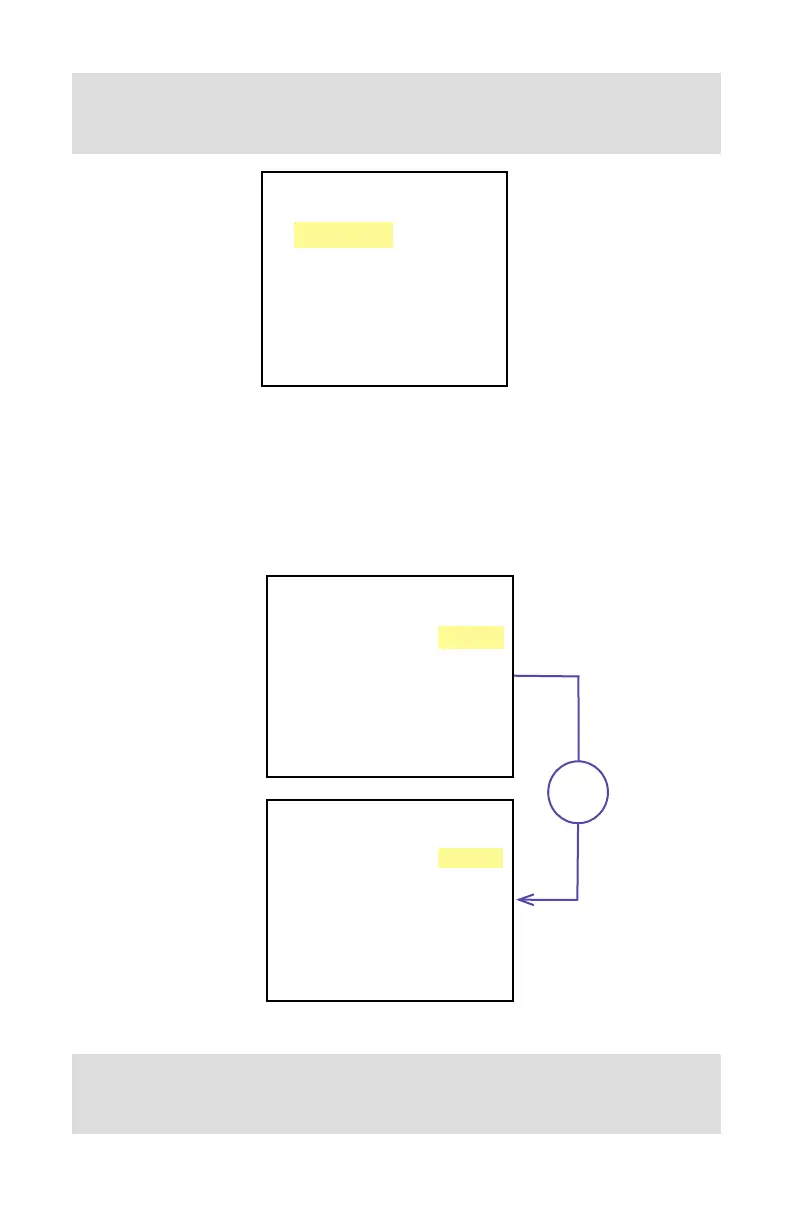
Once the gas is selected for component G1, the screen shown in Figure 25 will appear. To
select the ratio for component G1, press Right. The screen shown in the top of Figure 26
will appear. To start entering a ratio value in %, press the joystick equivalent of Enter. The G1
component will appear at the bottom of the screen, with a fl ashing cursor. The user can now
enter the desired ratio value for this gas, as shown second screen in Figure 26:
MyMix1 G:0 Tot: 0.00%
G1 Ar 0.00%
G2 0.00%
G3 0.00%
G4 0.00%
G5 0.00%
Save, Esc to Exit
MyMix1 G:0 Tot: 0.00%
G1 Ar 0.00%
G2 0.00%
G3 0.00%
G4 0.00%
G5 0.00%
1 Ar 10.00%
Ent
Figure 26: G1 Component with Highlighted Ratio Value
NOTE: Use the joystick Up and Down to change numerical value, and Left and
Right to change cursor position. Once the required ratio value is entered, press
the joystick equivalent of Enter to accept it.



 To Next Page