47
12. DATA MEMORY
Data memory is a function to store weighing data and unit mass in memory. Of the data in memory,
the balance can only display the weighing data. The weighing data in memory is available for
outputting at one time to a printer or personal computer.
One of the following data set can be stored:
Weighing data (Up to 40 sets.)
Unit mass in the counting mode (Up to 20 sets)
12-1 Notes on Using Data Memory
To use the memory function, set the “Data memory ( data )” parameter of the function table. For
details on setting the data memory, refer to “10. FUNCTION TABLE”.
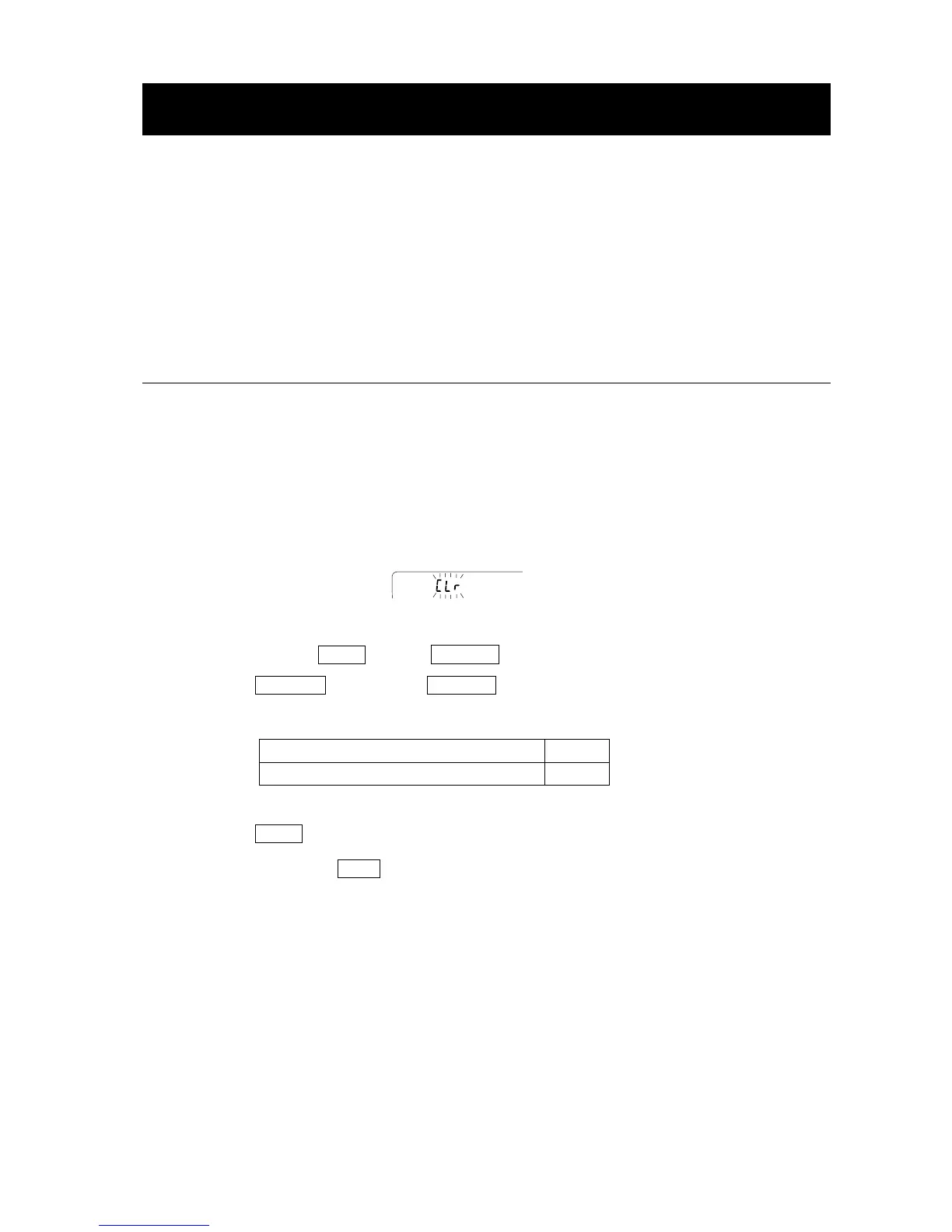
Releasing “Clr”
If a different type of data exists in memory when the data is stored, “Clr” appears blinking in the
upper left of the display. For example, you want to store weighing data but unit mass data remains in
memory.
Under such a condition, before storing data, delete the data in memory as follows:
1 Press and hold the PRINT key until SClr no with “no” blinking is displayed.
2 Press the RE-ZERO key to display SClr go with “go” blinking.
The type of data stored in memory appears on the upper left of the display as shown below:
Unit mass in the counting mode pC
Weighing data without time and date -d-
3 Press the PRINT key to delete all the data in memory.
4 The balance displays end and returns to the weighing mode.



 To Next Page