HW © 2015 Aaronia AG, DE-54597 Strickscheid, www.aaronia.com, mail@aaronia.de
22
Manual RF Signal-
Generator
Select the appropriate firmware file, and start the update process by pressing “Write
Firmware.” The progress is indicated by a bar. When the update process is finished, close
the dialog using the “Close” button. Then briefly interrupt the generator’s USB connection.
The generator is now available again.
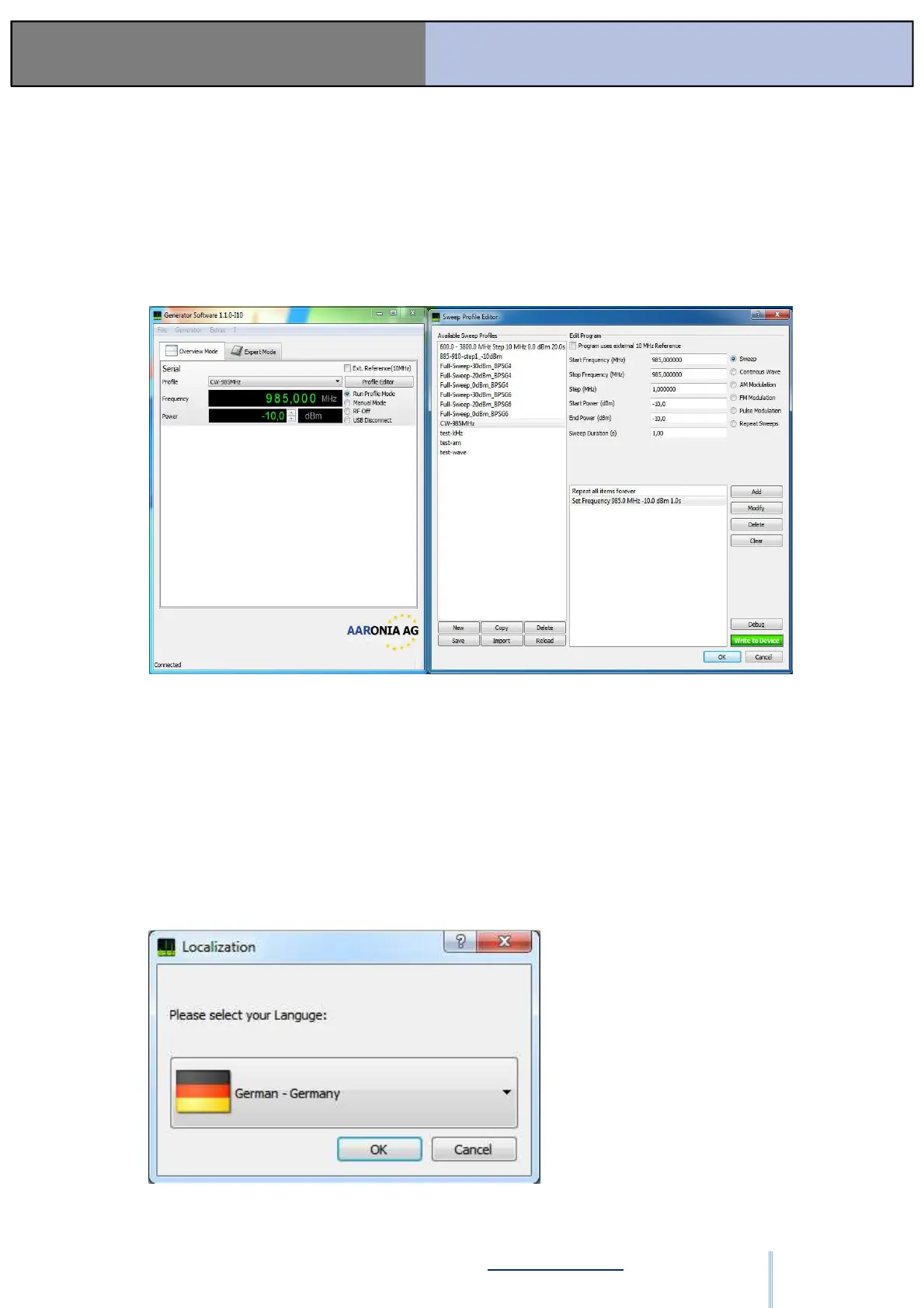
6.8. Printable Version of the software
If it is required to print a software window, you can easily switch to a default window
style. Open the “Extras” menu in the menu bar and press the “Unload Stylesheet (F11
key)” entry. The application reloads with the default window settings of your operating
system.
The design setting will be stored automatically as default design when the application
will be launched again.
6.9. Languages
ООО "Техэнком" Контрольно-измерительные приборы и оборудование www.tehencom.com


 To Next Page