HW © 2015 Aaronia AG, DE-54597 Strickscheid, www.aaronia.com, mail@aaronia.de
23
Manual RF Signal-
Generator
The generator software supports different languages. Open the “Extras” menu and
choose “Select Language”. A dialog will be shown. Select your language if it is available.
Press the “Ok” button to activate the language.
The language setting will be stored automatically as default language when the
application will be launched again.
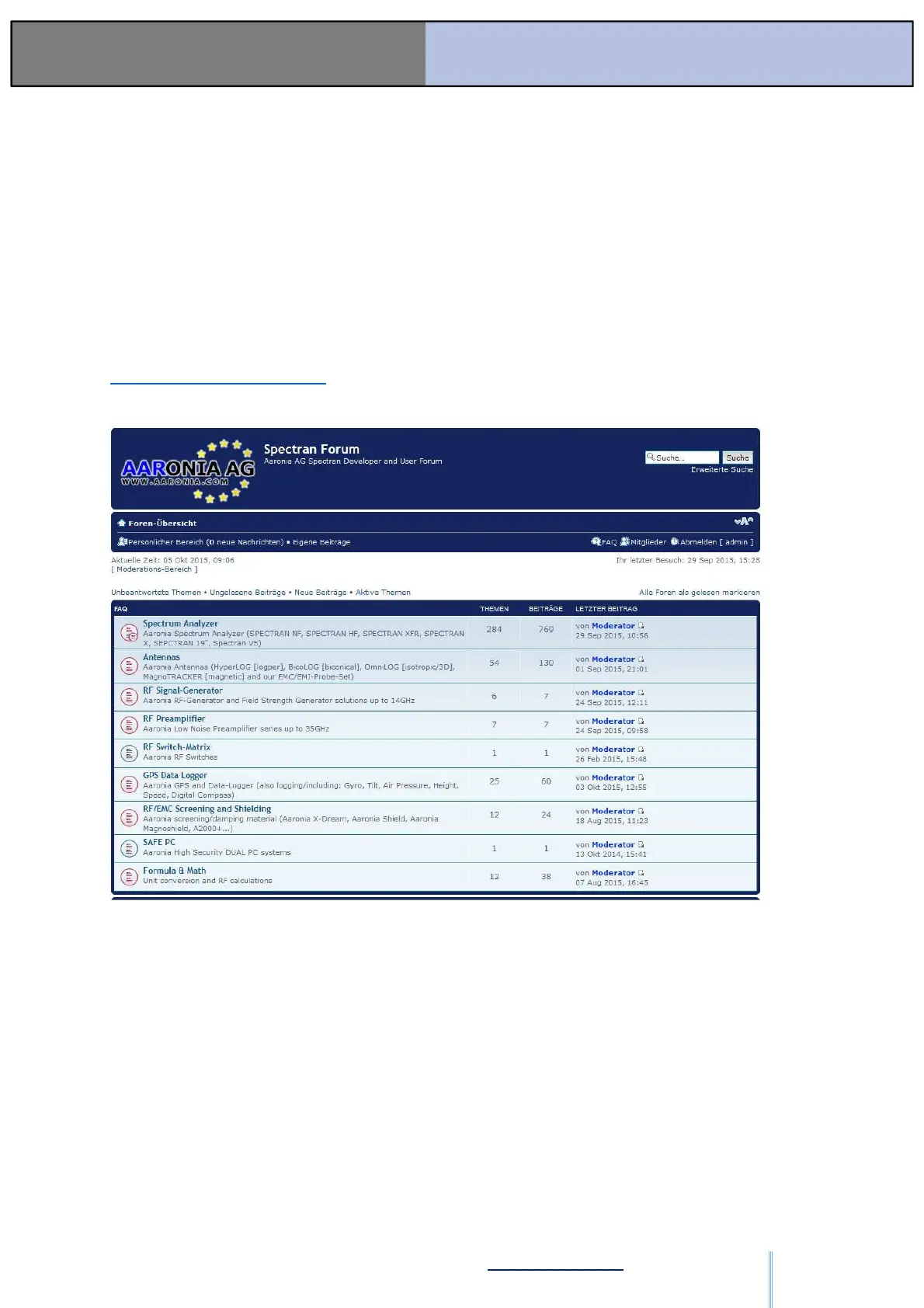
7. Forum
Please visit our Support- and Forum-Website:
www.spectran-developer.net
Here you can find, amongst others, a forum with a lot of helpful tips & tricks, especially about
handling the Signal Generators. This Forum is open for the public. After a short registration
process, you can place your questions and exchange information with other Aaronia users.
Here you can find a variety of helpful tips & tricks covering all of the Aaronia products,
including the BPSG Signal Generators. The Forum is searchable and open to the public, but
after a simple registration process, you can also post questions and exchange information
with other Aaronia users.
ООО "Техэнком" Контрольно-измерительные приборы и оборудование www.tehencom.com


 To Previous Page