P. 39 - Chap. 7 Start-up and operation
G
B
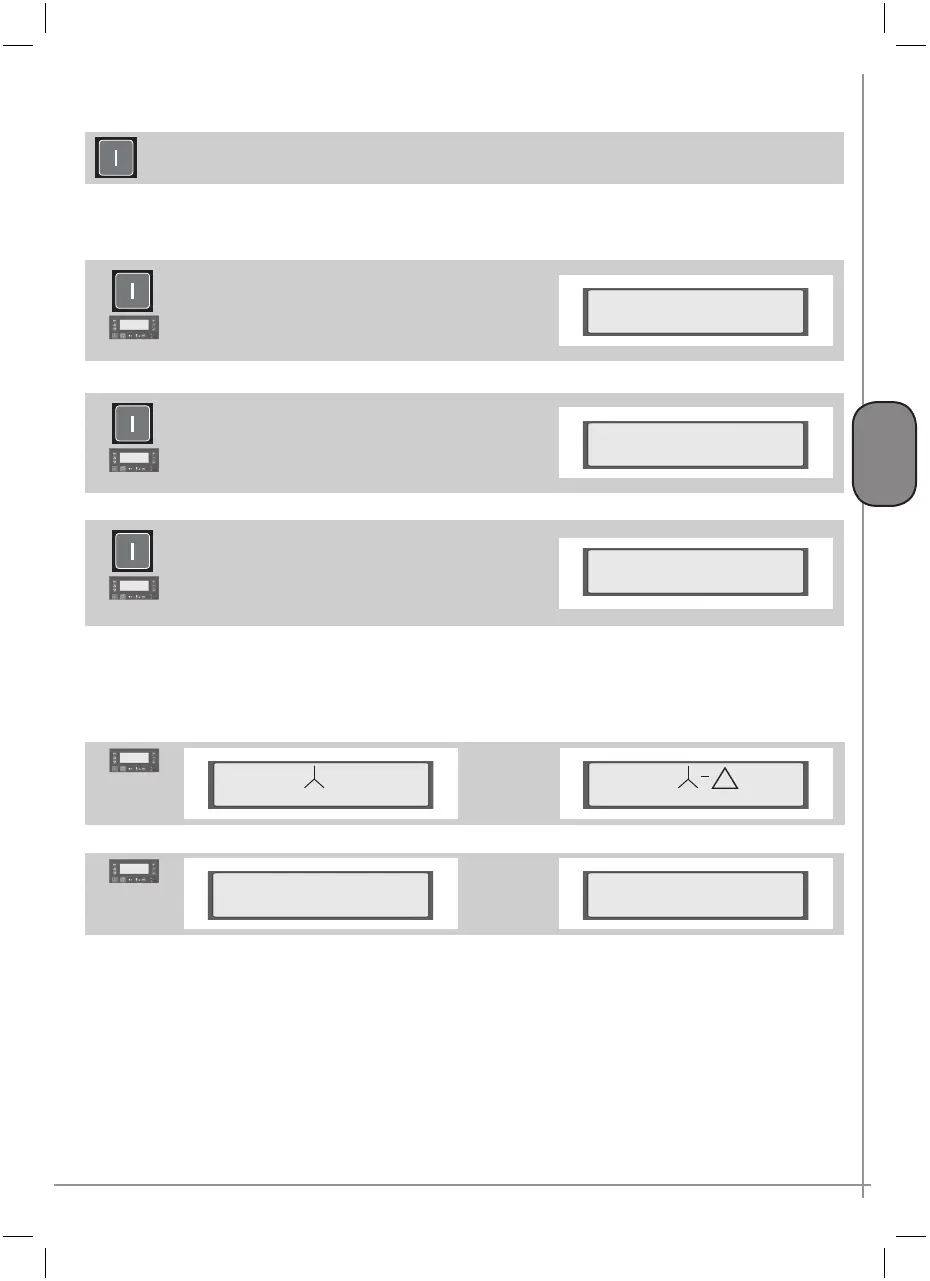
If LINE 3 shows “Ready for start”, the compressor can be started.
The compressor is started by pressing the green K1-START key
At this point, the compressor may:
a) start, displaying the messages referring to the start and functioning phases
b) prepare to start with the following message
In this case, network pressure is above the minimum
threshold value set; the compressor will start automatically
in the case of a request for air from the network
3
Stand by auto start
hour-date
c) prepare to start with the following message
In this case, the remote control function has been enabled
(see paragraph 7.4.2.3).
The compressor will start when the remote command is
received
4
Stand by rem. com.
hour-date
d) prepare to start with the following message
In this case, the daily or weekly programming function
has been enabled and the compressor is in the OFF
programming phase (see paragraph 7.4.2.6).
The compressor will start when an ON programming
phase is initiated.
5
Stand by progr. com.
hour-date
If the compressor does not start or none of the cases listed above occurs, refer to chapter 9.
The following contacts will be made in sequence:
LINE - STAR - DELTA
6
Start
hour-date
Start
hour-date
and one of the two messages will be displayed
7
Unload run
hour-date
Load run
hour-date
When the display shows “Load run” the intake valve is open and the machine operates at full load (produces
the nominal capacity of compressed air).
During functioning, delivery pressure increases; once the preset maximum line pressure threshold value has
been reached, the control system sets the compressor to idling by closing the intake valve (“Unload run
”).
When the pressure drops below the preset minimum threshold value, the intake valve opens again and the
machine restarts functioning at full load.
During unload run, two cases may arise:
a) Setting of AUTOMATIC functioning
(see paragraph 7.4.2.3):



 To Next Page