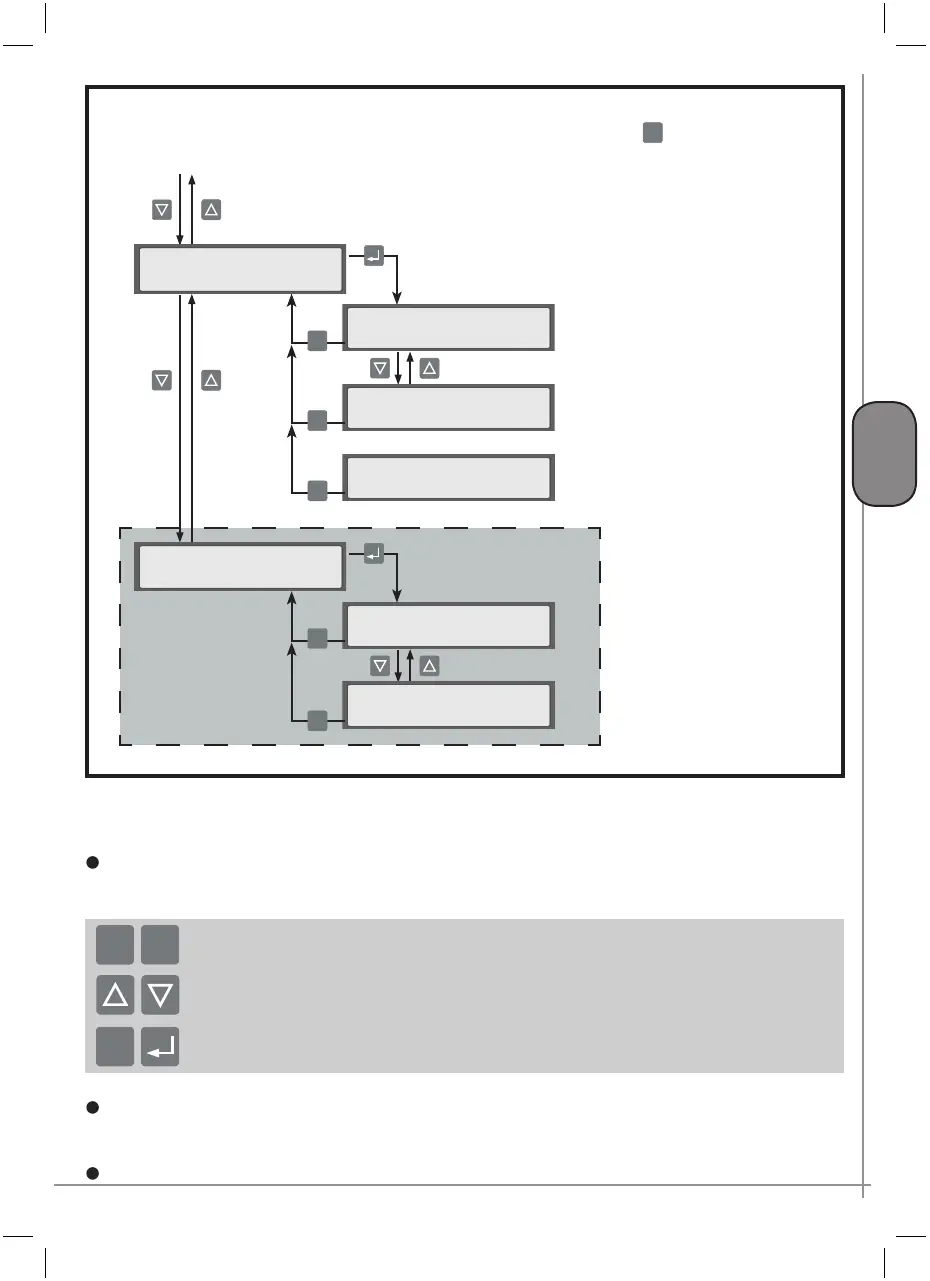
P. 49 - Chap. 7 Start-up and operation
G
B
(continued from p.46)
Date & time
Used to set the current date and time
The time and date are entered using:
the K7 and K8 keys to modify the flashing values
the K5 and K6 keys to move to modification of the previous / next character
After entry of the values, these can be confirmed with the
K9-ENTER key or cancelled with the K4-ESC
key.
ESC
+
-
Display settings
Makes it possible to adjust the settings of the LCD display
Operating mode
ESC
Menu E (3/3)
>AUTORESTART func.<
AUTORESTART
√DISABLED
ESC
AUTORESTART
√ENABLED
ESC
Press the K4 key to return to the GENERAL SETTINGS
menu from the submenus
continued from p. 48
Only with access enabled
>Type remote contr. <
Type remote contr.
ON/OFF
ESC
Type remote contr.
LOAD/UNLOAD
ESC
Type remote contr.
ON/OFF-LOAD/UNLOAD
ESC



 To Next Page