Maintenance & Service 6-5
2. Open the door on the right side of the analyzer.
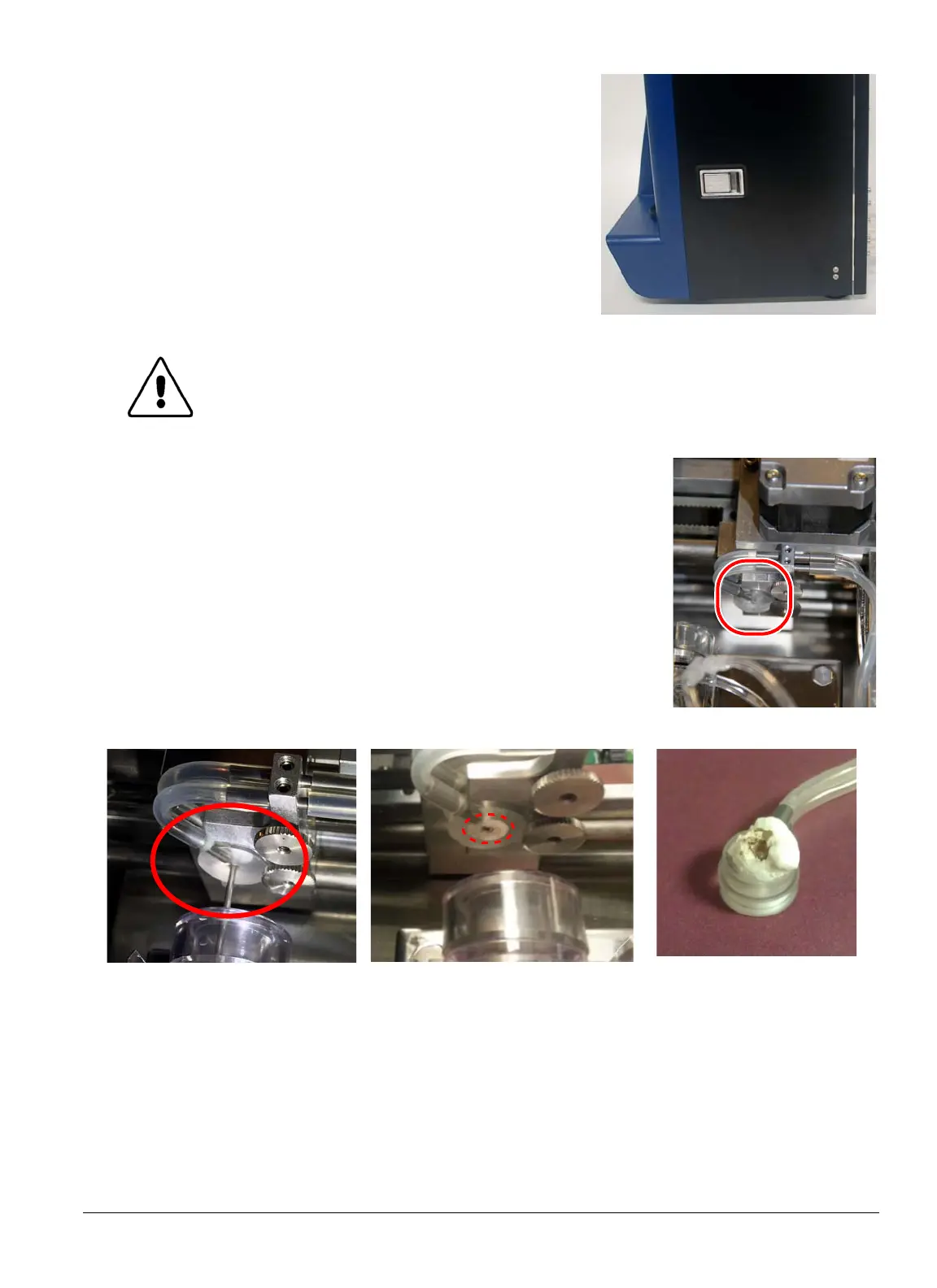
The Wash Head is located at the base of the needle, as shown at
right.
3. Locate the Wash Head (Red Circle
, see photo at right
).
4. Visually inspect the Wash Head for any salt or blood build-up
on its bottom surface. For best access, view from below.
Refer
to the following figures.
CAUTION: Do not touch components inside the instrument except as specifi-
cally directed.
Clean Wash Head
No salt or blood build-up
present on Wash Head’s bottom
surface
Wash Head with minor build-up Wash Head with heavy
build-up


 To Next Page
 Loading...






