Maintenance & Service 6-7
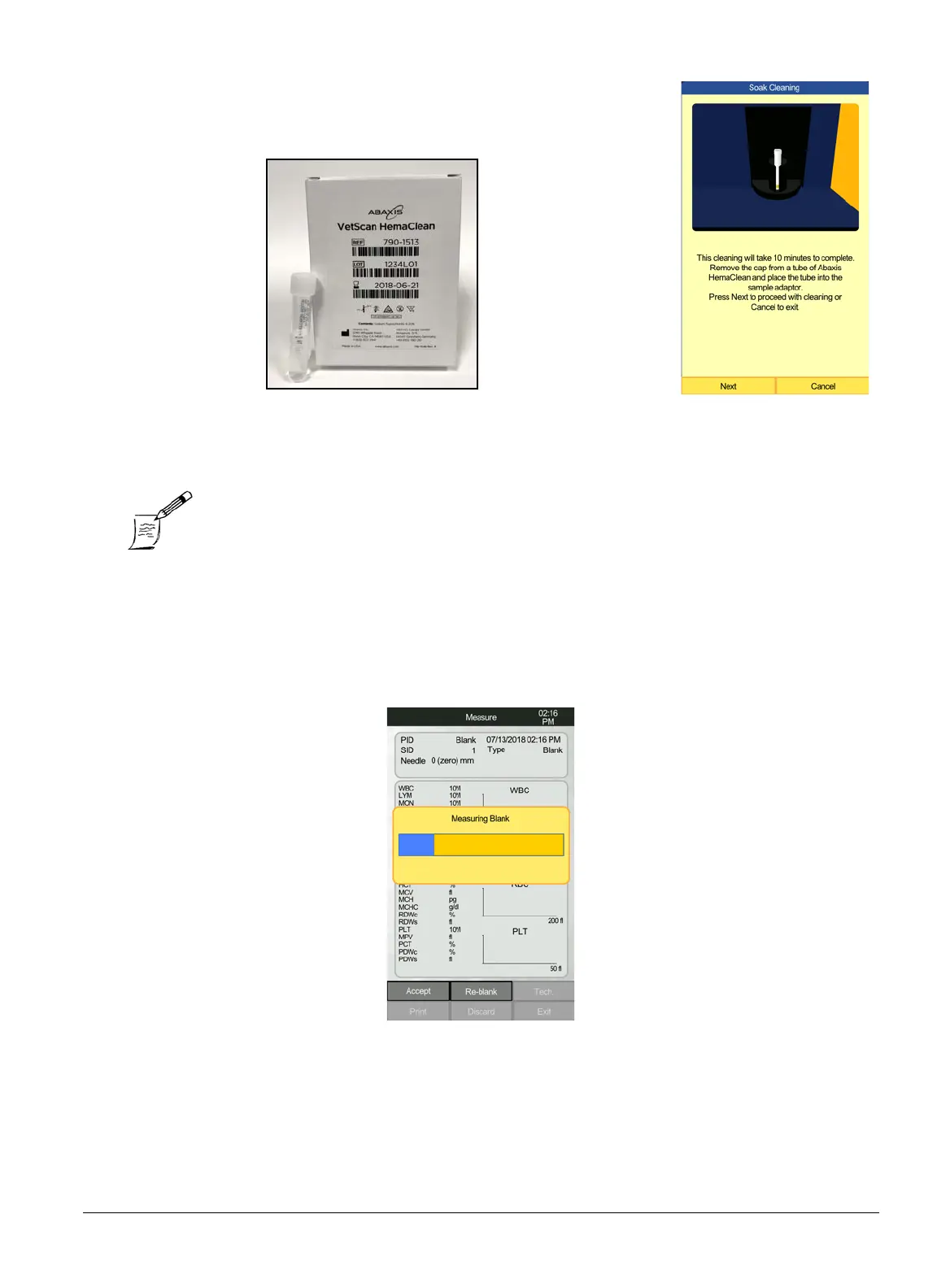
2. Remove the cap from a tube of HemaClean (Abaxis Part number:
790-1513) and place it on the HM5’s holder.
3. Select
Next
. The cleaning cycle will last approximately 10 min-
utes.
4. After the Soak Cleaning, a blank is required to verify that the background counts are within
specification. The software will automatically prompt the user to run a blank when a measure-
ment is attempted after a Soak Cleaning. From the Home screen, select
Measure
, and then
Run
.
Note: If Soak Cleaning is needed for troubleshooting outside of scheduled
maintenance, select Maintenance > Cleaning > Soak Cleaning, and
follow the on-screen instructions, as above.



 To Next Page