Troubleshooting 9-3
9.1.1.1 High Blanks
If any high blanks are accepted without correcting causes, the blank flags will appear in the sample
results, and the results for that parameter will not be reported, until the next acceptable blank is run and
accepted. The analyzer will not allow QC or Calibration runs to be performed until the blank is accept-
able.
A red
S
in the results indicates that a result was not displayed since an error occurred (such as a blank
flag).
9.1.1.2 p, b Warning Flags
p
and
b
flags can indicate salt and/or blood build-up. If either of these appears, do the following:
1. Visually inspect the Wash Head and dilution chamber below to make sure there is no salt or
build-up. For the best view, examine from below. For details, see “Cleaning the Wash Head”
on page 6-4.
If the Wash Head has significant accumulation, the Wash Head must be removed for
cleaning: see “Removing and Cleaning the Wash Head” on page 9-15. While the Wash
Head is removed, clean the area around the Wash Head mounting point if there is salt
build-up there.
If the Wash Head is clean, perform a Soak Cleaning: see
“Soak Cleaning” on page 6-6
then repeat the blank.
2. Check for blood debris in the dilution chamber. If debris is found, manually clean this area
while performing Deep Cleaning (see
“Deep Cleaning” on page 9-18
) then rerun a blank.
3. If the
p
or
b
flags persist, perform a Soak Cleaning: see
“Soak Cleaning” on page 6-6
. Then
repeat the blank.
4. If the
p
or
b
flags remain, contact Abaxis Technical Support.
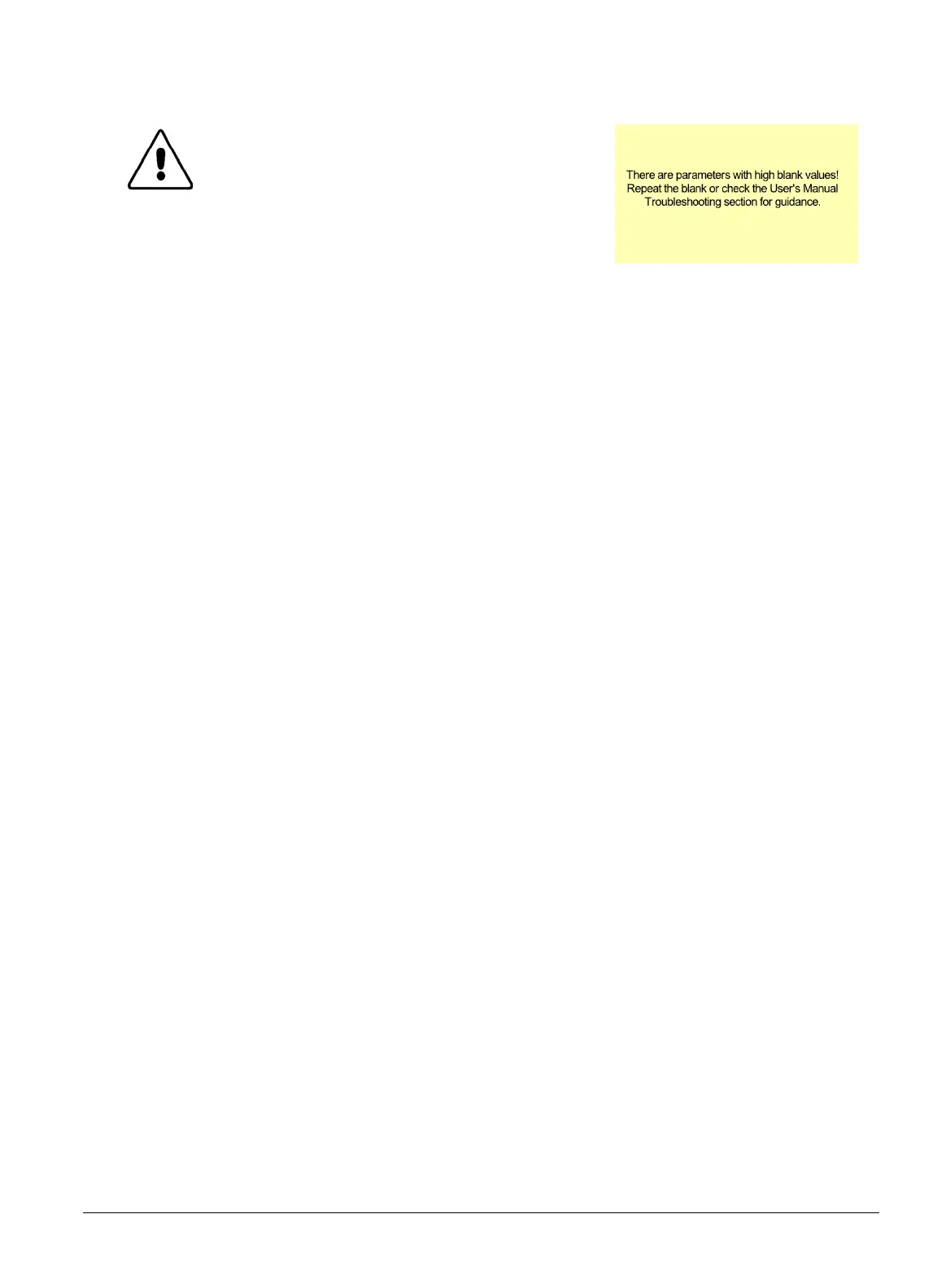
CAUTION: If the high blank value warning
appears, accept or discard the
blank and rerun it, but do not
begin running samples. Instead,
follow the troubleshooting
procedures below according to the
flags that appear in the results.



 To Next Page